99
DISPLAYING THE MEASUREMENT RESULT
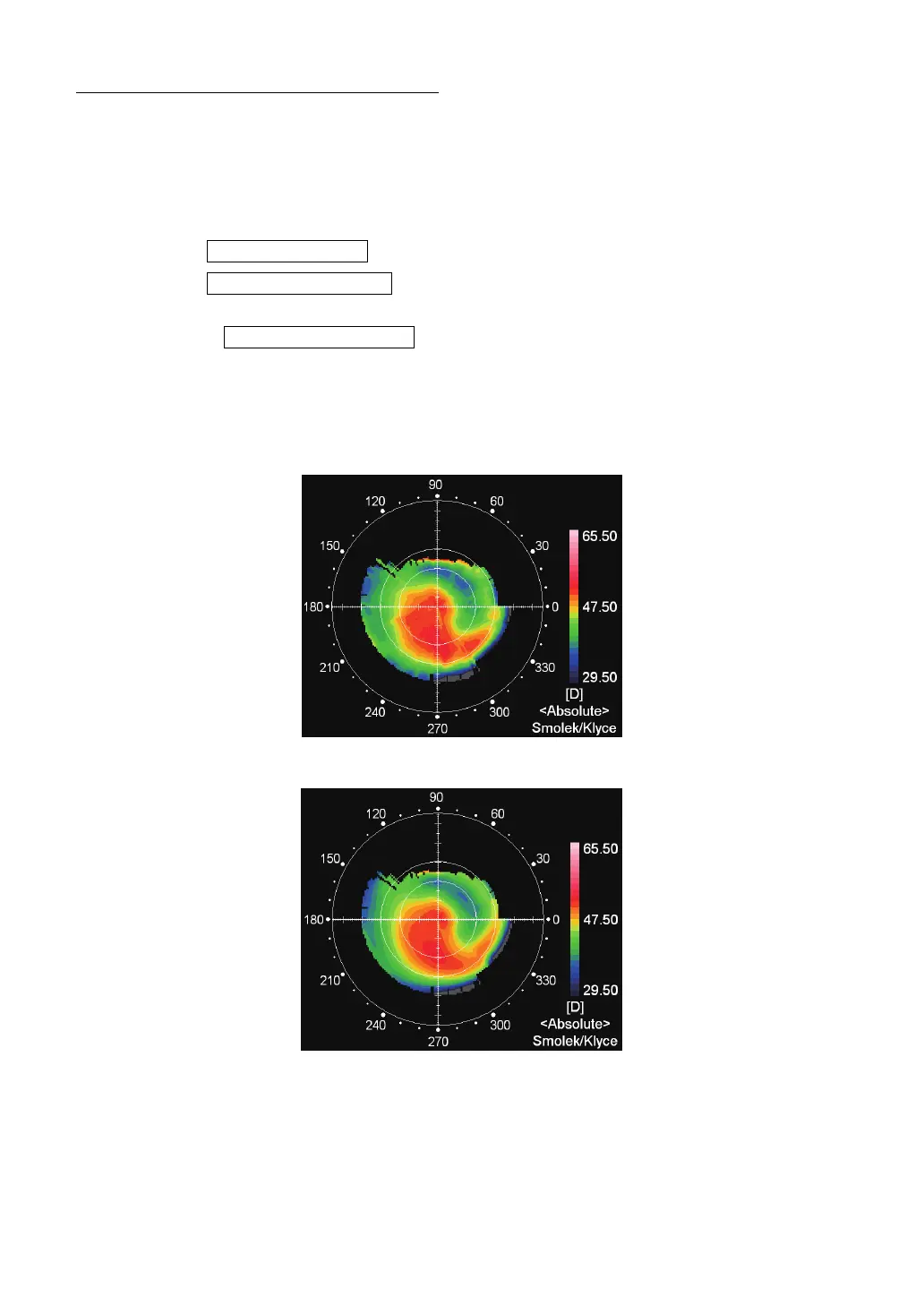
TOPOMAP SMOOTHING FUNCTION
The Topo-map smoothing function performs analyses by changing the production algorithm of
map information of the Axial Power map and Instantaneous Power map.
OPERATION
1 Tap the and enter the SETTINGS screen.
2 Tap the of the set item display "TopoMap Smoothing" of the SET-
TINGS screen "DISPLAY."
3 Using the , select "ON" or "OFF." When "ON" is set, smoothing is
applied to the topo-map display.
RESULT OF SMOOTHING
Smoothing OFF
Smoothing ON
SETTINGS button
Set Condition button
Setting Change button



 To Next Page