168
FUNCTION SETTING USING SETTINGS SCREEN
SETTING OF DATA COMMUNICATION (COMM)
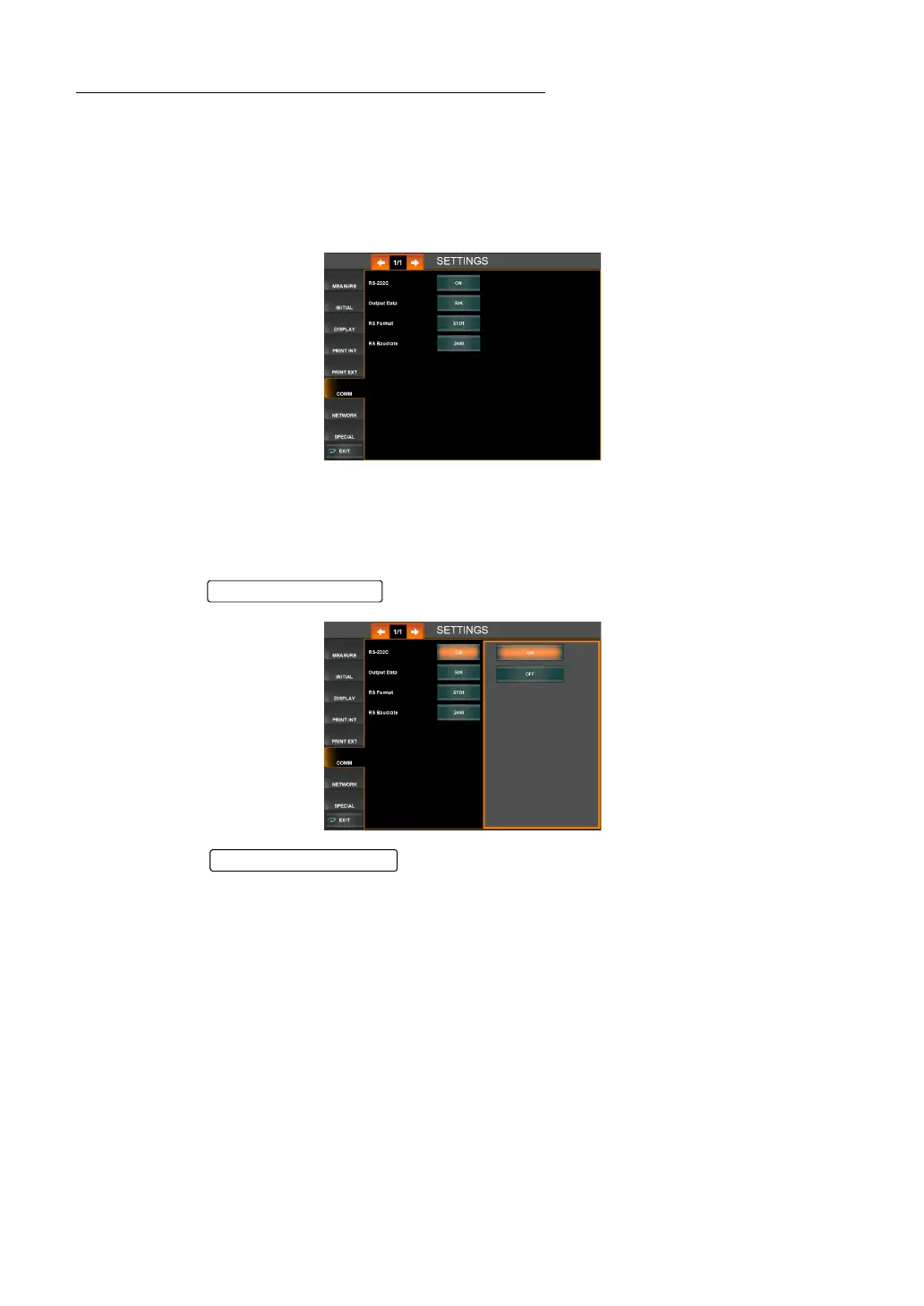
COMM menu contains settings related to data input/output with the external device via the
RS232C.
1 Tap "COMM" of the index of the "SETTTINGS screen." The Data communication setting
screen is displayed.
RS-232C OUTPUT SETTING (RS-232C)
RS-232C use can be turned ON or OFF. Before shipment, the default setting is "OFF" (Do not
use communication via RS-232C).
1 Tap the of the set item display "RS-232C" of "COMM."
2 Tap the and select "ON" (Use communication via RS-232C) or
"OFF" (Do not use communication via RS-232C).
3 Setting is complete.
Set Condition button
Setting Change butto



 To Next Page