124
FUNCTION SETTING USING SETTINGS SCREEN
MEASURE (TEMPORARY SETTING)
MEASURE contains settings related to measurement functions that may be temporarily
changed.
Unlike initial setting, this function is used for performing measurements temporarily under cer-
tain conditions.
After power on or after clearing all measurement values, the system returns to the initial sta-
tus.
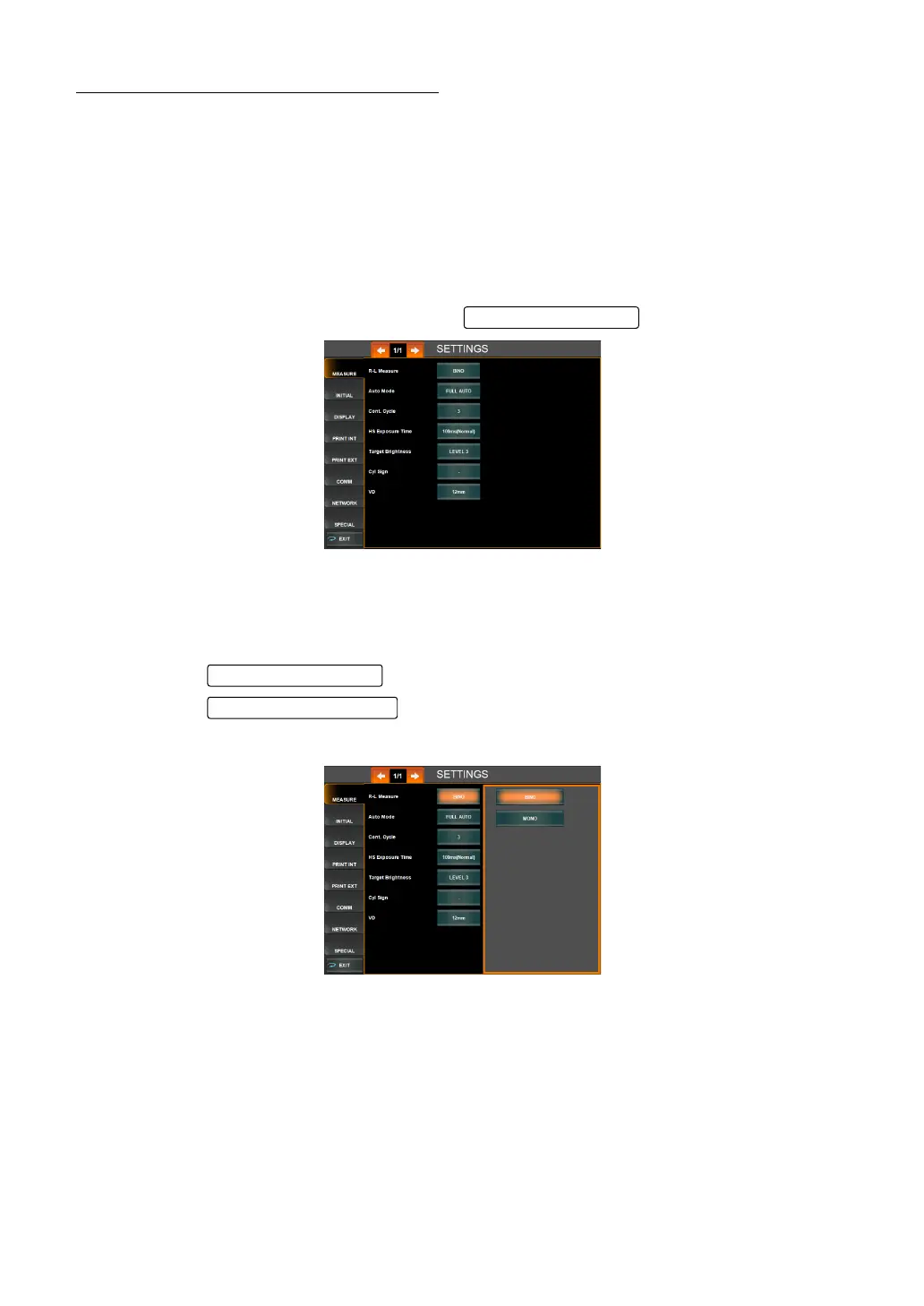
1 Tap MEASURE of the index of the "SETTTINGS screen."
Set items of "temporary setting" and the are displayed.
R-L MEASURE (CONTINUOUS MEASUREMENT OF RIGHT AND LEFT EYES)
Both-eye measurement (R-L) or single-eye measurement (R or L) can be set. Before ship-
ment, the default setting is both-eye measurement (R-L).
1 Tap the of the set item display "R-L Measure" of "MEASURE."
2 Tap the and select either "BINO" or "MONO."
3 Setting is done.
Set Condition button
Set Condition button
Setting Change button



 To Next Page