125
FUNCTION SETTING USING SETTINGS
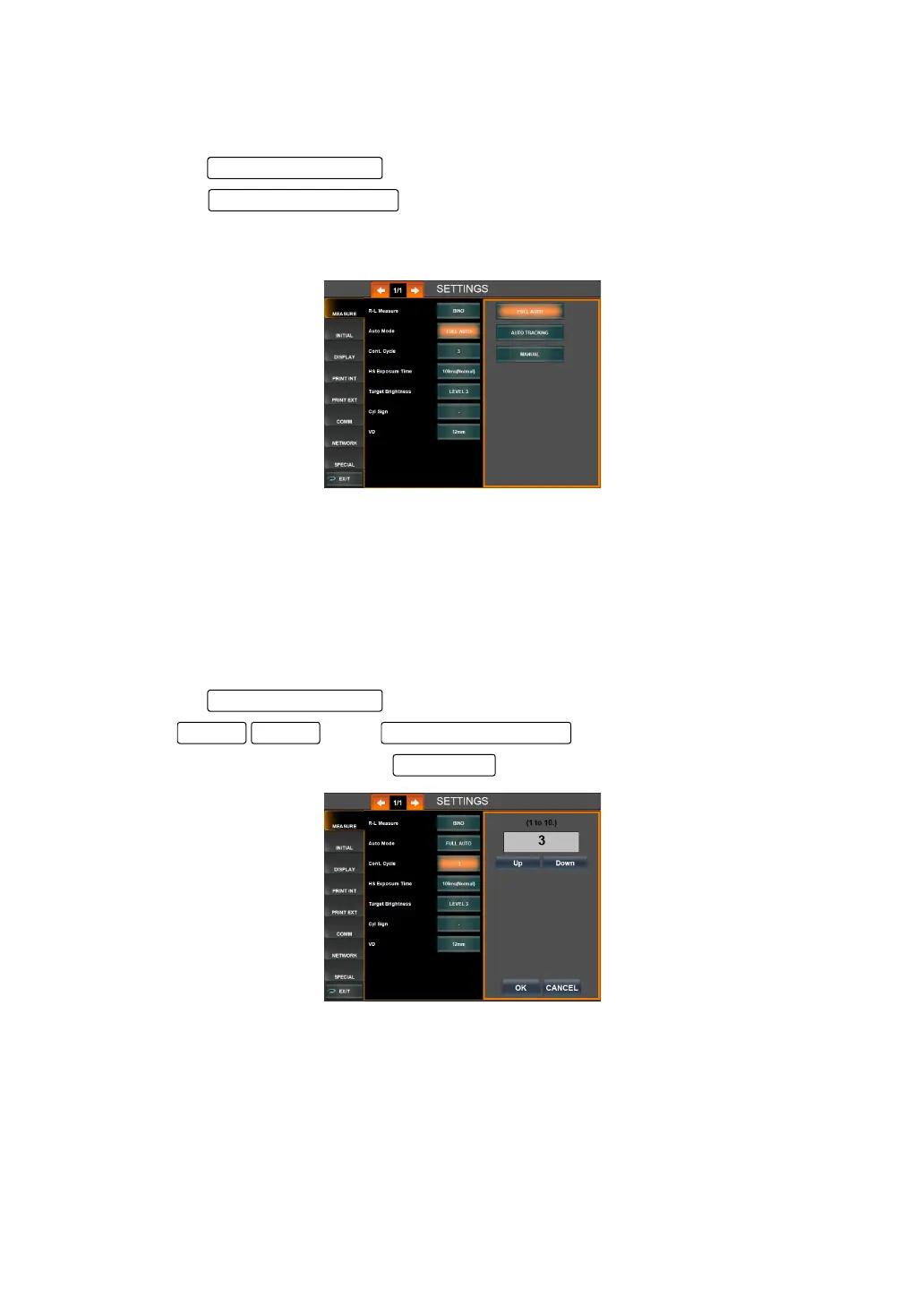
SETTING OF AUTO MODE
Measurement by Full Auto, Auto Tracking or Manual mode can be set. Before shipment the
setting is Full Auto.
1 Tap the of the set item display "Auto Mode" of "MEASURE."
2 Tap the and select either "FULL AUTO," "AUTO TRACKING" or
"MANUAL."
3 Setting is done.
"Full Auto" : Alignment and measurement is done automatically.
"Auto Tracking" : Alignment is done automatically, measurement is done manually.
"Manual" : Alignment and measurement is done manually.
*Normally auto mode setting can be done on the MEASUREMENT screen (see page 50).
SETTING THE NUMBER OF MEASUREMENTS UNDER AUTO MODE
The number of continuous measurements performed under Auto mode can be set. Before
shipment, the default setting is 3.
1 Tap the of the set item display "Cont. Cycle" of "MEASURE."
2 Tap of the and set the number.
3 Setting is done by pressing the .
Set Condition button
DOWNUP Setting Change button
OK button



 To Next Page