126
FUNCTION SETTING USING SETTINGS SCREEN
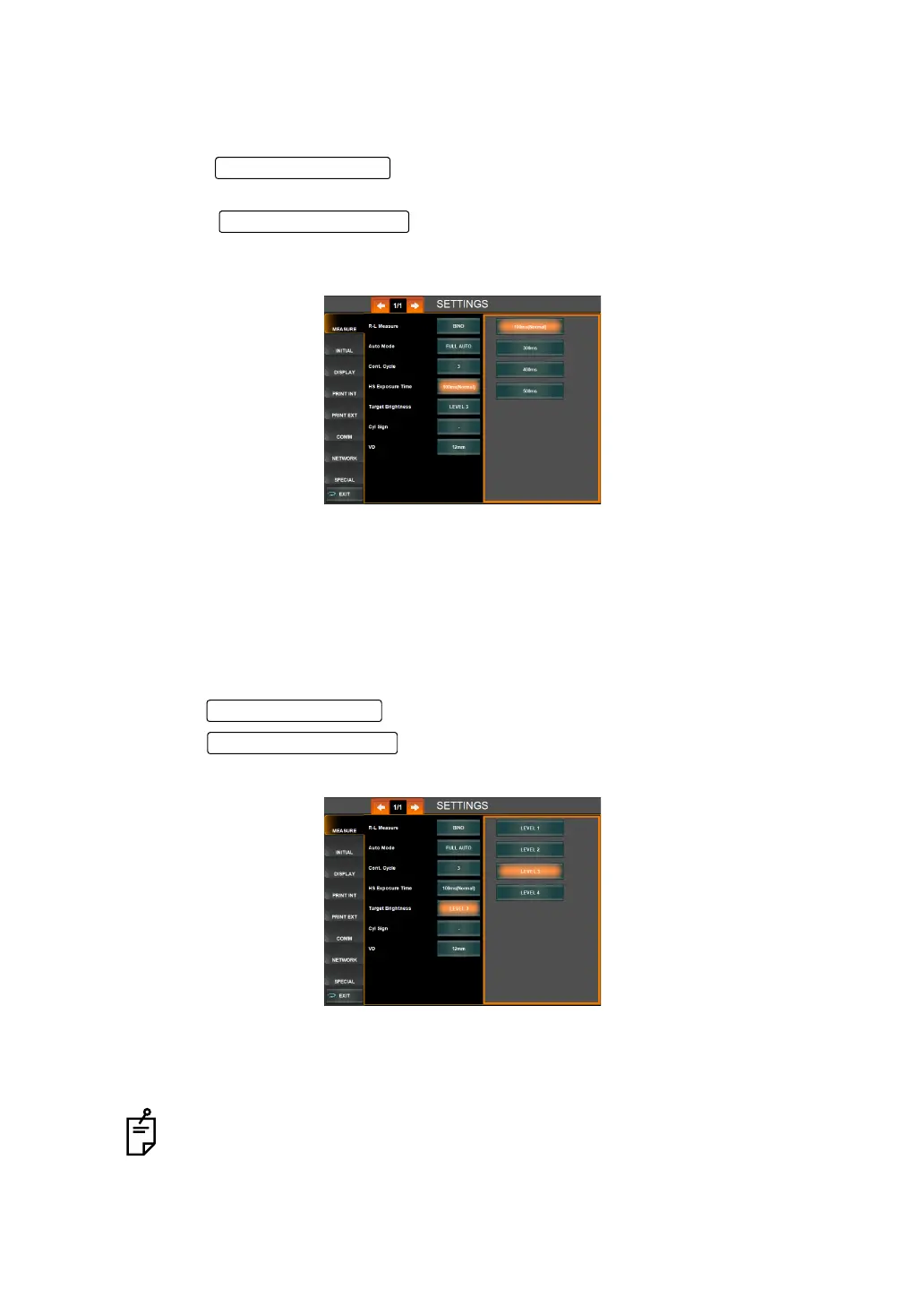
SETTING HARTMANN EXPOSURE TIME
Hartmann exposure time can be selected. Prolonging the exposure time can reduce the mea-
surement error that occurs in the hard-to-measure eye. The default setting is 100ms(Normal).
1 Tap the of the set item display "Hartmann Exposure Time" of
"MEASURE."
2 Tap the and select "100ms(Normal)", "300ms", "400ms" or
"500ms" by tapping.
3 Setting is done.
"100ms(Normal)": The Hartmann exposure time is set to 100ms. (Standard setting)
"300ms" : The Hartmann exposure time is set to 300ms.
"400ms" : The Hartmann exposure time is set to 400ms.
"500ms" : The Hartmann exposure time is set to 500ms.
SETTING THE BRIGHTNESS OF FIXATION TARGET
The brightness of fixation target can be set in 4 steps. Before shipment, the default setting is
Level 3.
1 Tap the of the set item display "Target Brightness" of "MEASURE."
2 Tap the and select the brightness of fixation target.
3 Setting is done.
"Level 1" : Target brightness is set to the darkest of 4 levels.
"Level 2" : Target brightness is set to the 2nd darkest of 4 levels.
"Level 3" : Target brightness is set to the 3rd darkest of 4 levels.
"Level 4" : Target brightness is set to the brightest of 4 levels.
Normally the setting of fixation target can be done on the MEASUREMENT screen
(see page
50).
Set Condition button
Setting Change button



 To Next Page