70
INDIVIDUAL OPERATIONS
DISPLAYING ALL MEASUREMENT DATA
For measurement values, the latest data is displayed, but it is also possible to confirm and
review all measurement data.
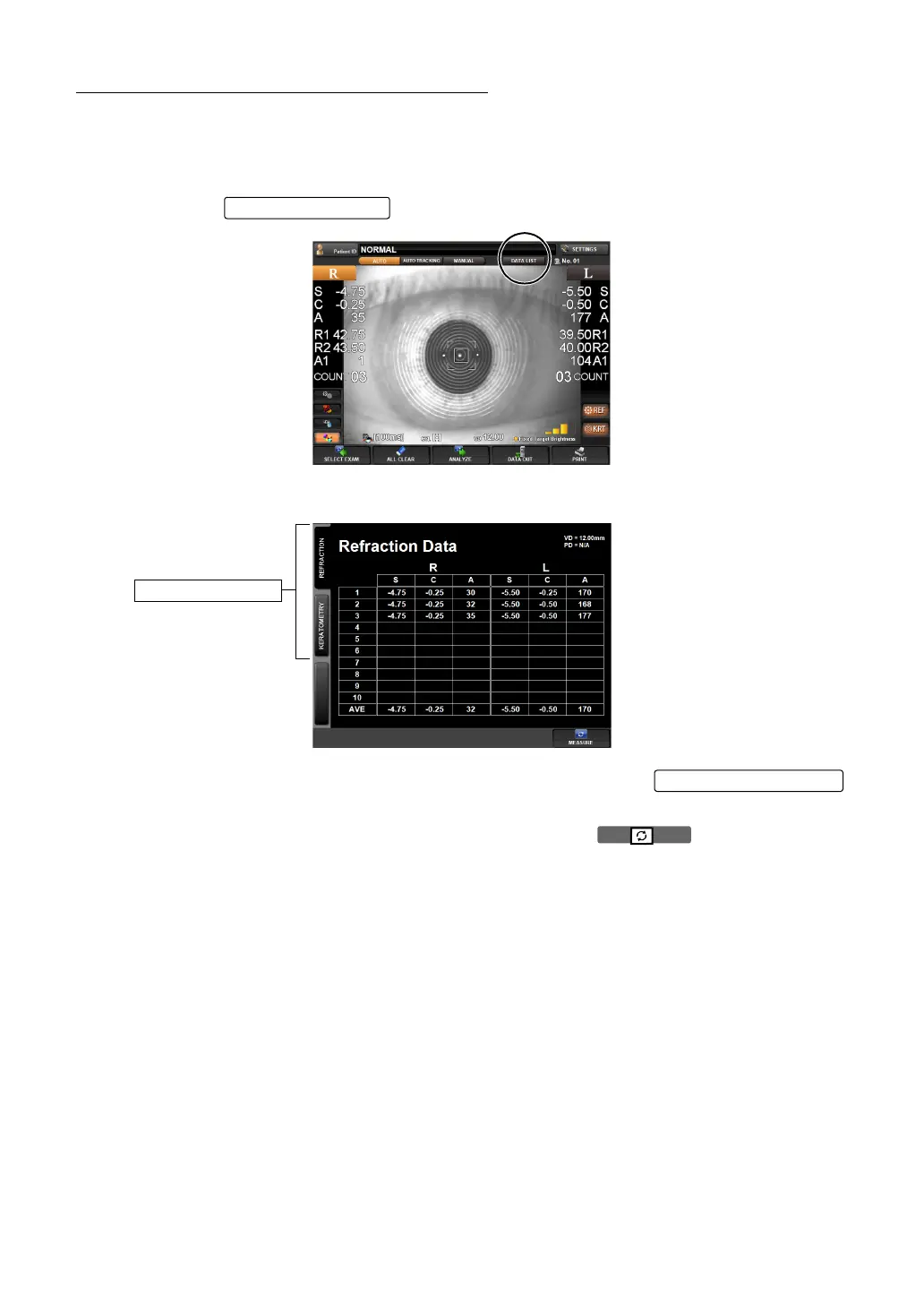
Select and display measurement data from "REF data" and "KRT data".
1 Press the of the control panel.
The DATA LIST screen is displayed.
2 Display of measurement data can be changed by tapping the
(REF data, KRT data).
3 The MEASUREMENT screen is returned by pressing the button.
• The average value (AVE) of REF data excludes the highest and lowest data of S (spherical
refractive power) from all measurement values. When a total of 3 or more measurements
are done for one eye, AVE is displayed.
DATA LIST button
Page Change button
Page Change button



 To Next Page