69
INDIVIDUAL OPERATIONS
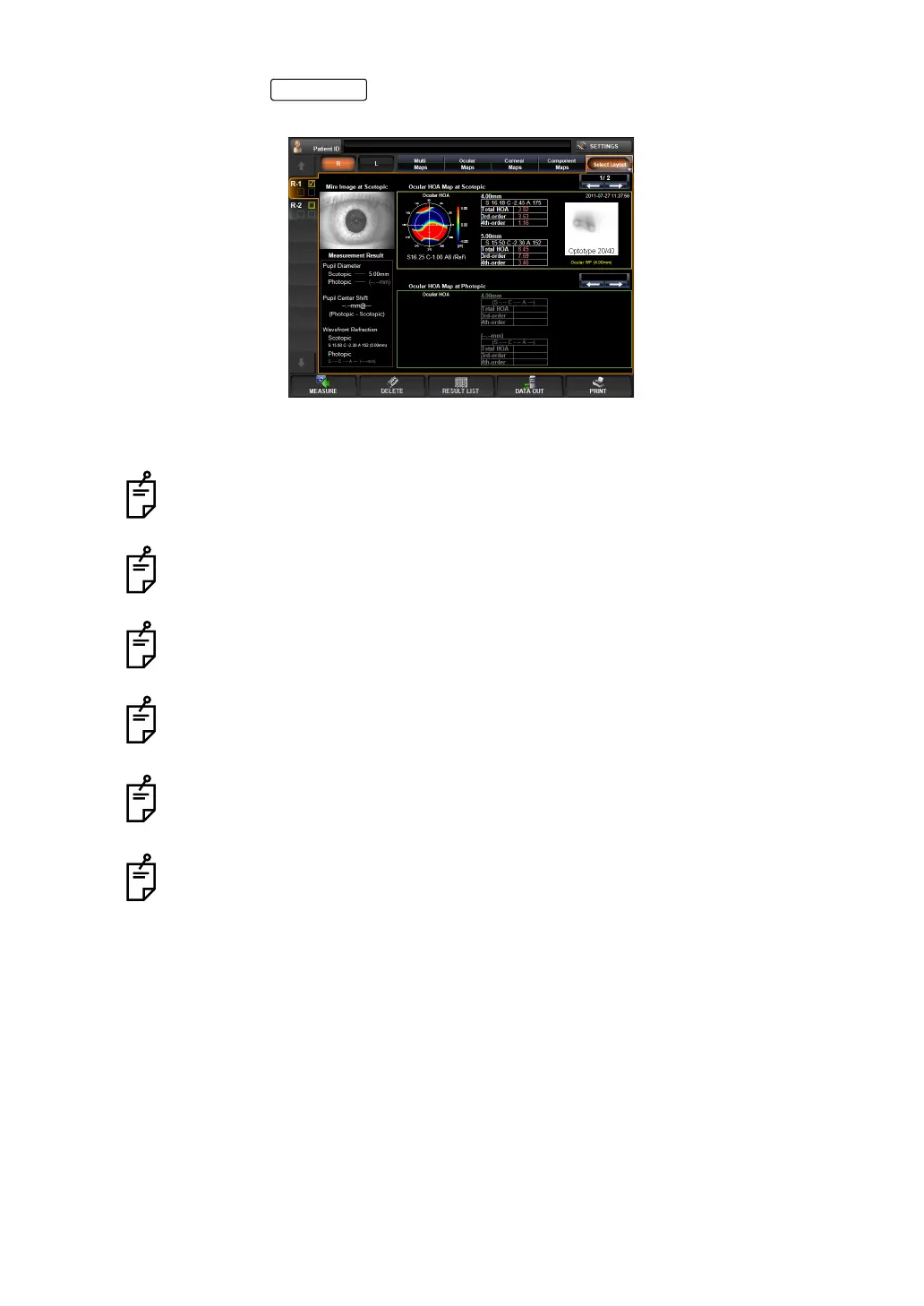
3 By tapping the button, the "Pupillometry map" is displayed. Result of the
data measured under the Pupillometry mode can be checked on the Pupillometry map.
• For the analysis result displayed on the Pupillometry map, see page 90.
In the case of Pupillometry, the screen does not go automatically to the Measure-
ment Result List screen after finishing the measurement.
When performing the pupillometry, use a darkroom.
Under the Pupillometry mode, after measuring one eye shift to the other eye is not
made automatically.
When the same eye is measured repeatedly, result of the completed measure-
ment is cleared. In this case, measurement starts from the Pupillometry
(Scotopic), without performing the preliminary measurement.
When measurement is done under the Auto Tracking mode, the waiting status
starts with the patient's eye focused by the first preliminary measurement. Start
measurement by pressing the MEASUREMENT switch.
When measurement is done under the Manual mode, the waiting status starts for
preliminary measurement, Scotopic and Photopic, respectively. Start measure
-
ment by pressing the MEASUREMENT switch.
ANALYZE



 To Next Page