39
BASIC OPERATIONS
OPERATION IN THE SELECTION OF EXAMINATION INTERFACE
POWER-ON AND MEASUREMENT COURSE SELECTION
1 Make sure the power cable is properly connected.
For connection, see "CONNECTING THE POWER CABLE" on page 31.
2 Turn on the .
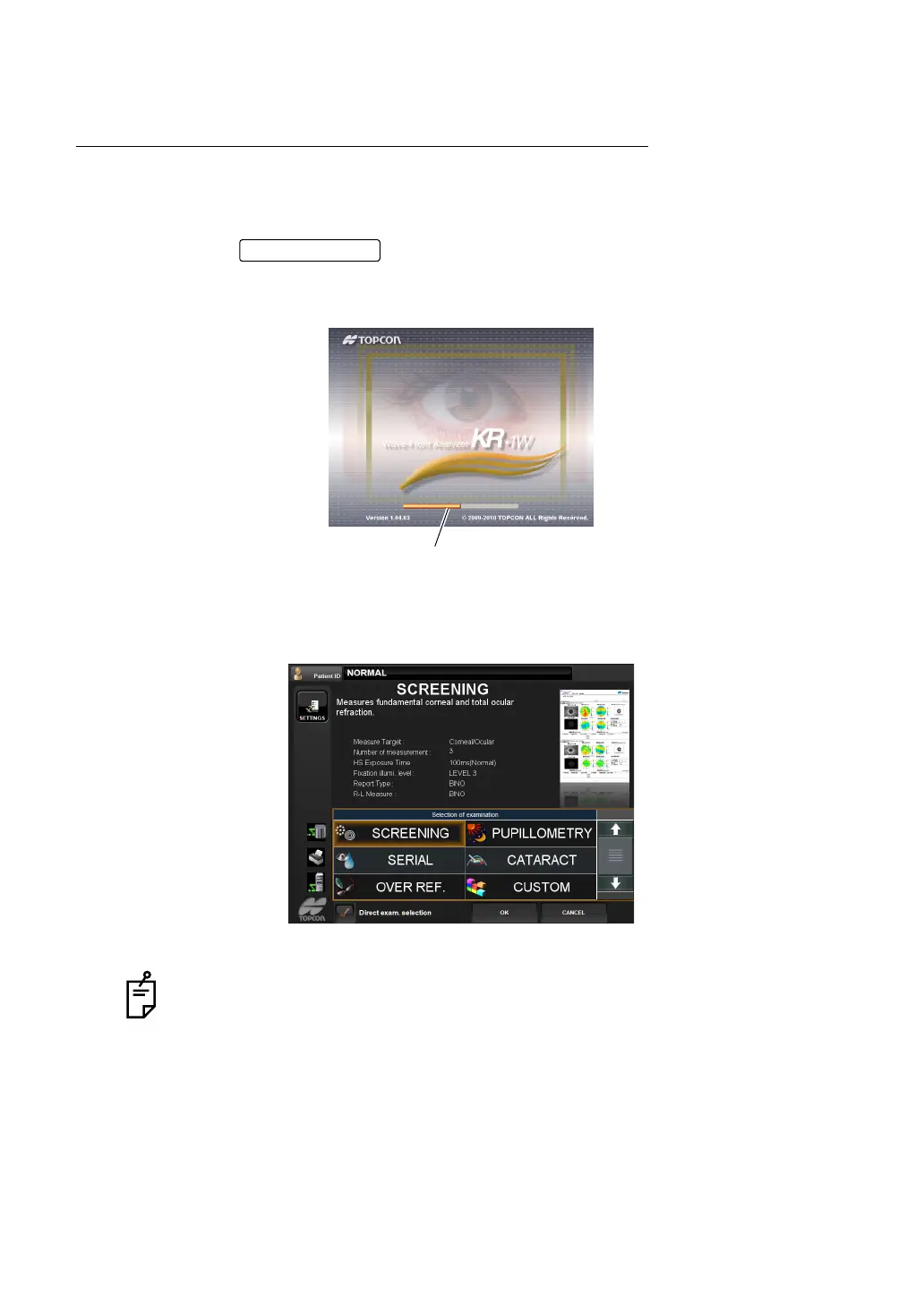
3 After the title screen is displayed, wait about one minute. Then, the examination purpose
selection screen is displayed.
4 Select and tap the desired measurement course from the displayed examination purpose
items.
Selection of examination interface can be displayed depending on the setting.
See page 140 to change the interface.
POWER switch
The orange-colored progress bar shows the progress of startup operation.
When it reaches the rightmost position, the measurement screen is displayed.



 To Next Page