52
INDIVIDUAL OPERATIONS
MEASURING ONE EYE ONLY
You can measure one eye only when the measurement mode is set to auto measurement.
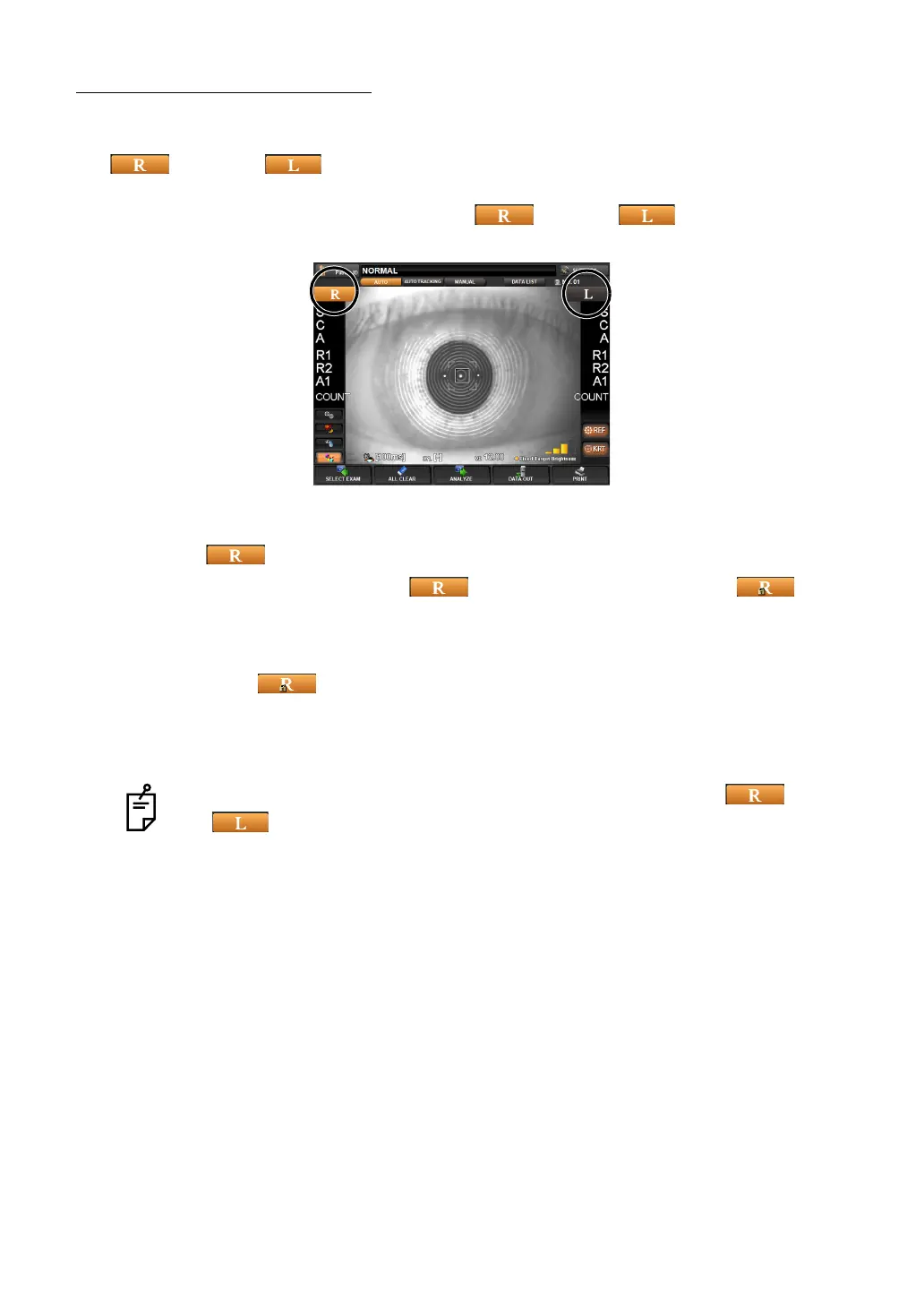
button and button on the orange color side indicate the current measurement
position.
1 Select the eye to be measured. Tap the button or button on the control
panel.
TO MEASURE THE RIGHT EYE ONLY
1 Tap the button to move the measurement head to the right.
2 When the head is moved, tap the button again. Then, the lock icon button
is displayed on the screen.
• While the lock icon is displayed, the head does not move to the other side to attempt to
measure after one eye is measured.
3 To unlock, tap button again. Then, the lock icon disappears.
TO MEASURE THE LEFT EYE ONLY
The procedure is the same as when the right eye is measured.
When the lock icon is displayed (one eye measurement mode), tap button
or button so that you can switch the eye while the head is locked.



 To Next Page