64
INDIVIDUAL OPERATIONS
ALIGNMENT DOES NOT START
If auto alignment does not start, any of the following items may be suspected:
THE WAITING SCREEN IS DISPLAYED
1 If the message "CHECK EYE LEVEL AND FOREHEAD, PRESS MEASURE SW" is dis-
played on the color LCD monitor screen (waiting status), the auto alignment operation
cannot be performed.
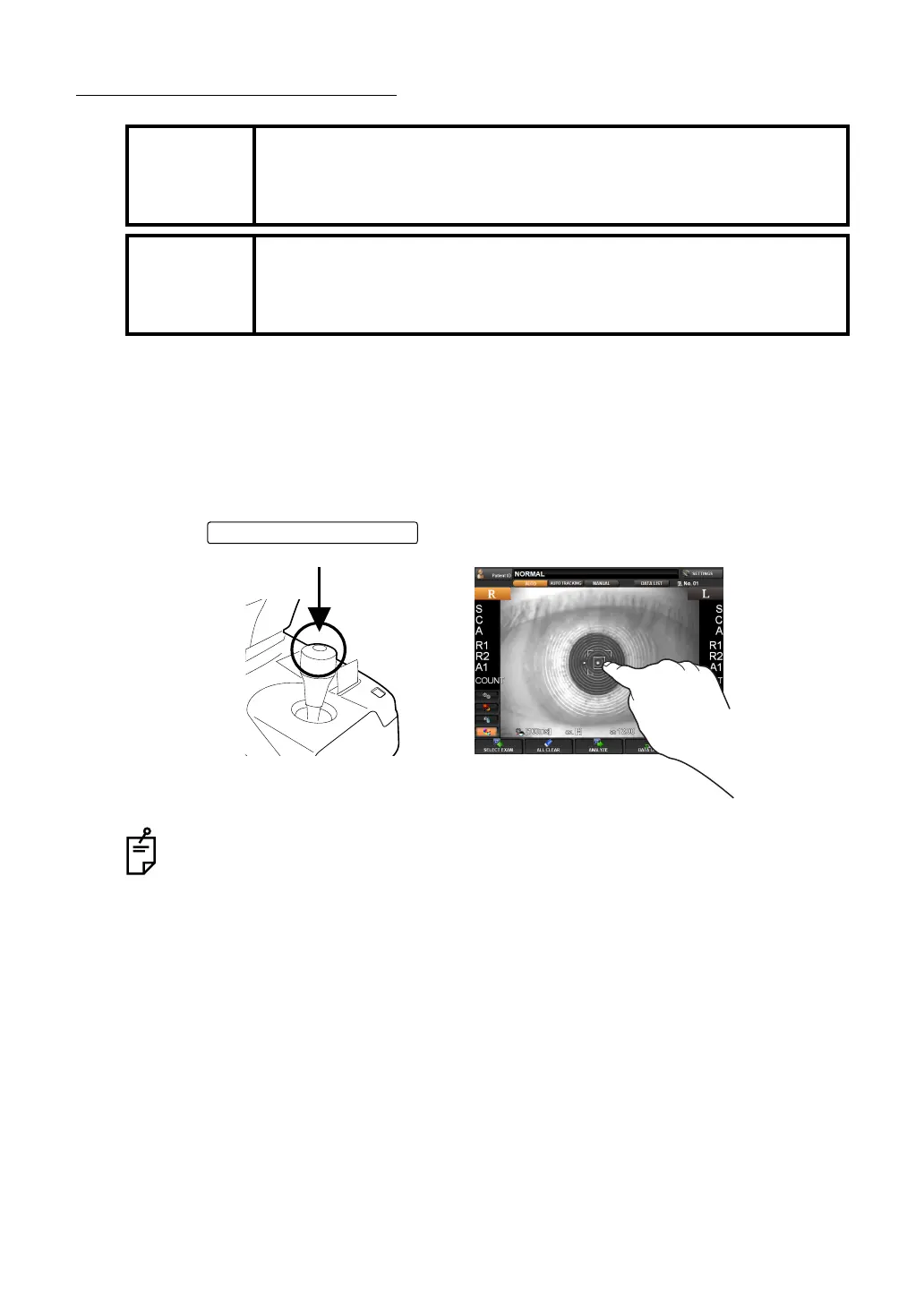
2 Tap the to start the measurement.
MEMO
The measurement in auto mode may not be possible due to the eyelid
and the eyelashes over to the pupil.
If this occurs, the operator should tell the patient to open their eyes wide
enough, or lift the eyelid to allow for measurement.
MEMO
The measurement in auto mode may not be possible due to frequent
blinks or existing abnormalities in the corneal surface caused by corneal
disease etc.
In this case, use manual mode.
When tapping the screen, note that the measuring head may move a lot depend-
ing on the tapped position.
MEASUREMENT switch



 To Next Page