65
INDIVIDUAL OPERATIONS
THE IMAGE OF THE PATIENT'S EYE DISPLAYED ON THE MONITOR IS NOT CLEAR
1 Check if the patient's forehead is pressed against the forehead rest. If not, move the fore-
head forward.
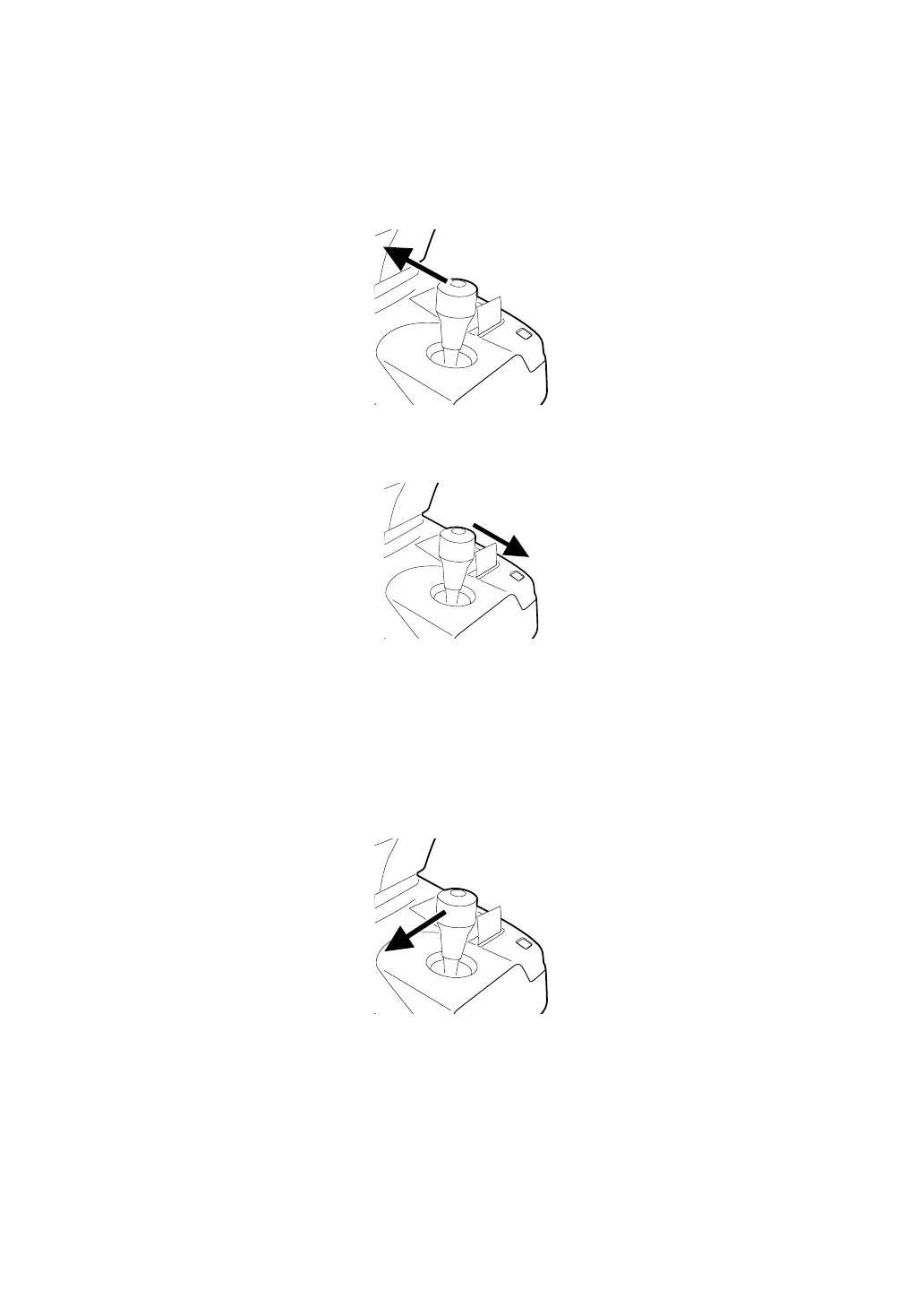
2 If the patient's eye and the main body are not aligned, tilt the control lever toward the
patient, move the main body slowly toward the patient's eye and bring it into focus.
3 If the patient's eye and the main body are too close, tilt the control lever toward the opera-
tor, slowly move the main body away from the patient's eye and bring it into focus.
THE PATIENT'S EYE IS FAR FROM THE CENTER OF THE SCREEN
If the patient's eye is far from the screen center, auto alignment may not function properly,
and manual alignment may need to be used.
1 Use the control lever to bring the patient's eye closer to the screen center.
For example, If the patient's eye is to the left side of the control panel screen, tilt the con-
trol lever to the left.



 To Next Page