38
BASIC OPERATIONS
2 Selection of examination interface
This is the setting to select the measurement course provided according to the report after
turning the instrument on and starting it.
After selecting the measurement course, the measurement procedure, the number of
measurements, and the report output format that are optimal for the examination purpose
are automatically selected.
This is good for those who wish to perform examination quickly.
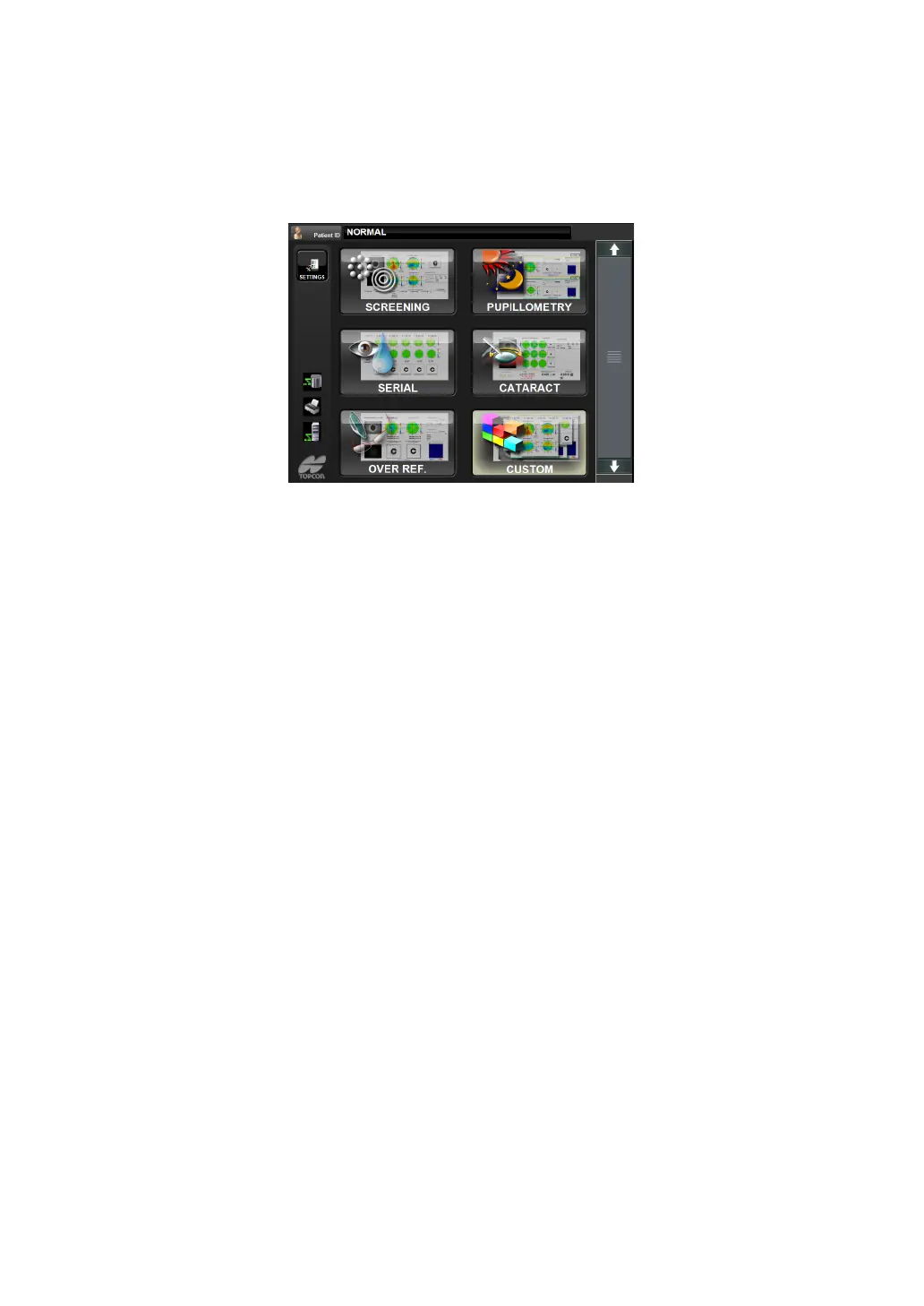
The following measurement courses are available.
• Screening
• Pupillometry
• Serial (dry eyes)
• Cataract
• Over refraction
•Custom
3 Arbitrary operation interface
This is the setting to display the measurement screen immediately after the instrument is
turned on and started up.
After measurement, each item including data selection, analysis and report output can be
selected arbitrarily.
This is good for those who are skilled in the operation.
• The factory setting is "Selection of examination interface". Refer to Setup, page 140,
"Selection by examination purpose" for how to change the interface.



 To Next Page