140
FUNCTION SETTING USING SETTINGS SCREEN
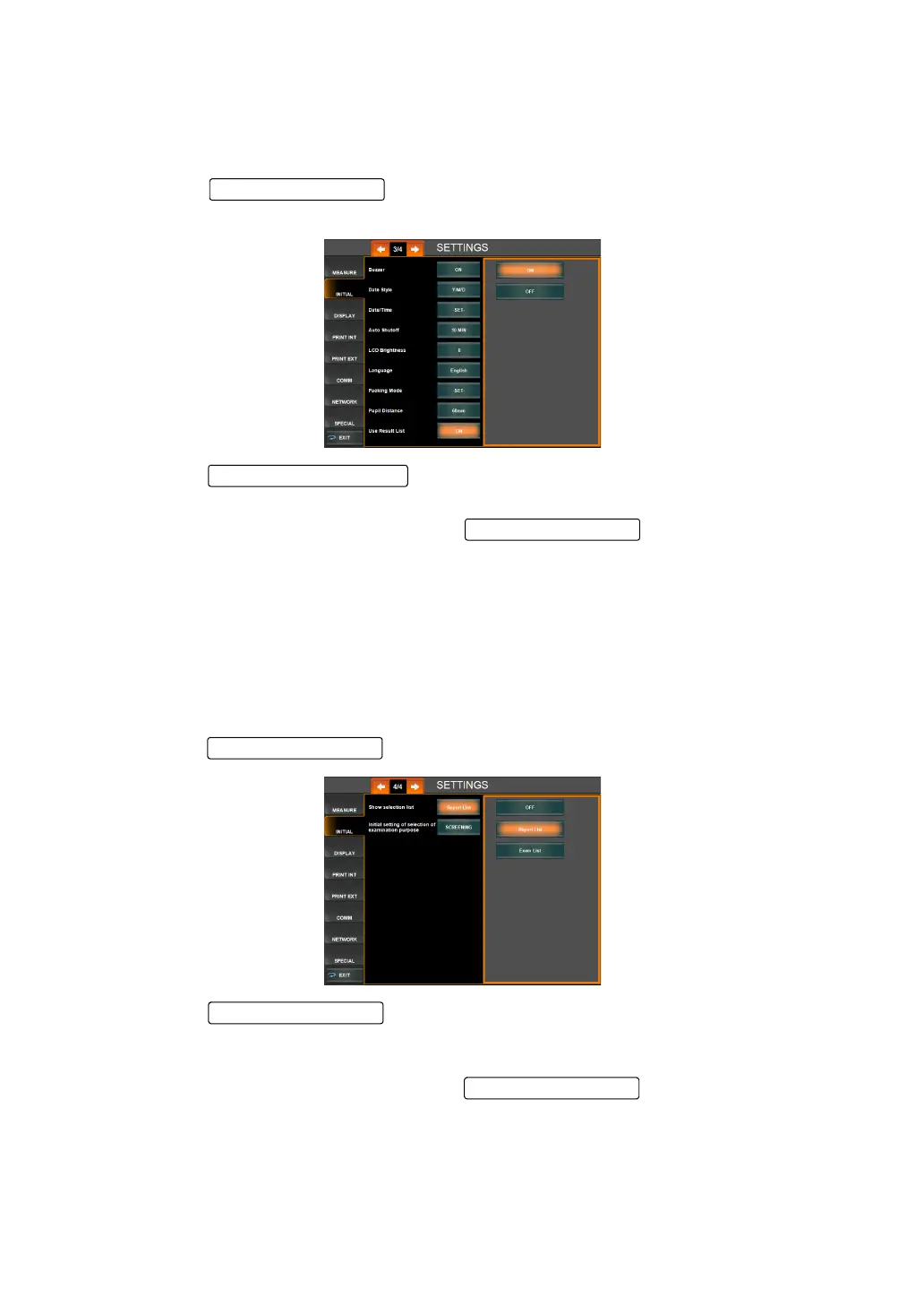
DISPLAY OF TABLE OF MEASUREMENT RESULT SCREEN
You can set whether or not to display the Table of measurement result screen when the analy-
sis results are displayed from the measurement screen. The default setting is ON (the result
list screen to be displayed).
1 Tap the of the set item display "Displaying the Table of measure-
ment result Screen" of "INITIAL."
2 Tap the and select "ON" (the result list screen to be displayed)
or "OFF" (The result list screen not to be displayed).
3 The changed setting is displayed on the and the setting change is
complete.
DISPLAYING A SELECTED SCREEN
At the time of startup, you can select whether to display "Course Selection Screen by Exami-
nation/Purpose" or to display the measurement screen without displaying the "Course Selec-
tion Screen by Examination/Purpose" that displays the "Selection of examination Screen"
(report display interface), which is arbitrary operation interface. The default setting is OFF
(arbitrary operation interface).
1 Tap the of the set item display "Show selection list" of "INITIAL."
2 Tap the and select "OFF" in "Show selection list" (arbitrary opera-
tion interface) or "Report List" (report display interface) or "Exam List" (interface for selec-
tion of examination purpose).
3 The change setting was displayed in the , which completes the set-
ting change.
Setting Change button
Set Condition button
Set Condition button
Set Condition button
Set Condition button



 To Next Page