141
FUNCTION SETTING USING SETTINGS
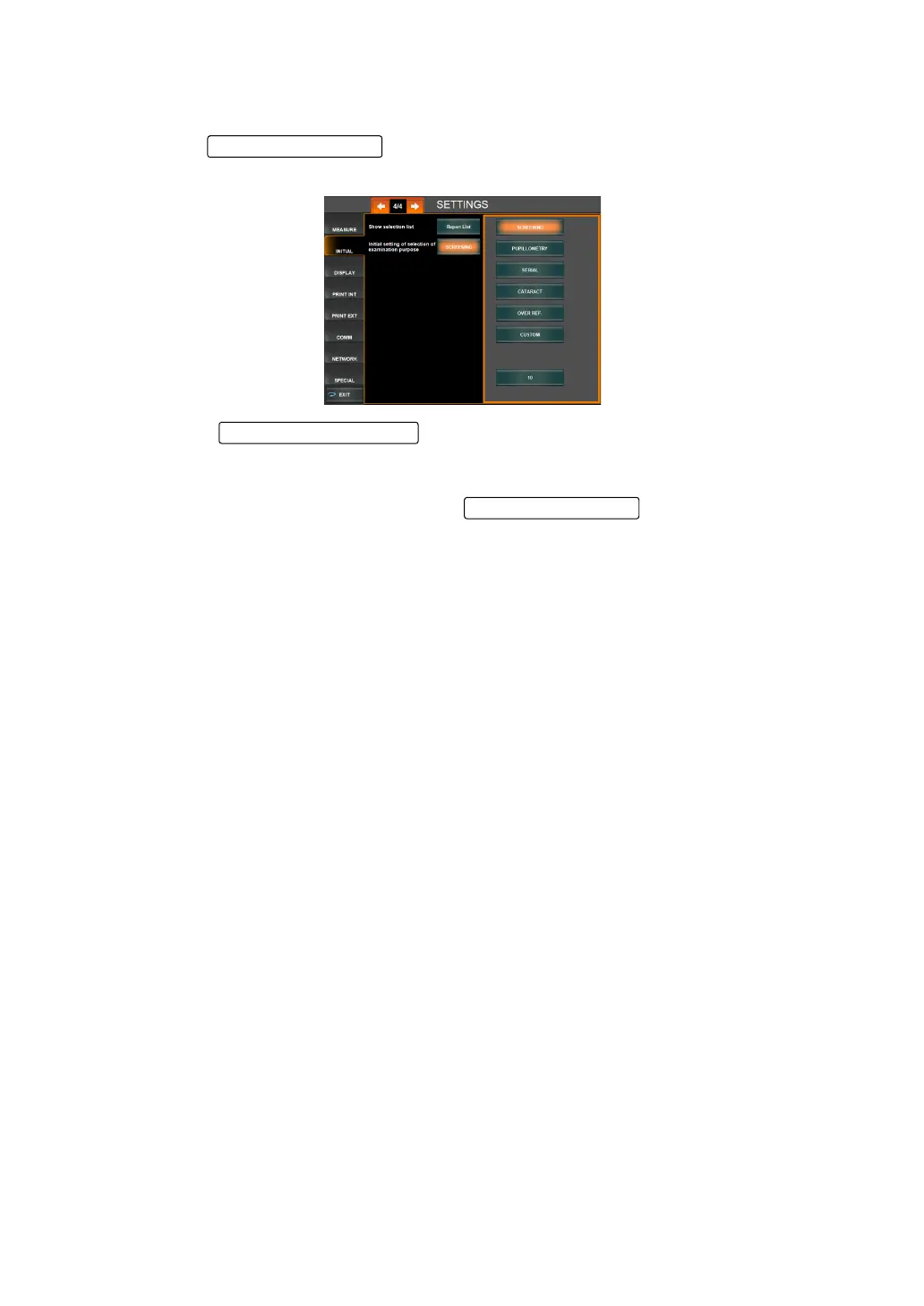
SETTING THE EXAM PURPOSE AT THE TIME OF STARTUP
This sets the examination purpose at the time of startup. The default setting is "Screening".
1 Tap the of the set item display "Initial setting of selection of exami-
nation purpose" of "INITIAL."
2 Tap the and to select one of "Screening", "Pupillometry",
"Serial", "Cataract", "Over Ref." or "Custom" from the initial setting of selection examina-
tion purpose.
3 The change setting was displayed in the , which completes the set-
ting change.
Setting Change button
Set Condition button



 To Next Page