127
FUNCTION SETTING USING SETTINGS
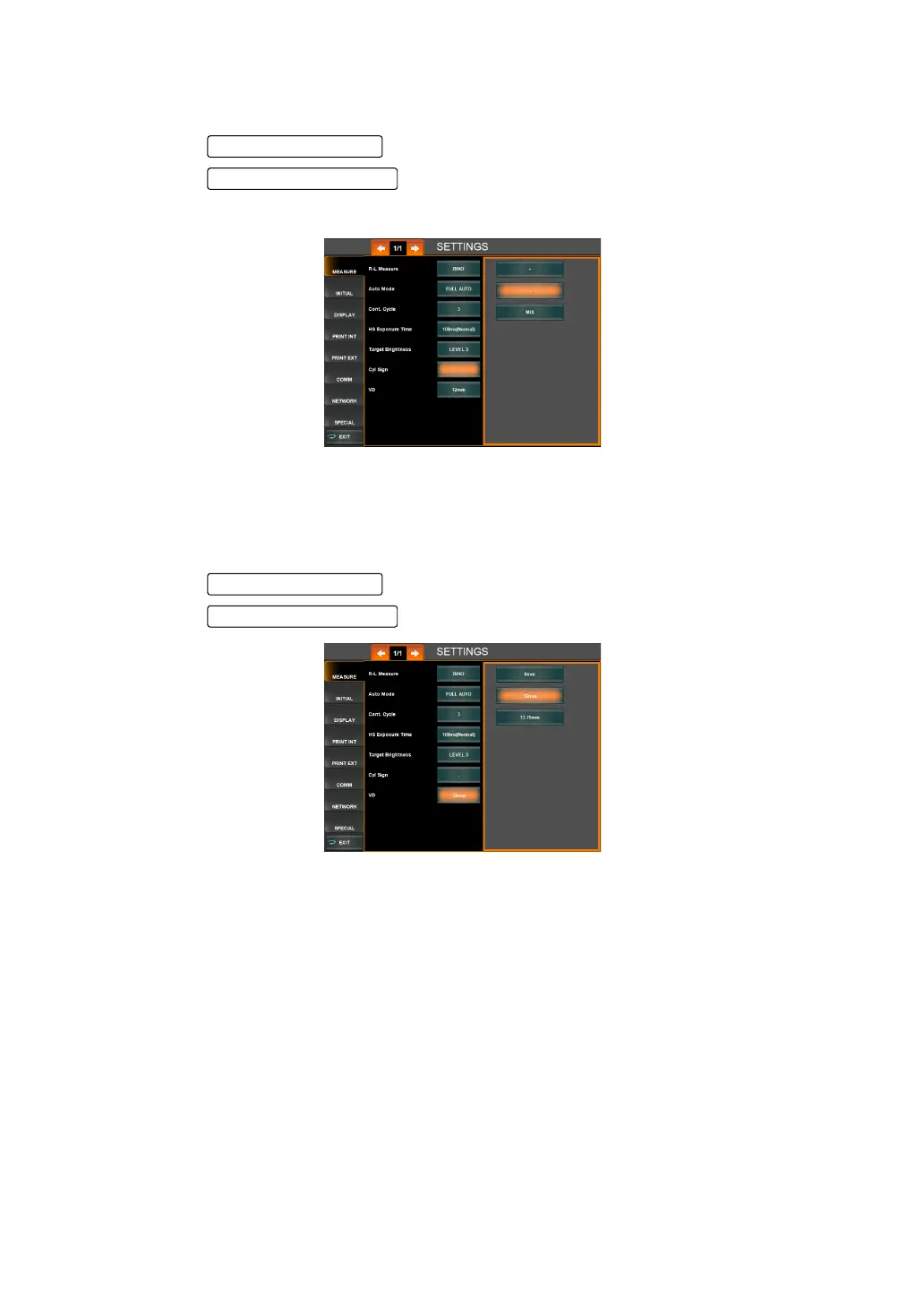
CHANGING THE ASTIGMA SIGN
The display style of astigma sign can be changed. Before shipment, the default setting is "-."
1 Tap the of the set item display "Cyl Sign" of "MEASURE."
2 Tap the and select the applicable astigma sign.
3 Setting is done.
SETTING VD (VERTEX DISTANCE)
The VD (vertex distance) setting can be selected from a contact lens (0mm) or a frame lens
(12mm or 13.75mm). The default setting a frame lens (12mm).
1 Tap the of the set item display "VD Setting" of "MEASURE."
2 Tap the to select the VD setting value.
"0.00" : VD is set to a contact lens value (0.00mm).
"12.00" : VD is set to a frame lens value (12.00mm).
"13.75" : VD is set to a frame lens value (13.75mm).
3 Setting is done.
Set Condition button
Setting Change button



 To Next Page