160
FUNCTION SETTING USING SETTINGS SCREEN
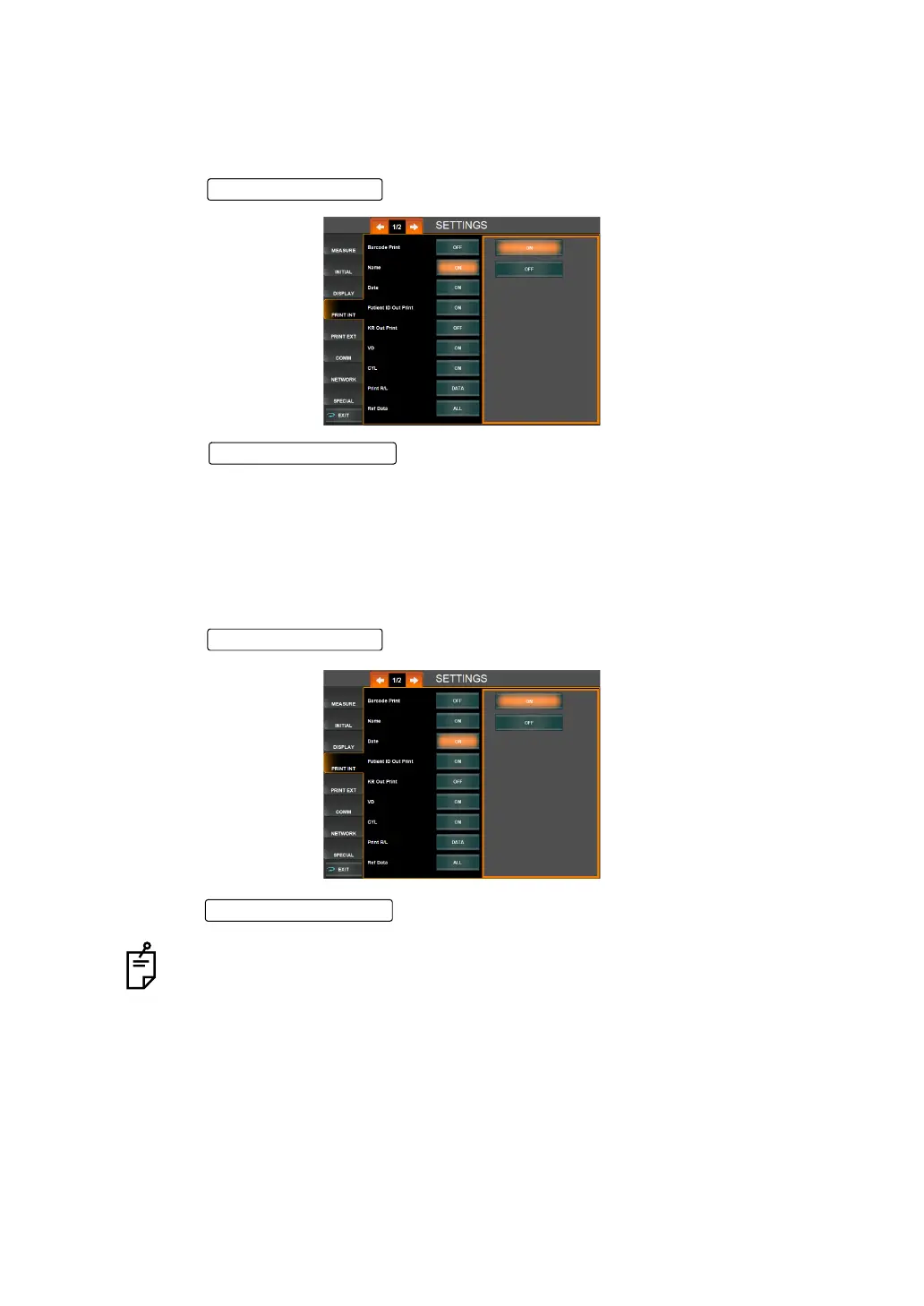
PRINTING THE NAME COLUMN (NAME)
The name column can be displayed in the printout.
The patient ID, machine No. and work ID are outputted. Before shipment, the default setting is
"ON" (Print name column).
1 Tap the of the set item display "Name" of "PRINT INT."
2 Tap the and select "ON" (Print name column) or "OFF" (Do not
print name column).
3 Setting is complete.
PRINTING THE DATE (DATE)
The measurement date can be displayed on the printout. Before shipment, the default setting
is "ON" (Print date).
1 Tap the of the set item display "Date" of "PRINT INT."
2 Tap the and select "ON" (Print date) or "OFF" (Do not print date).
3 Setting is complete.
When the built-in battery runs out, the date is not printed and "DATE" is printed
instead. For battery change, contact your dealer or TOPCON shown on the back
cover.
Setting Change butto
Set Condition button
Setting Change butto



 To Next Page