177
SETUP OF SELECTION OF EXAMINATION
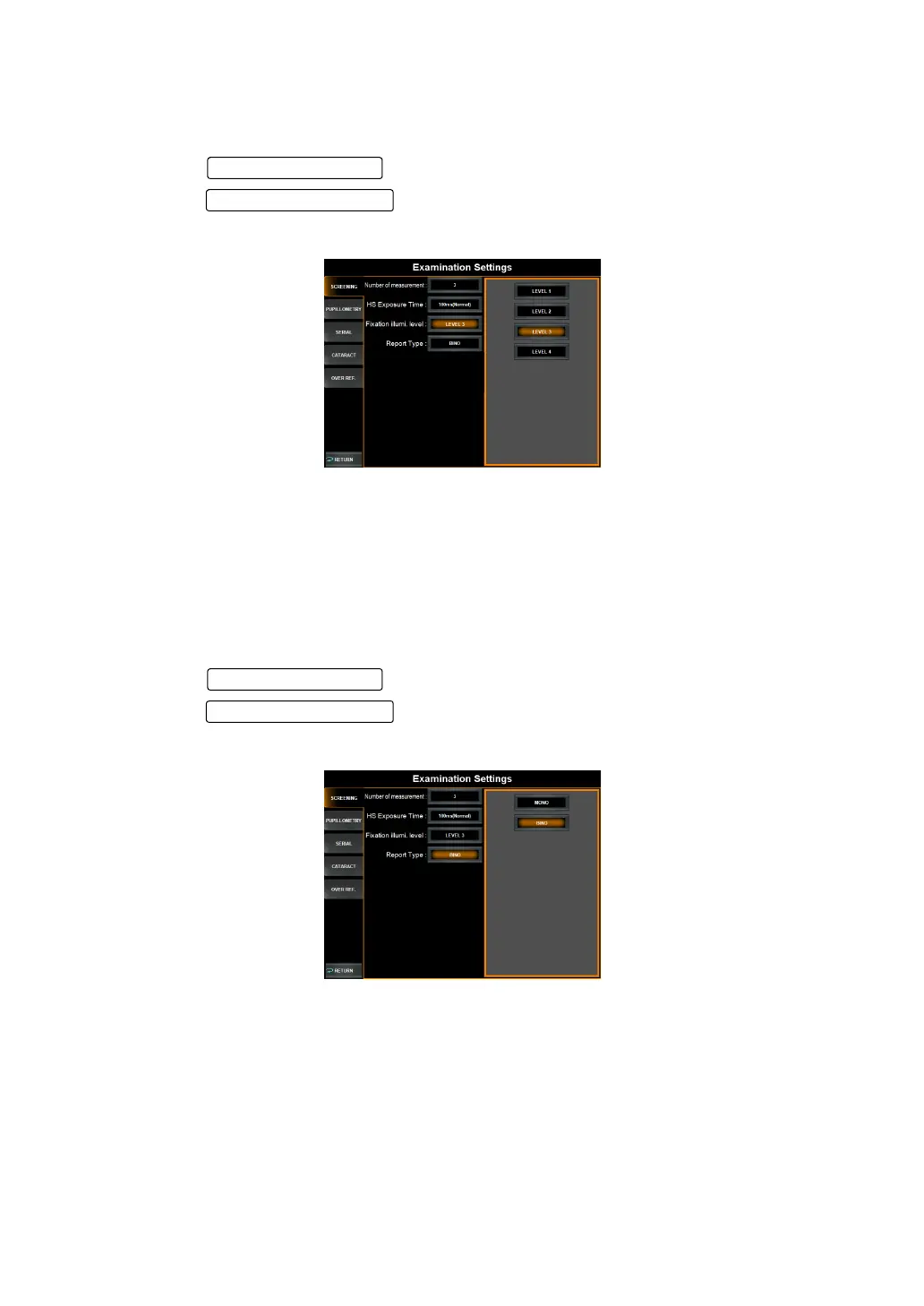
SETTING FIXATION TARGET ILLUMINATION LEVEL
The illumination level of the fixation target can be set at four different levels. The default set-
ting is "3".
1 Tap the in the "Fixation Illumi.level" in the items.
2 Tap the to select the illumination level of the fixation target.
3 Setting is complete.
Level 1 : The illumination level is set to the lowest of the four.
Level 2 : The illumination level is set to the second lowest of the four.
Level 3 : The illumination level is set to the third lowest of the four.
Level 4 : The illumination level is set to the highest of the four.
SETTING REPORT TYPE
Report type can be set to one eye at each time (mono) or both eyes (bino). The default setting
is mono.
1 Tap the in the "Report Type".
2 Tap the and select "Mono" or "Bino".
3 Setting is complete.
Set Condition button
Setting Change butto



 To Next Page