19
COMPONENTS
"NEXT MEASUREMENT" and a new measurement
is started.
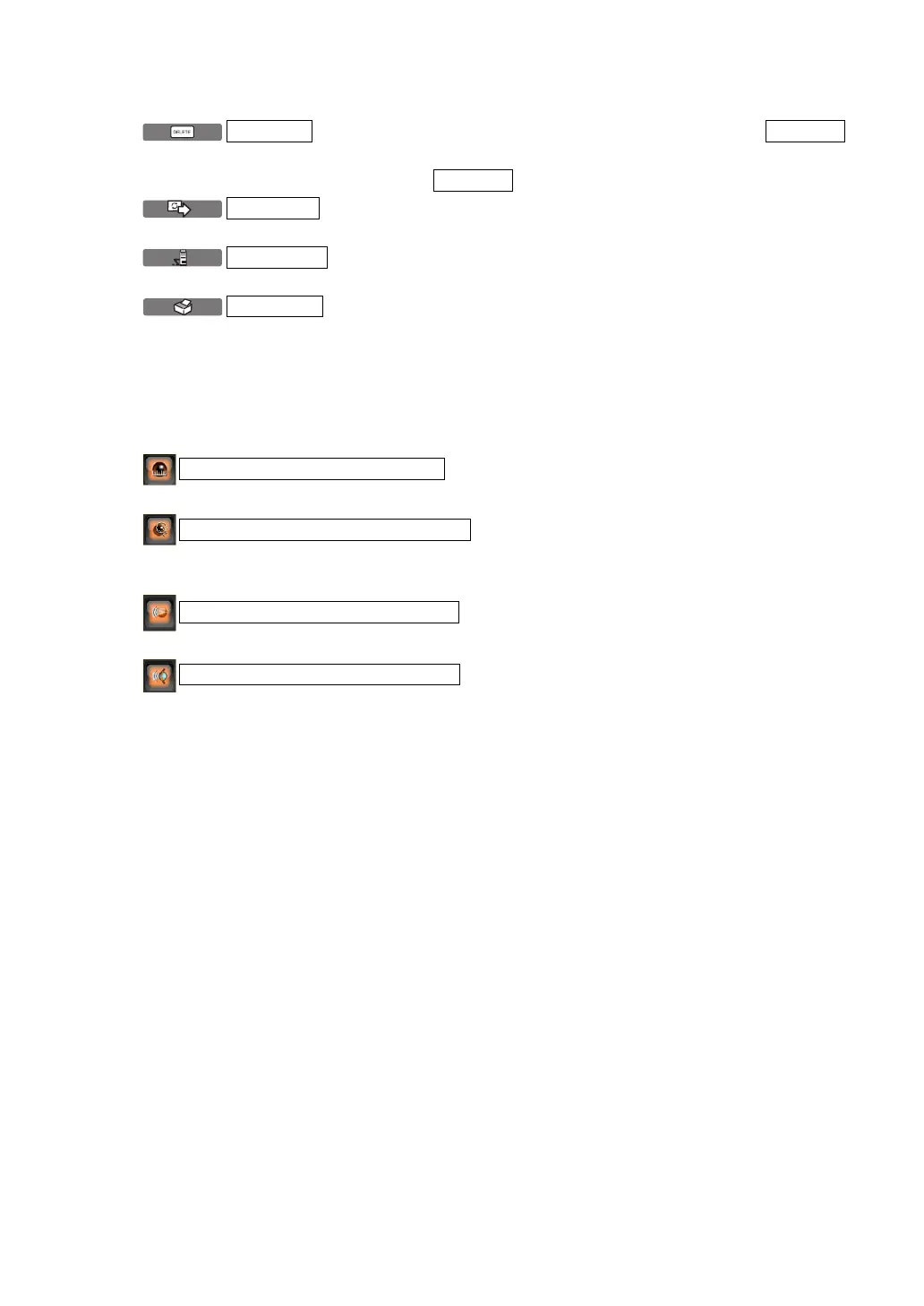
button Selecting the data to be deleted by the
button, the data can be deleted by tapping the
button.
button The screen is changed to the selected Analysis
Result screen, and the analysis result is displayed.
button Selected measurement result data can be outputted
to the RS-232C or to the connected PC.
button Selected measurement data can be printed by the
internal printer or by the connected external printer.
(4) Printed icon/output icon
A printer icon and a PC icon are displayed for printed data and
output data respectively.
(5) Recommended data selection button
Data are selected based on four criteria.
button
To select a maximum pupil diameter.
button
To select the one with a minimum amount of center
movement.
button
To select a minimum ocular high-order aberration.
button
To select a minimum corneal high-order aberration.
• For details about the Measurement Result List screen, see page 74.
DELETE DELETE
DELETE
ANALYZE
DATA OUT
Max. pupil diameter selection
Min. center Movement Amount Min
Min. ocular high-order aberration
Min. corneal high-order aberratio


 To Next Page
 Loading...












