99
SETTING FUNCTIONS ON SETUP SCREEN
SETTING FUNCTIONS ON SETUP SCREEN
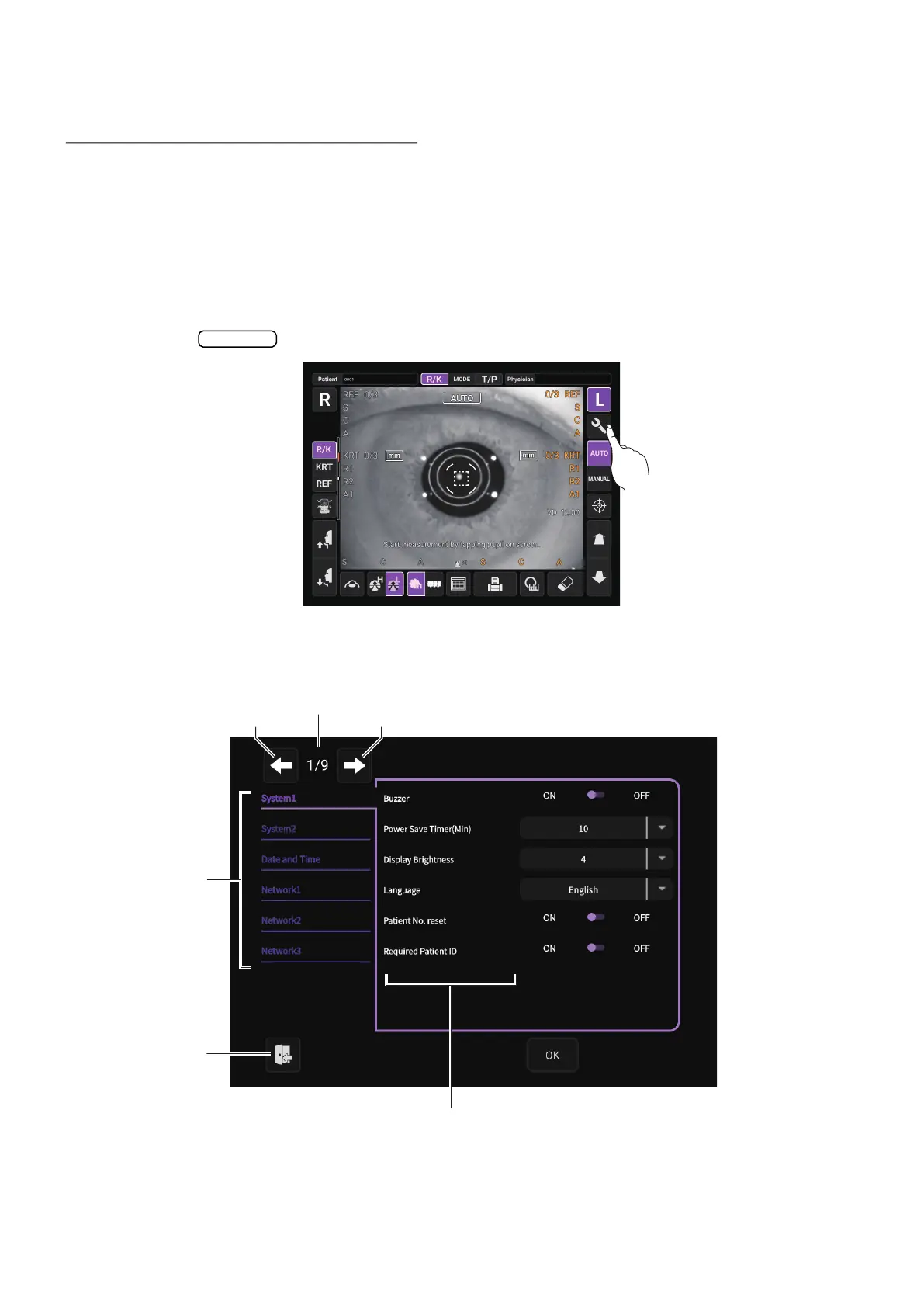
OPERATING THE SETUP SCREEN
Various functions can be set on the SETUP screen.
PREPARATONS FOR SETTING
1 Make sure that the power cord is connected.
For connection, refer to “CONNECTING POWER CORD” on page 31.
2 Turn ON the POWER switch.
3 Tap the button on the control panel.
The SETUP screen is displayed.
Settings
Index
Back page button
Page display
Next page button
Exit button
Descriptions



 To Next Page