102
SETTING FUNCTIONS ON SETUP SCREEN
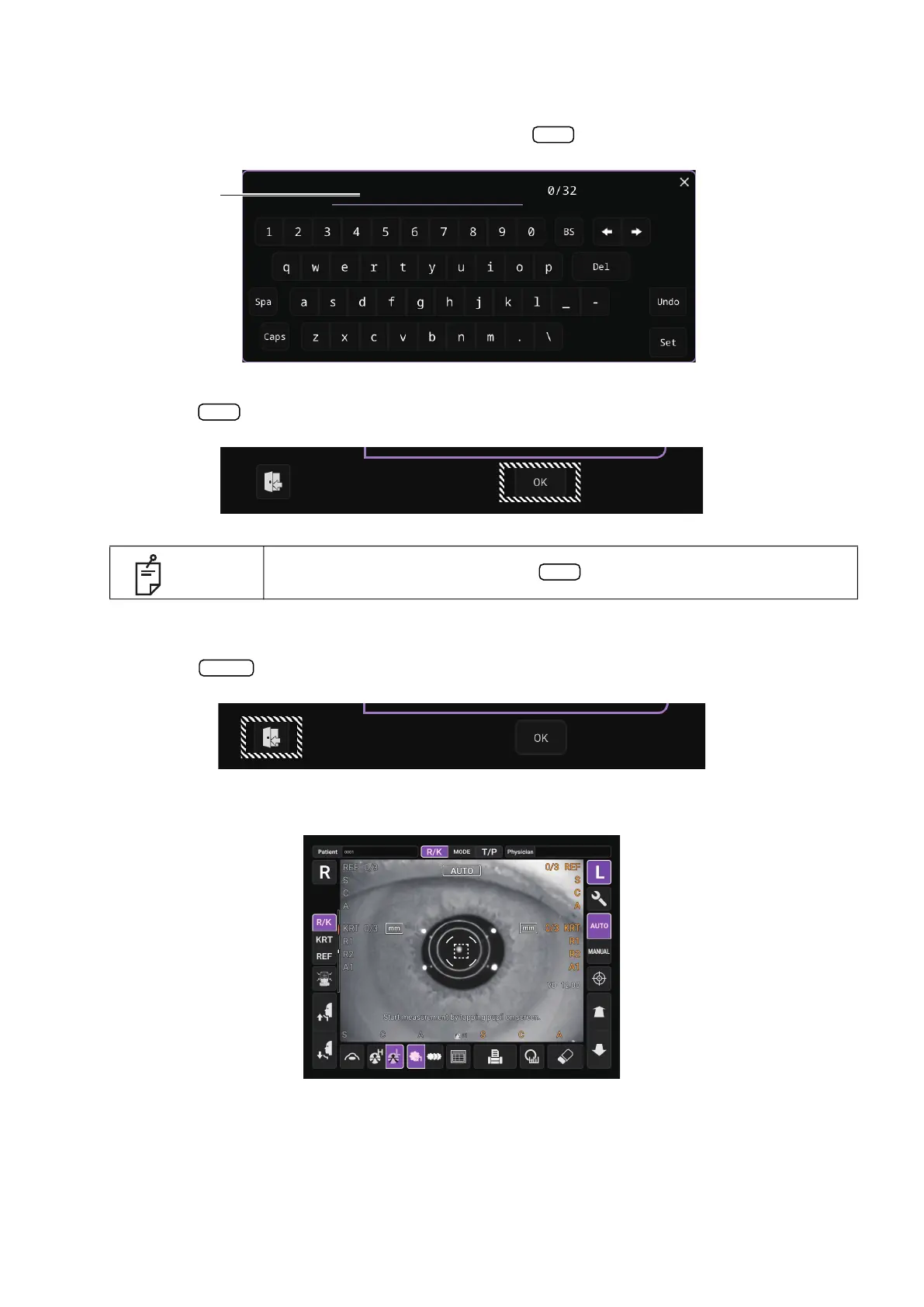
KEYBOARD:
Tap the keyboard on the screen and enter characters. If there are several windows to enter, tap
the window to enter the figure by keyboard. Tap the
button to fix the entry.
5 Tap the button to fix the setting change.
RETURNING TO THE MEASUREMENT SCREEN
1 Tap the button.
2 The Measurement screen is displayed.
NOTE
The set value is updated when the button is pressed.
OK
Enter window
OK
OK
Exit



 To Next Page