38
PREPARATIONS
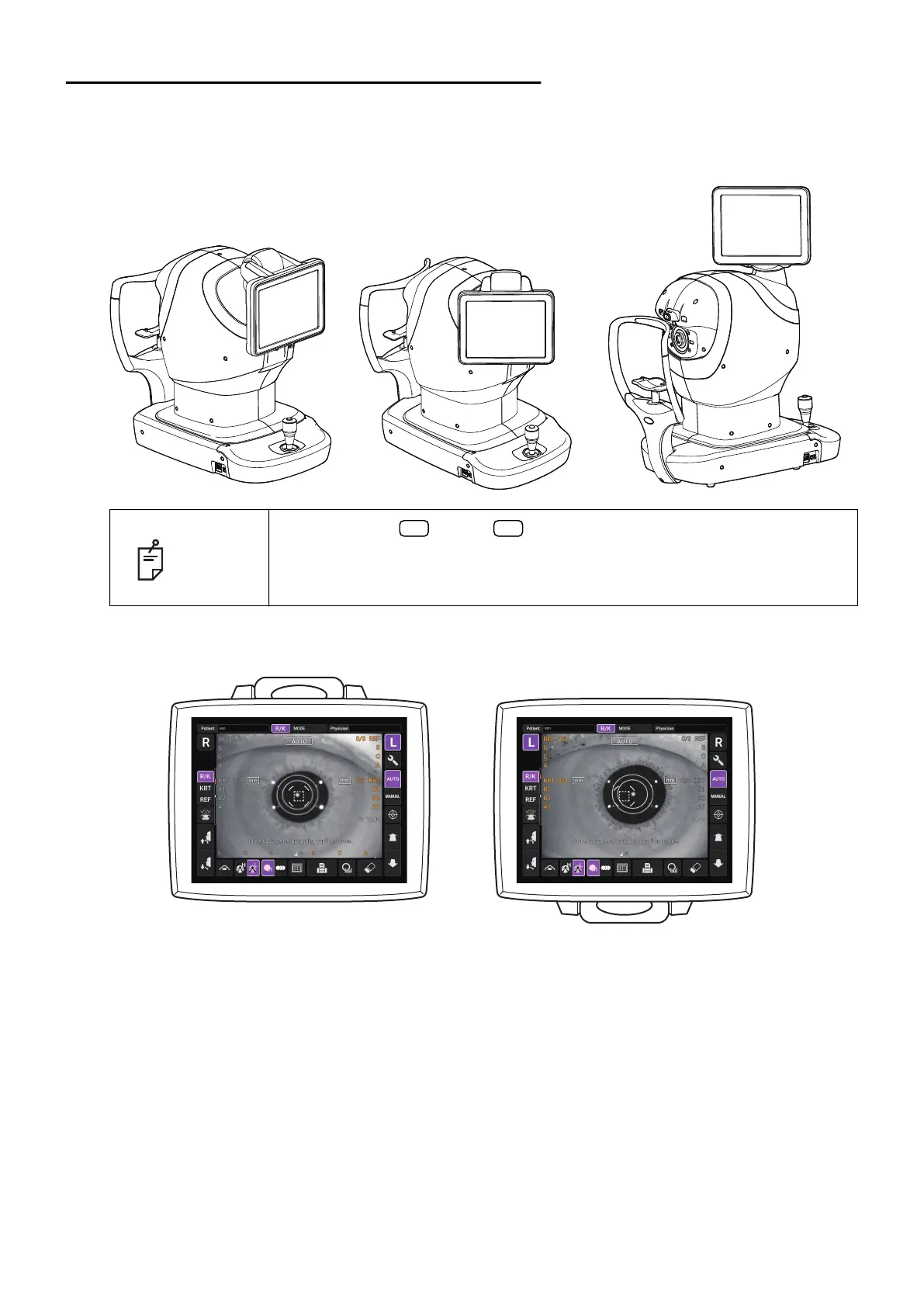
ADJUSTING THE CONTROL PANEL POSITION
Tapping the control panel controls operations including chinrest up-and-down movements, align-
ment and measurement. It is possible to change the control panel position in the up-and-down and
right-and-left directions. Adjust the control panel position optionally.
NOTE
• The layout of button/ button is reversed according to the posi-
tion of the control panel.
• The moving direction is changed by tapping according to the position of
the control panel.
R L



 To Next Page