42
BASIC OPERATIONS
BASIC OPERATIONS
PREPARATION BEFORE MEASUREMENT
SETTING THE AUTO CONTACT AVOIDANCE FUNCTION
This instrument has an automatic contact avoidance function that detects when the measurement
nozzle is too close to the patient during T/P measurement, then automatically stops the movement
and retracts the measurement. This function is enabled at the factory.
1 Shifts to the setting menu screen.
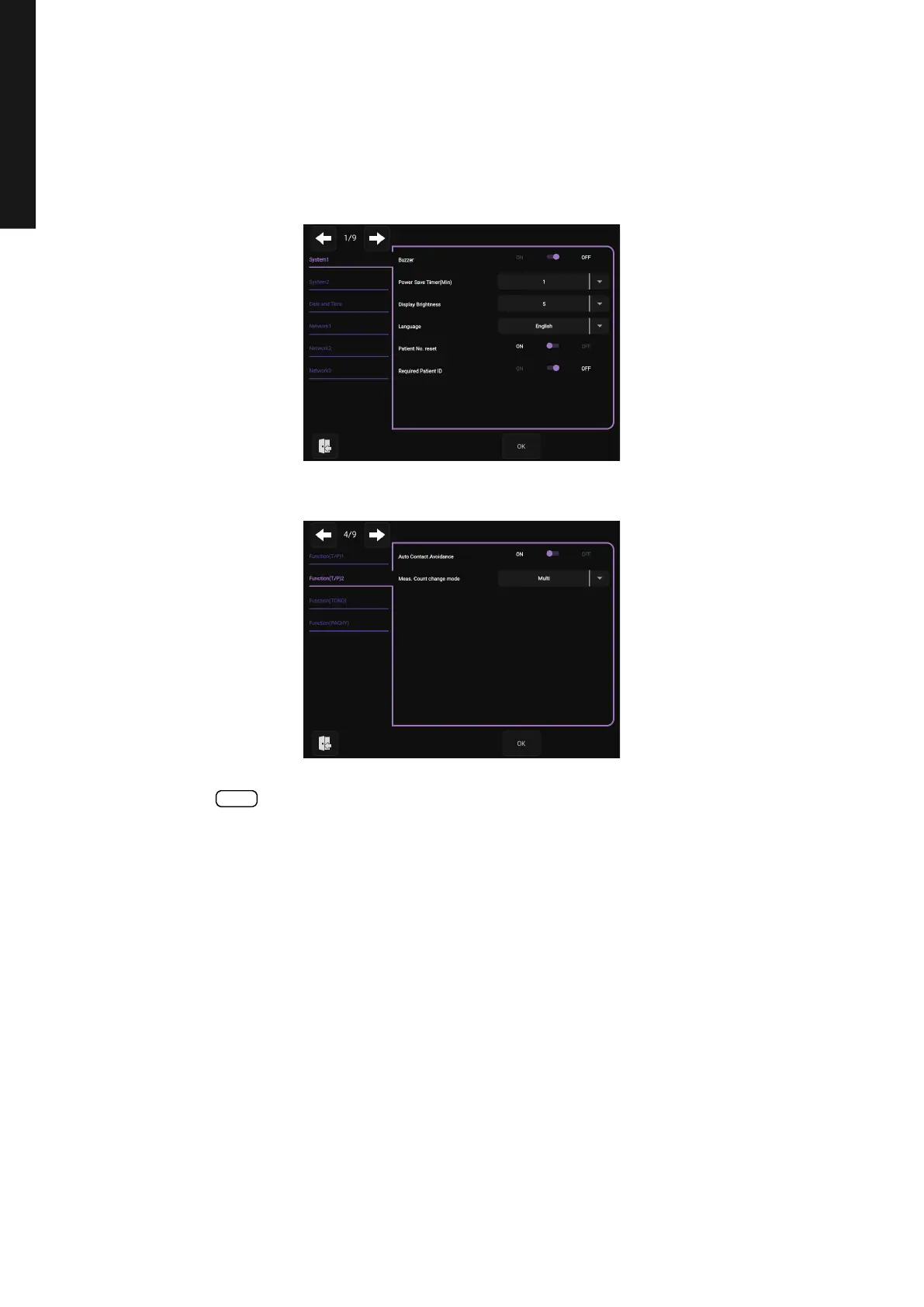
2 Set the “Auto Contact Avoidance Function” listed in “Function(T/P)2” on page 4/9.
3 Tap the button to confirm the setting.
OK



 To Next Page