36
PREPARATIONS
REGION SELECTION OF THE INITIAL STARTUP
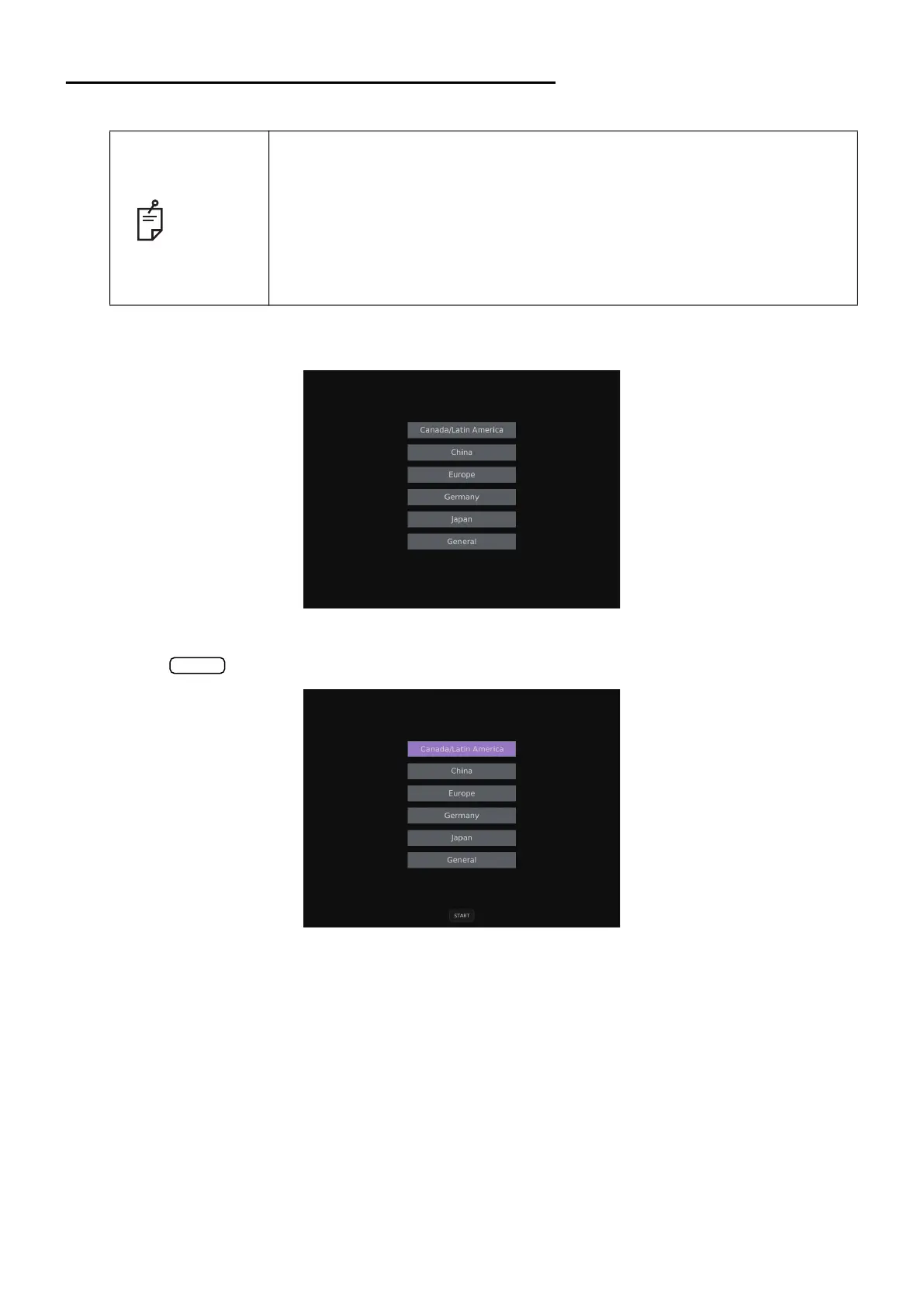
Please select a region in the initial startup of this instrument.
1 The region screen appears after displaying the startup screen.
2 Select one from Canada/Latin America/China/Europe/Germany/Japan/General, and then tap
the
button. The setting according to the selected region is applied to the instrument.
NOTE
• This operation is done only at initial startup.
• For an area besides Canada/Latin America, China, Europe, Germany and
Japan, please choose the “General”.
• The VD values vary with the selected area. (see page 106)
• The setting of this operation can be reset at “Factory data Reset” of “Sys-
tem 2”. (see page 103)
• If the operation of “Factory Data Reset” is carried out, clear the setting
information of all users.
START



 To Next Page