61
BASIC OPERATIONS
BASIC OPERATIONS
MEASUREMENT IN REF/KRTTONO/PACHY CONTINUOUS MEASUREMENT MODE
SETTING THE MEASURING RANGE
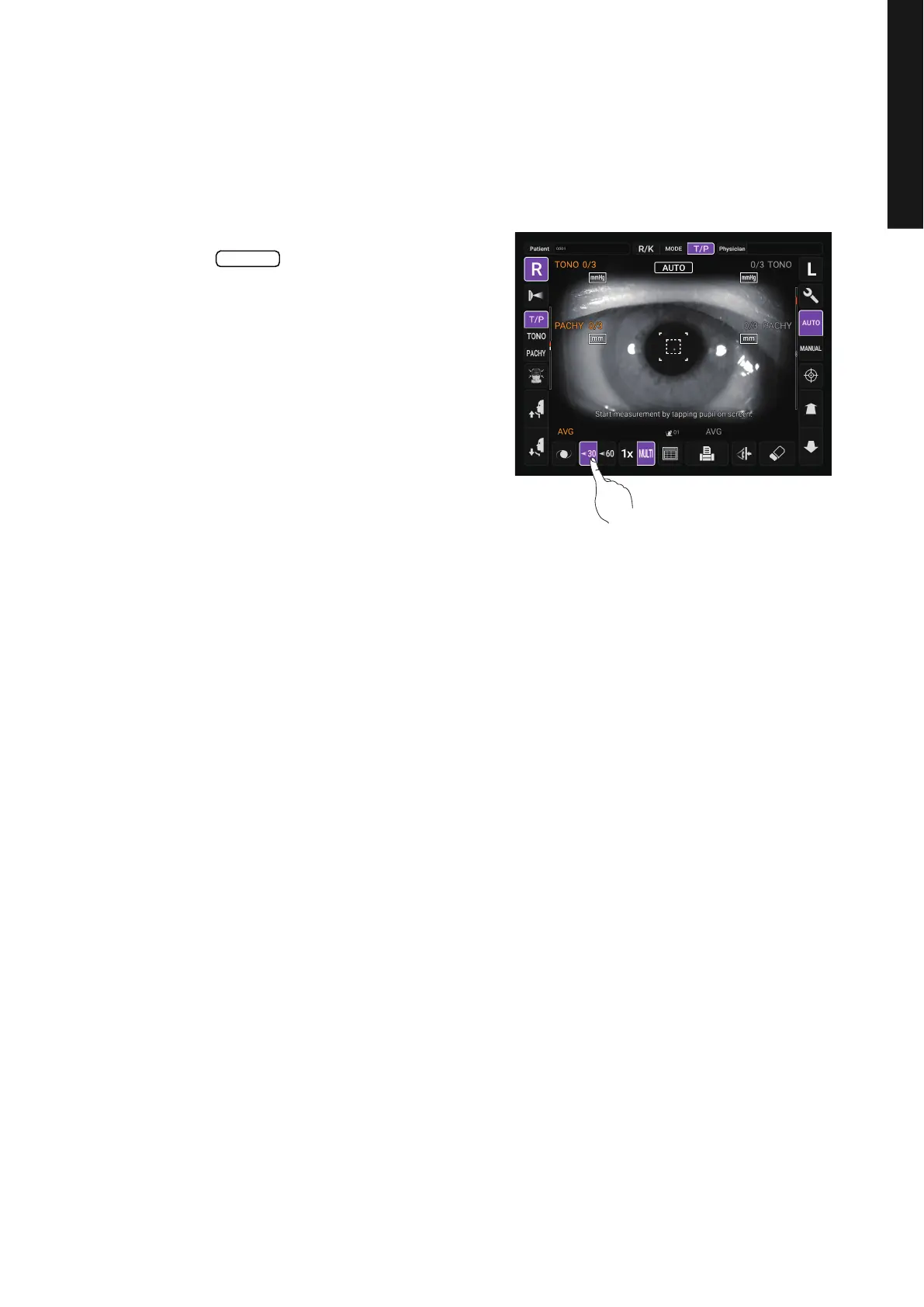
In this instrument, the measuring range can be switched in 2 steps between “7-30” and “30-60”.
Normally, “7-30” is used, but if the patient's intraocular pressure is high, switch it to “30-60”. The
default setting is “7-30” upon power on.
1 Check the Measurement screen.
2 Tap the button and set the mea-
suring range.
30/60



 To Next Page