94
OPTIONAL OPERATIONS
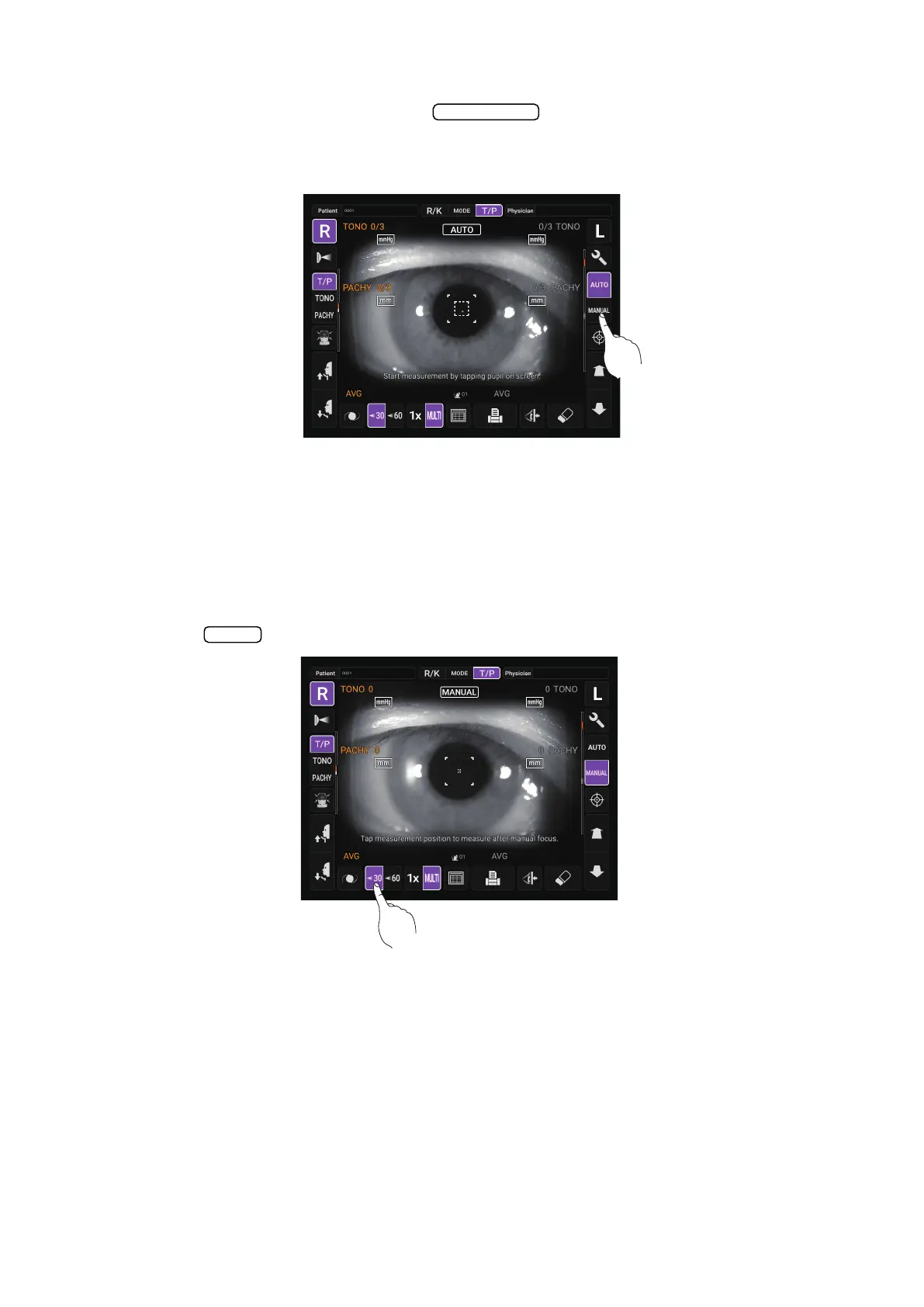
MANUAL MODE IN TONO/PACHY
1 Check the Measurement screen. If the button is “MANUAL”, the mode is Manual
mode.
2 If “AUTO” (Auto mode) is displayed, tap it and change to “MANUAL”.
SETTING THE MEASURING RANGE
In this instrument, the measuring range can be switched in 2 steps between “7-30” and “30-60”.
Normally, “7-30” is used, but if the patient's intraocular pressure is high, switch it to “30-60”. The
default setting is “7-30” upon power on.
1 Check the Measurement screen.
2 Tap the button of the control panel and set the measuring range.
Auto/Manual
30/60



 To Next Page