90
OPTIONAL OPERATIONS
3 Measurement operation
Measurement starts by pressing the MEASUREMENT switch at the top of the control lever.
MANUAL MODE IN REF/KRT
When the control lever is operated, the following three ways can be selected by setting “Change to
M by lever”.
• OFF: Operation by the control lever is possible while keeping the auto mode (continuous mea-
surement mode). See page 56 for “Continuous measurement mode”.
• ON: From left and right eye selection to alignment and measurement *, everything is done manu-
ally.
• Semi-auto: By operating the control lever of the operator, when the instrument is brought close to
the patient's eye, the position is automatically adjusted by auto alignment and the measurement*
is automatically performed.
* When “Auto Shoot” in “Function(Common)2” on the Setup screen is set to ON, operate the control
lever to automatically start measurement once the alignment is complete. Refer to “Auto Shoot” on
page 105.
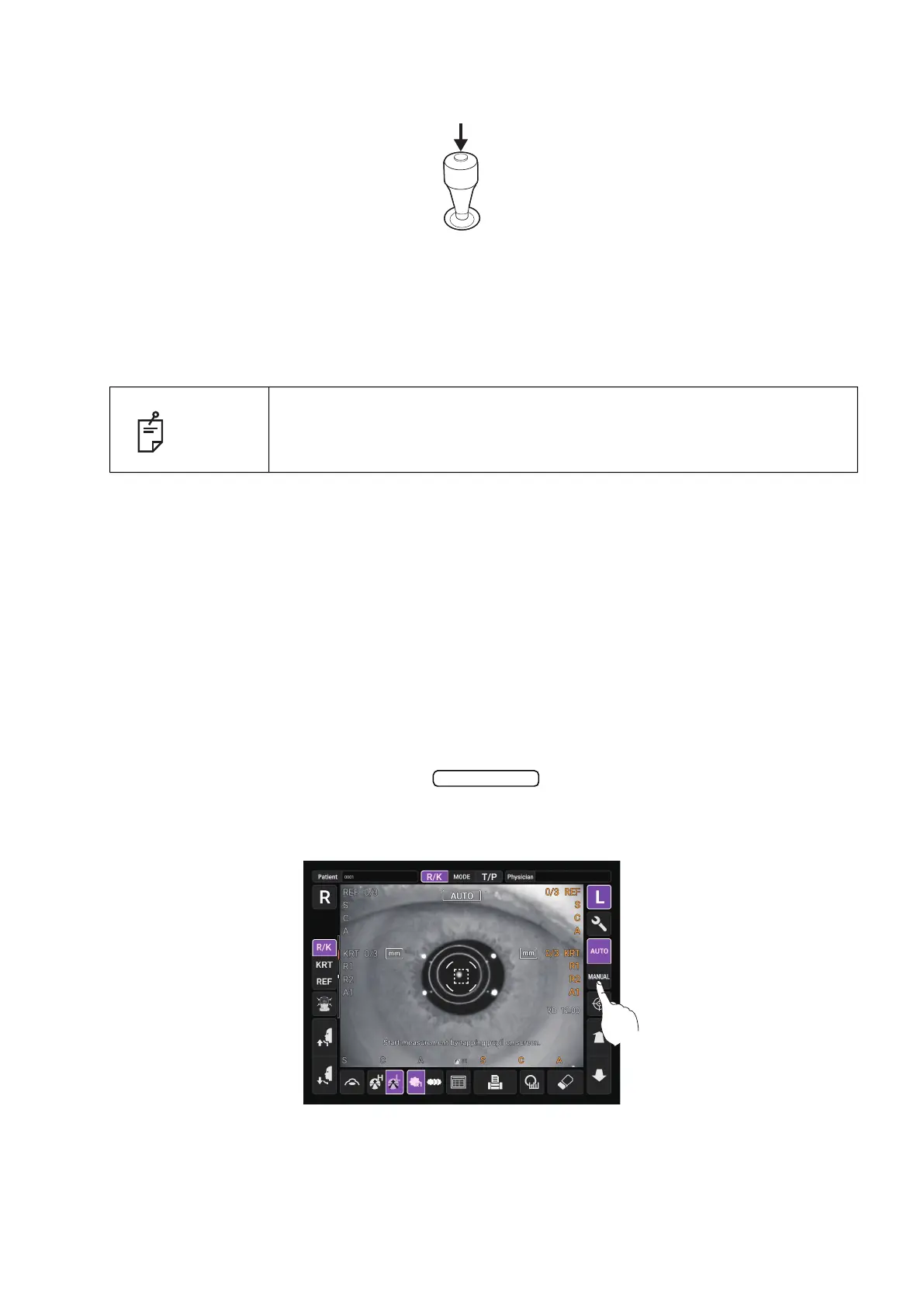
1 Check the Measurement screen. If the button is “MANUAL”, the mode is Manual
mode.
2 If “AUTO” (Auto mode) is displayed, tap it and change to “MANUAL”.
NOTE
Set the “Change to M by lever” setting to ON to automatically switch to
Manual model when the control lever is touched. Refer to “Change to M by
lever” on page 105.
Auto/Manual



 To Next Page