65
BASIC OPERATIONS
BASIC OPERATIONS
PRINT-OUT OF MEASUREMENT VALUES
PRINT-OUT OF MEASUREMENT VALUES
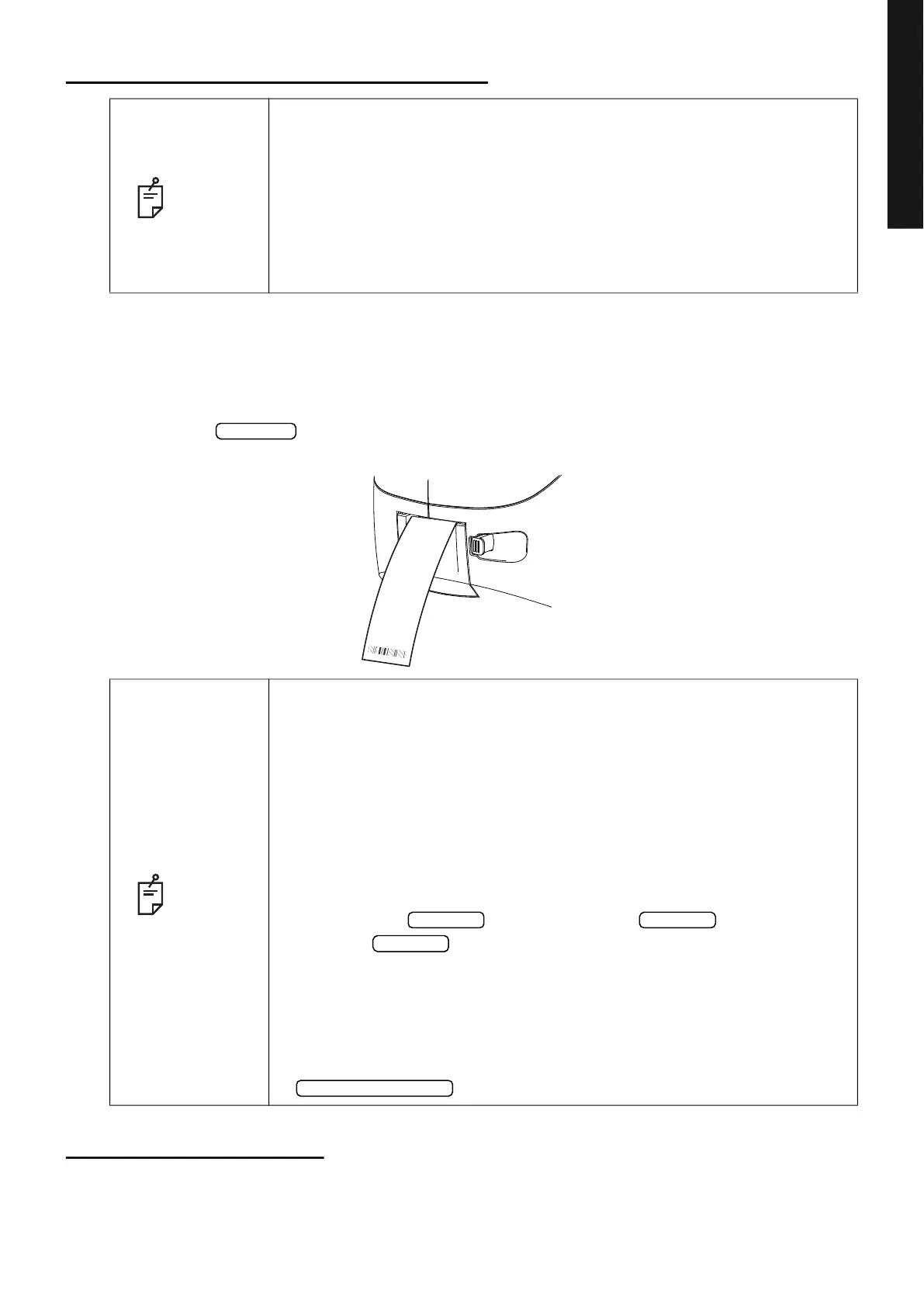
This instrument can print out measurement values with a printer.
1 Check the Measurement screen.
2 Tap the button on the control panel.
Measurement values on the monitor are printed out.
END OF MEASUREMENT
Tell the patient a measuring is end and leave from the instrument.
NOTE
• To avoid a paper jam in the printer, do not feed the paper if it is partly cut
or wrinkled.
• To avoid discoloring of the printer paper (particularly the recording area)
during storage, use a polypropylene bag and not one containing plasti
-
cizer (PVC, etc.).
• To avoid discoloring of the printer paper (particularly the recording area)
after pasting, use water-soluble glue and not one containing solvent.
• Since the printer paper is thermosensitive, it is not suitable for keeping
records for a long period. If necessary, prepare copies separately.
NOTE
• When a red line is printed at the edge of the printer paper, replace it with a
new one. For details about the replacement of the printer paper, see
PRINTER PAPER SETTING on page 34. 58mm wide printer paper
(example: TP50KJ-R, Nippon Paper) is recommended.
• When “Close printer cover” is displayed, the printer cover is open, so
close the printer cover securely.
• When the “Auto Print” is set to “ON” in the “Printer(Common)1”, measure-
ment is performed under Auto mode, and measurement results are
printed out automatically. (See page
108.)
• When the “Auto Cut” is set to “OFF” in the “Printer(Common)2” and you
need to cut a printer form, the way is that erase the measurement value
by tapping the
button, and tap the button to cut.
• When the button is tapped again after all the data is cleared by
printing out the measuring data, the previous measuring data is printed
out.
• All measured data is printed out. If printing out of only individual measure-
ment data (REF measurement data, KRT measurement data or TONO
measurement data only) is required, change the measurement mode to
the individual measurement for desired measurement data by tapping the
button. Then perform measurement and print out.
Print out
NAME
TONO. DATA
<
R
>
mmHg ADJ. mmHg ADJ.
2011_ 07_01 AM 11 : 00
OID:999
N o .0
1
SN:0000006
-CT
010017-
ERR
AVG
AVG
AVG
ERR
ERR
ERR
ERR
ERR
ERR
ERR
41
40
30
29
41
41
30
30
30
41
41
30
30
41
41
30
<
L
>
<
R
>
<
L
>
hPa ADJ
hPa ADJ
31
23
30
22
31
23
31
23
31
23
31
23
31
23
30
22
PACO.DATA
TOPCON
Message
<R> mm
<L> mm
0.764
0.760
0.767
0.762
0.761
0.762
0.763
0.766
0.765
0.763
0.792
0.766
0.735
0.720
0.765
0.772
0.762
0.767
0.756
0.752
0.763
0.756
All clear Print out
Print out
Measurement mode



 To Next Page