66
BASIC OPERATIONS
BASIC OPERATIONS
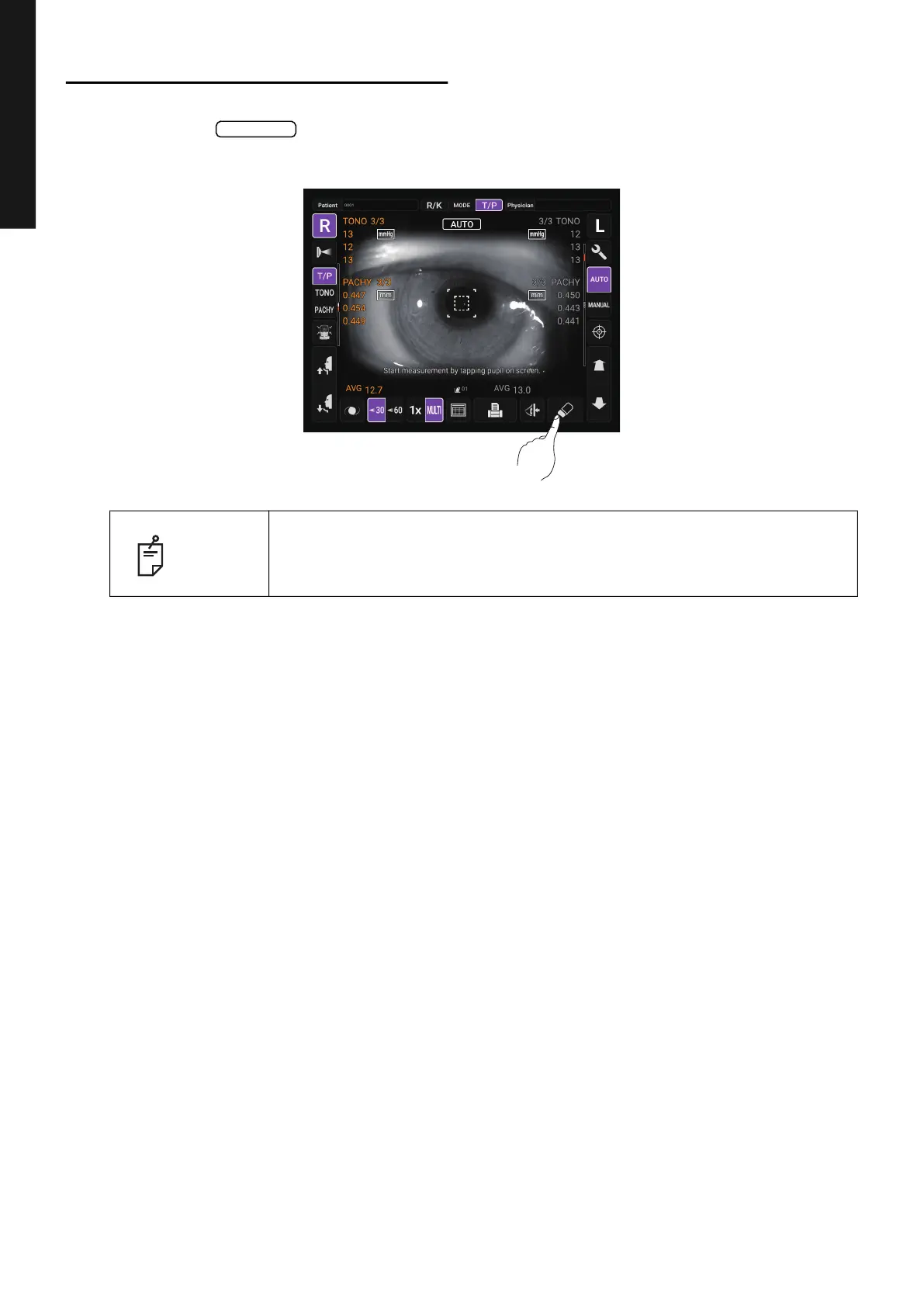
CLEARING MEASUREMENT VALUES
CLEARING MEASUREMENT VALUES
1 Tap the button on the control panel.
All measurement values of both eyes are cleared.
NOTE
After clearing the measurement values, the measuring head moves to the
“
Meas. Start: Standby Pos.” position selected in the “Function(Common)1”
on the Setup screen. (See page 105.)
All clear



 To Next Page