100
SETTING FUNCTIONS ON SETUP SCREEN
OUTLINE OF SETUP SCREEN OPERATIONS
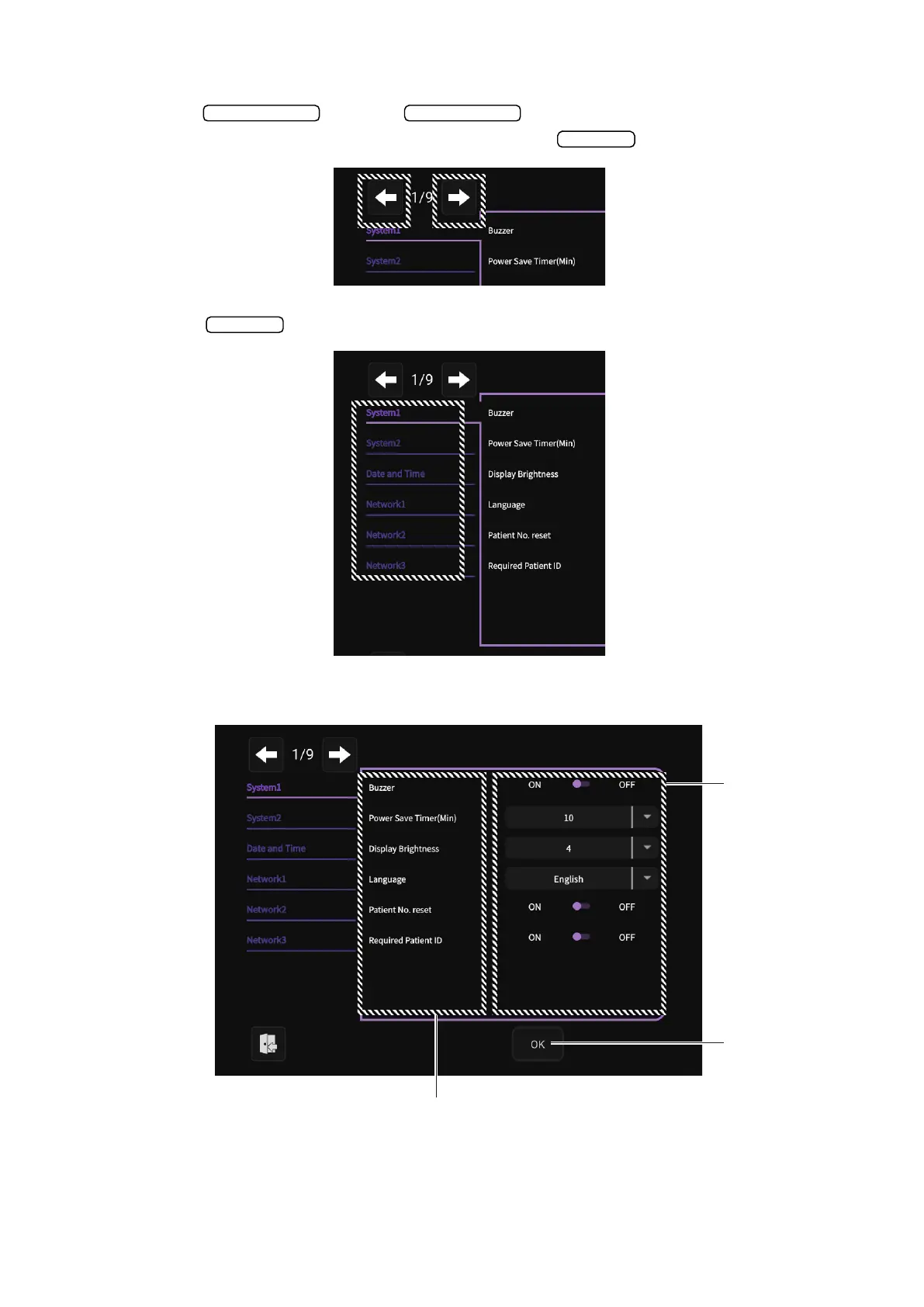
1 Use the button and button to display the required page until the
setting field you want to check or change is displayed in the .
2 Tap the and select the required setting field.
3 Check the display of the setting descriptions for which you want to change the setting.
Next page Back page
Index
Index
OK button
Descriptions
Setting change
operation part



 To Next Page