32
PREPARATIONS
CONNECTING EXTERNAL I/O TERMINALS
DATA OUTPUT
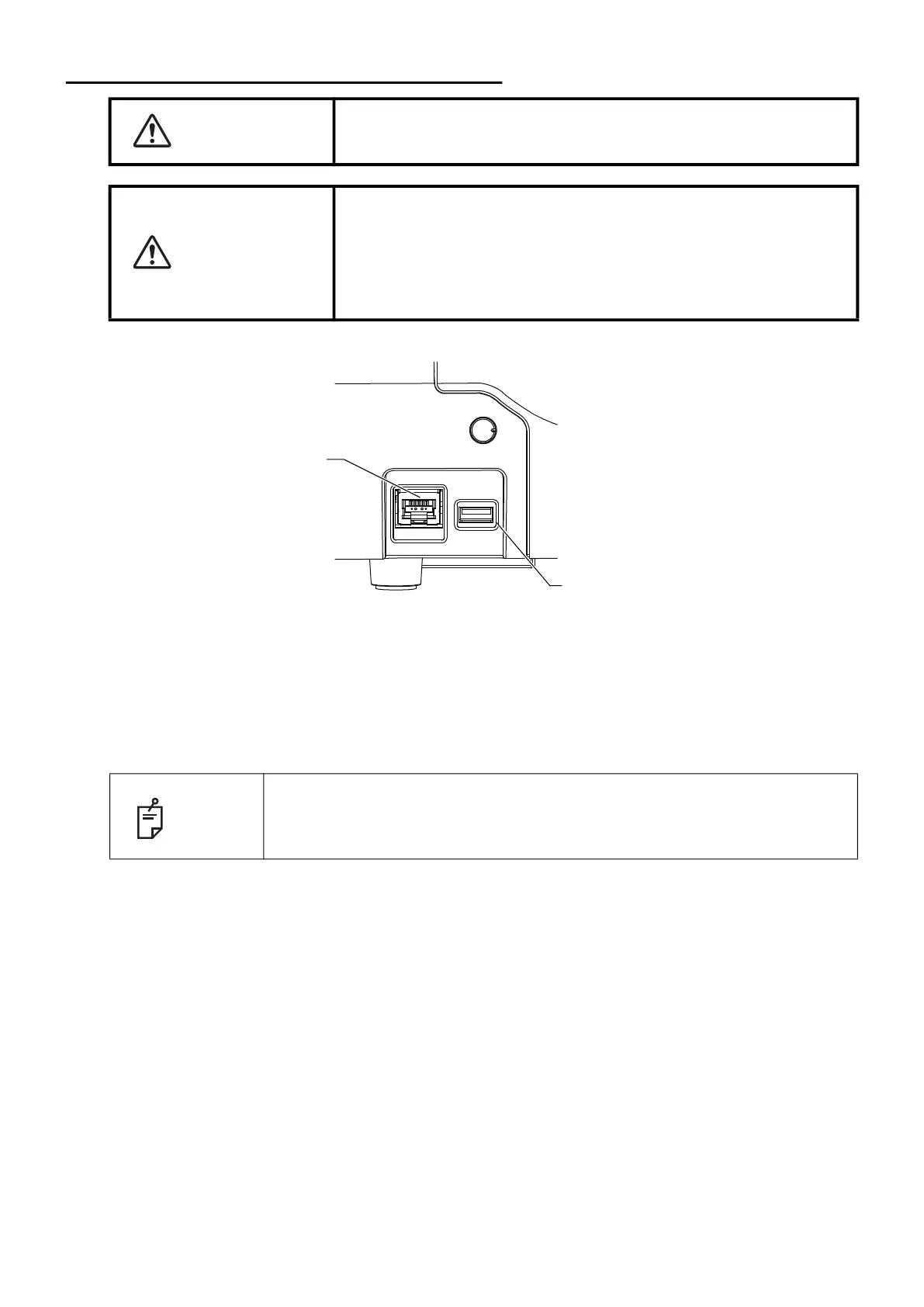
This instrument can be connected to a personal computer (PC) and other external devices via LAN.
1 Connect the connection cord to the output terminal of this instrument.
2 Connect the other end of the connection cord to a personal computer, etc.
WARNING
To avoid injury from electric shocks, do not connect anything other
than the specified external equipment to the external I/O terminals.
CAUTION
• To avoid electric shocks, do not touch the external connection
terminal and the patient at the same time.
• When connecting this instrument to a commercially available per-
sonal computer, use a personal computer that conforms to IEC
62368-1, and use an insulating device that conforms to IEC
60601-1 in the patient environment.
NOTE
If an external device infected with a virus is connected to this product, this
instrument may also be infected with the virus. Before connecting, make
sure that the external device is not infected with a virus.
USB terminal
LAN terminal



 To Next Page