83
OPTIONAL OPERATIONS
3 Tap the button and focus on the patient's eye. The alignment
dot is reflected off-focus on the cornea.
NOTE
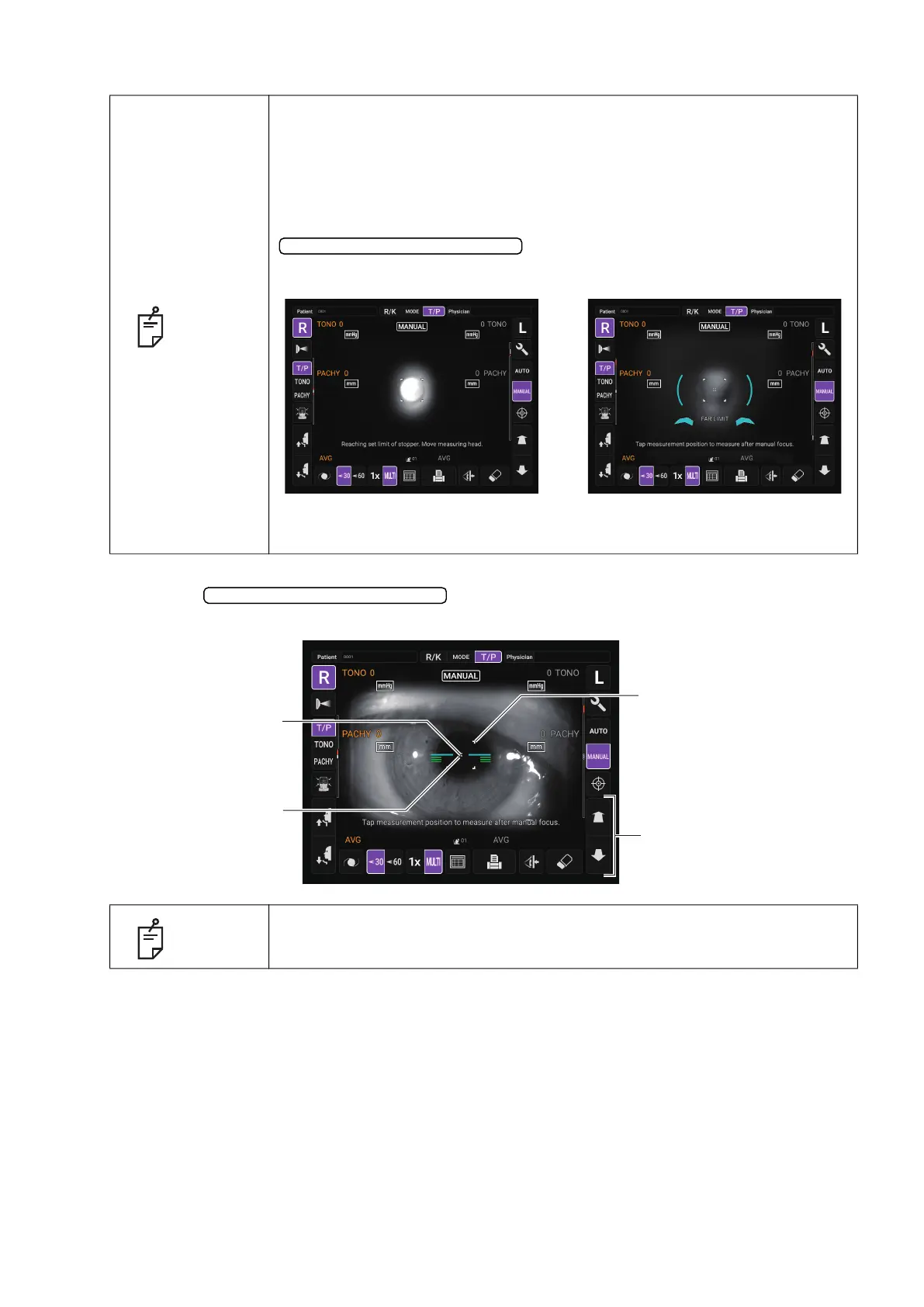
When the measuring head is at the limit of movement in the forward
direction, “Reaching set limit of stopper. Move measuring head.” is
displayed, and when it is at the limit of movement in the backward direction,
“FAR LIMIT” is displayed. If the position is detected, “TOO CLOSE” is
displayed at a position closer than 3 mm to the patient's eye. Check the
position of the patient’s face and the height of the chinrest, and using the
button, move the measuring head to a
position that alignment is possible.
NOTE
As the main body approaches the patient, focus of Measurement screen
changes.
Measuring head forward/backward
Limit of movement in the forward direction Limit of movement in the backward direction
Measuring head forward/backward
Outer alignment mark
Measuring head forward/
backward button
Alignment dot
Alignment mark



 To Next Page