Safety Features D292144.2.fm x
Open Doors Stop Operation
All automated motion stops when an enclosure cabinet door is opened. The only exception to
this is the Tape Advance function which allows the user to load and unload the taper. The pick
head, nozzle, tape and trays can only be moved manually as long as the doors are open.
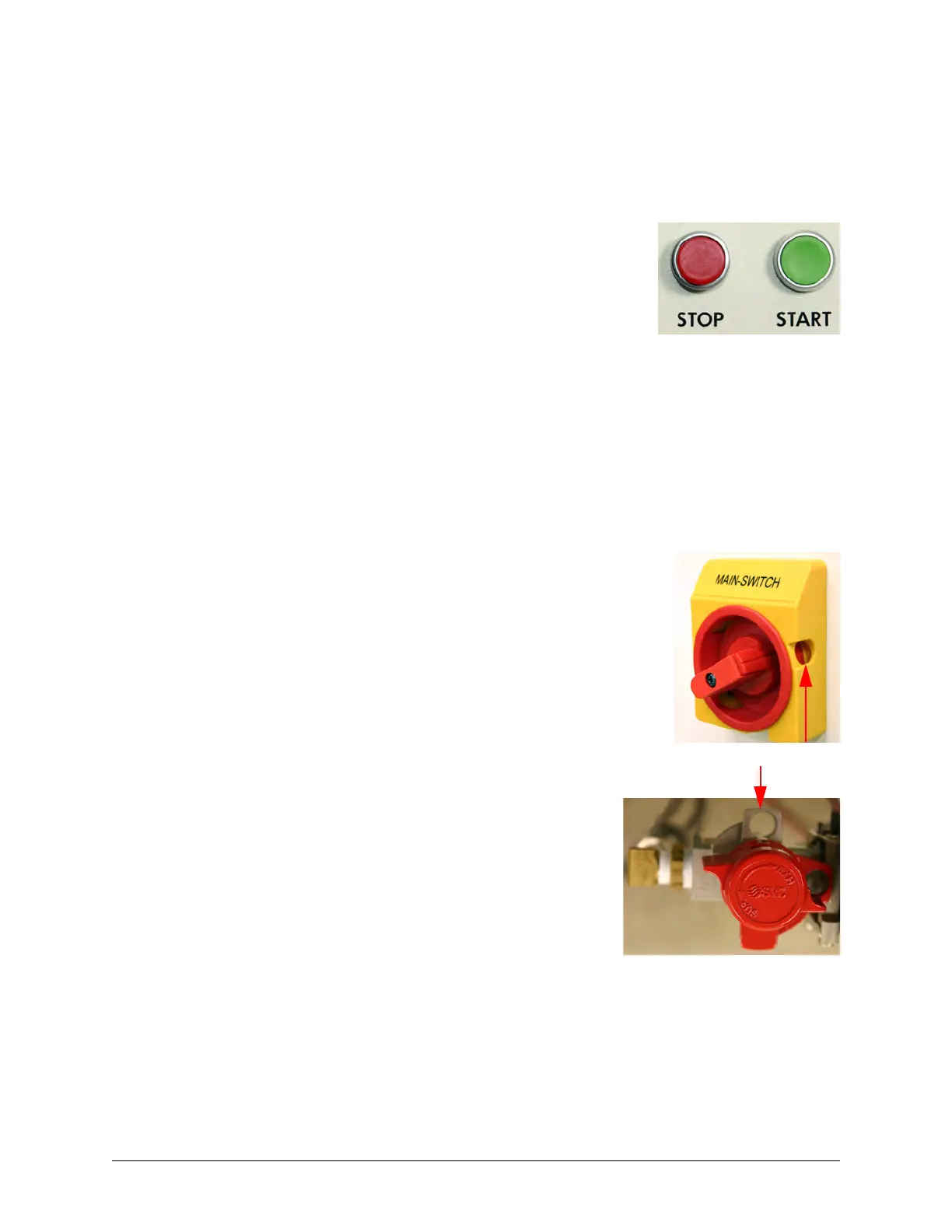
Once a job has been selected or programmed, it can be started and
stopped from the HMI or by pressing the Start and Stop buttons.
Buzzer Alarm
The buzzer alarm will sound and halt the Run Mode process of the machine at any time a System
Alarm occurs. A description of the System Alarm and suggestions for resolving it will appear on
the HMI Main Screen.
Lockout/Tagout
The Main Switch can be turned ON and OFF by turning the red knob
back and forth. When the red knob is placed in the OFF position, the
lockout/tagout hole is exposed. The Main Switch can then be locked
out by placing a lock through the hole.
The Air Regulator can be turned ON and OFF by turning
the top red cap back and forth. When the red cap is
placed in the OFF position, the lockout/tagout hole will be
exposed. The Air Regulator can then be locked out by
placing a lock through the hole.
Be sure to follow company guidelines regarding lockout/
tagout procedures.



 To Next Page