D292144.9.fm System Alarm Messages
Chapter 6: Troubleshooting 6-9
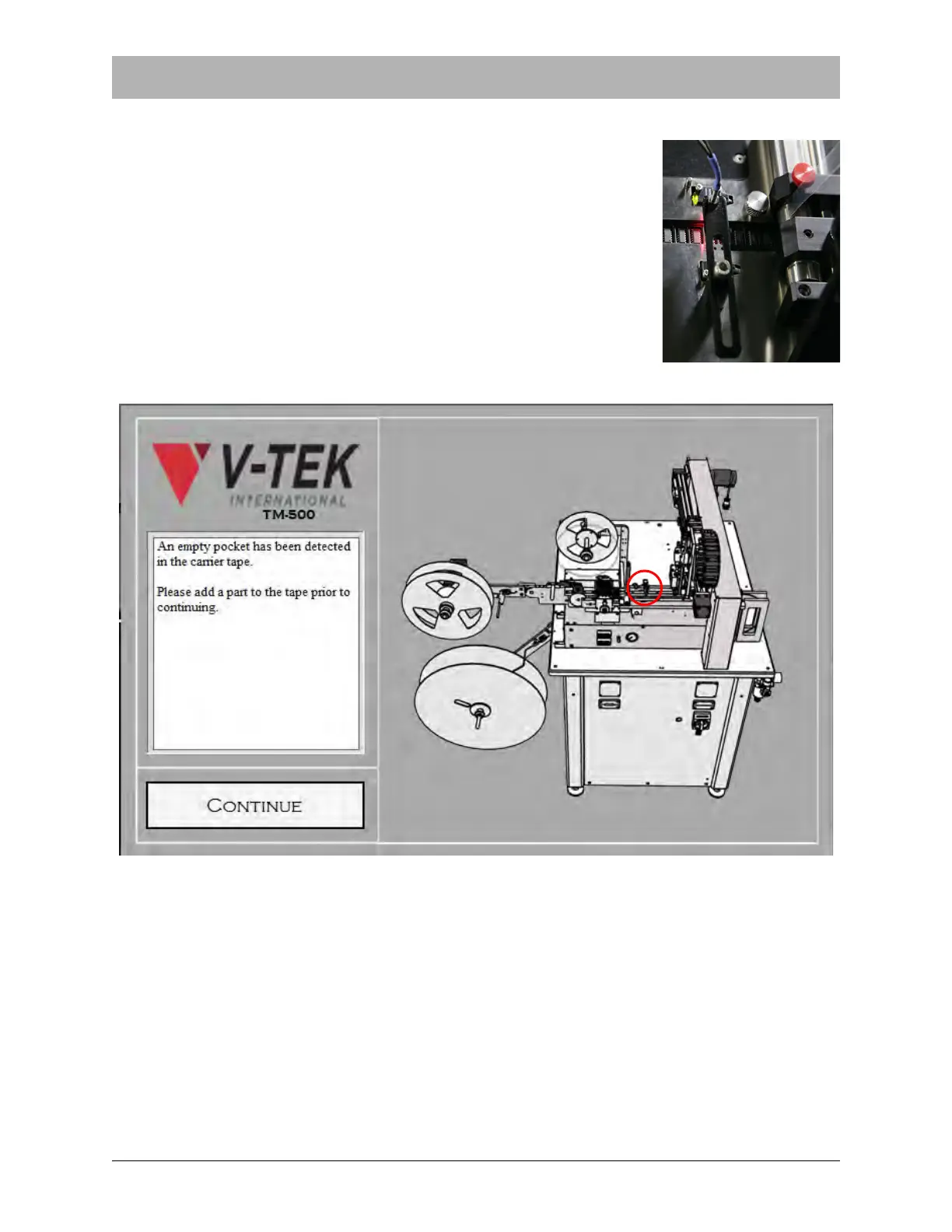
Empty Pocket System Alarm
The Empty Pocket Detector (EPD) is located on the Taper Track.
near the Sealer. As its name implies, it recognizes the difference
between a tape pocket with a part in it and an empty tape pocket.
If the Empty Pocket Detector is enabled and it detects an empty
pocket, the Empty Pocket System Alarm will be activated. Tape
advance stops, a beep sounds and a warning appears on the HMI.
.
To clear the Empty Pocket System Alarm, place a correctly oriented part in the empty pocket.
Press CONTINUE to clear the alarm and resume operation.



 To Next Page