6-12 TM-500 User’s Guide
System Alarm Messages D292144.9.fm
E-Stop Pressed Message
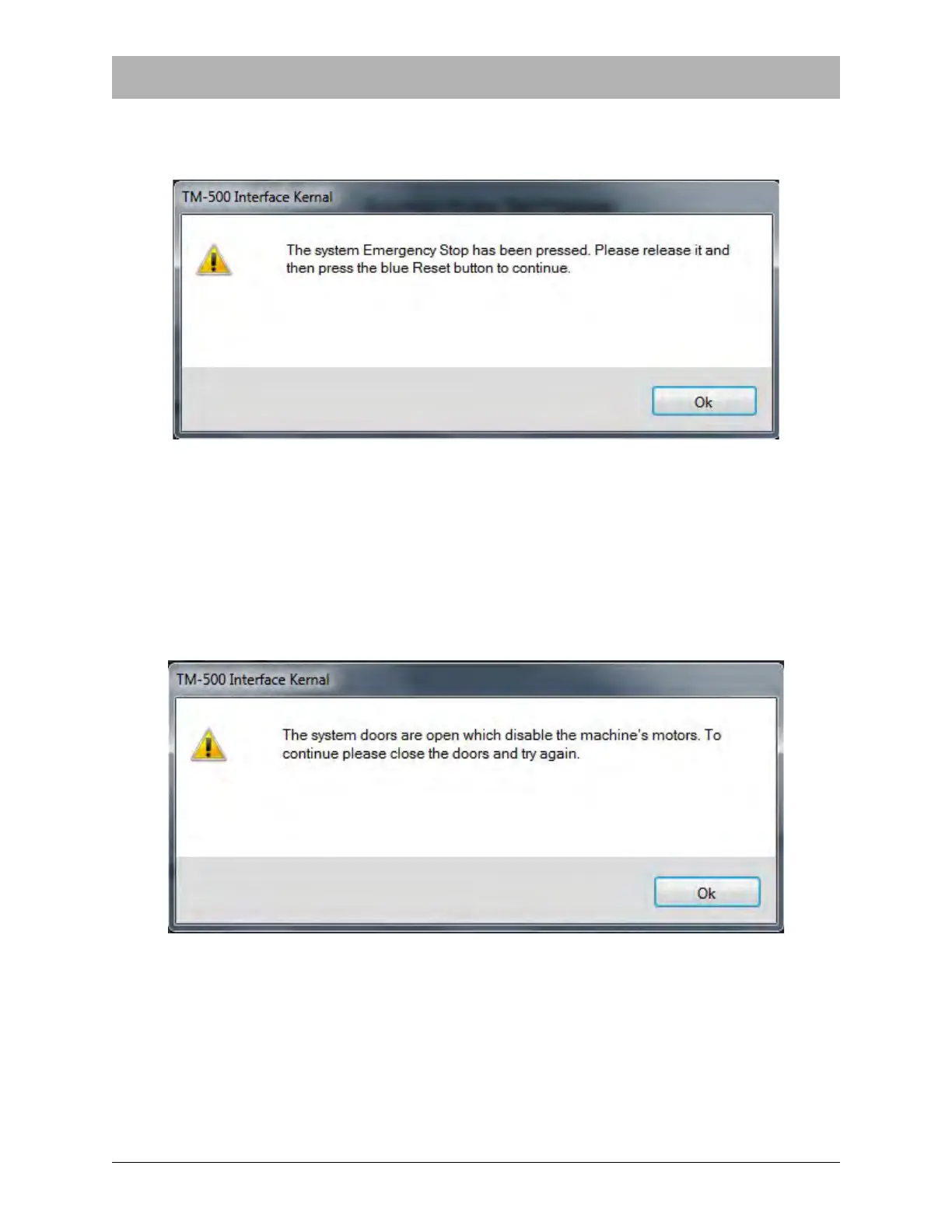
When the Emergency Stop button is pressed, the following message will appear on the screen:
To clear the E-Stop Pressed message, resolve the E-Stop condition, reset the machine and
home the motors. Press OK, then press Start to resume operation.
Doors are Open Message
The TM-500 will not operate if the enclosure doors are open. If the doors are open, the following
message will appear on the screen:
Close all enclosure doors, then press OK to continue.


 To Next Page