3-30 TM-500 User’s Guide
The Setup Screens D292144.6.fm
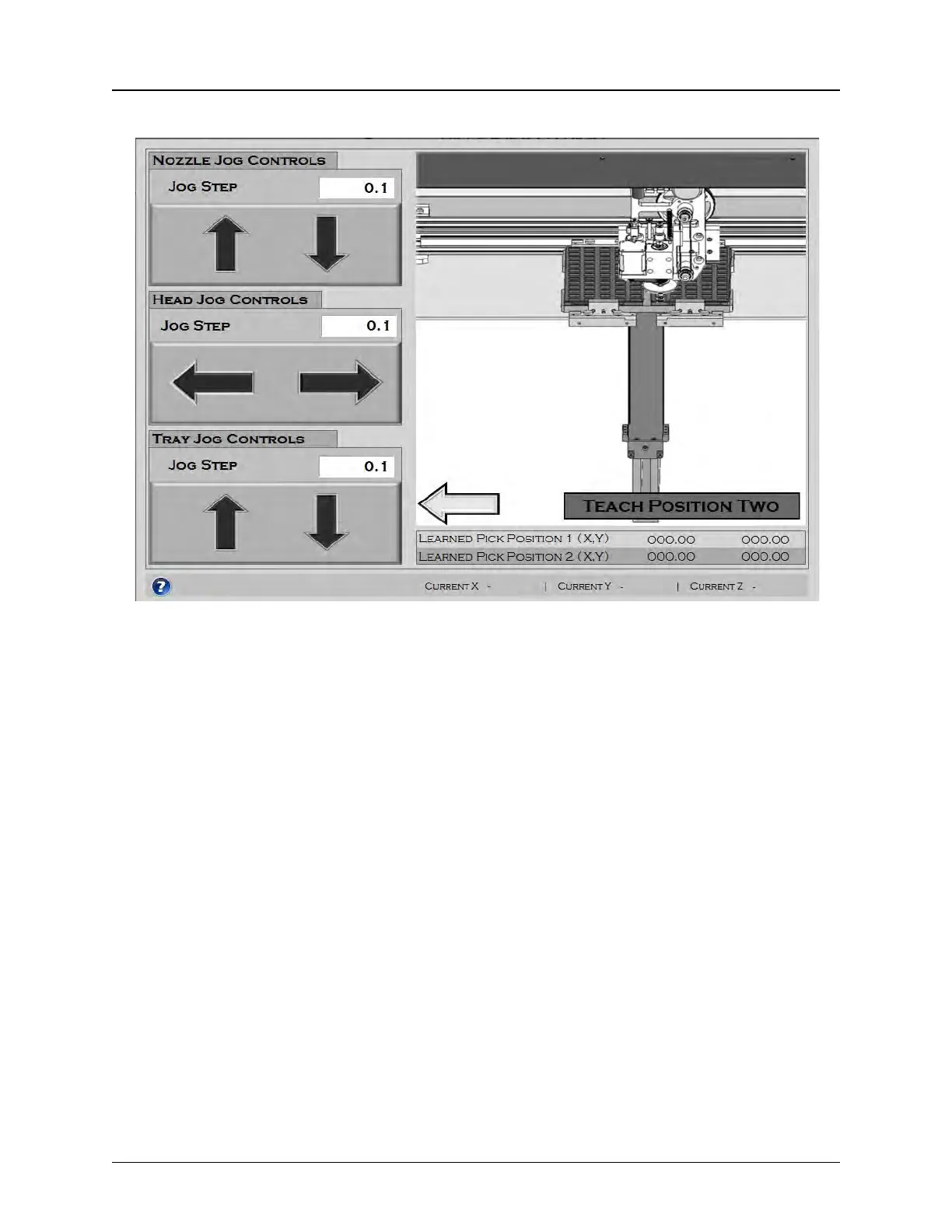
Pitch Wizard Screen 3
The third Pitch Wizard screen allows the user to teach the pick position of the last pocket that will
be picked. The graphic animation on the right illustrates the process.
Press the Question Mark Icon for further information. Press the Left Arrow button to return to
the previous step.
Use the Jog buttons to center the nozzle over the last pocket of the tray, then press Teach Posi-
tion Two.
Once Pick Position 2 has been taught, the final Pitch Wizard screen will open.



 To Next Page