D292144.6.fm The Setup Screens
Chapter 3: Human Machine Interface 3-31
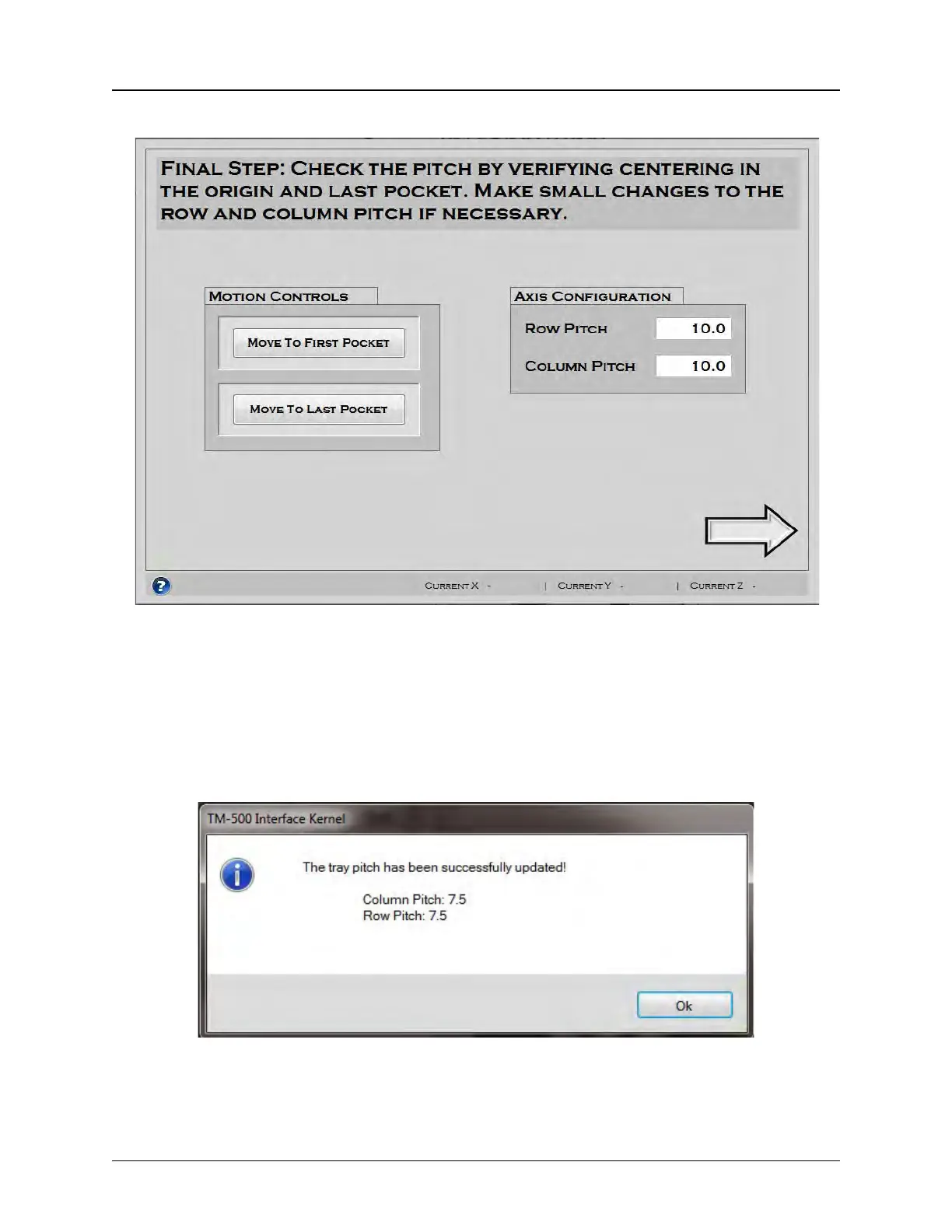
Pitch Wizard Screen 4
The final Pitch Wizard screen allows the user to check the pitch to ensure the nozzle is centered
over the tray pockets correctly.
Press the Move to First/Last Pocket to center the nozzle over the first/last pocket of the tray,
Correct Row Pitch or Column Pitch, if necessary.
Press the Question Mark Icon for further information. Press the Right Arrow button to finish the
Pitch Wizard. The following message will appear.
Press OK to return to the Tray Tab.



 To Next Page