3-32 TM-500 User’s Guide
The Setup Screens D292144.6.fm
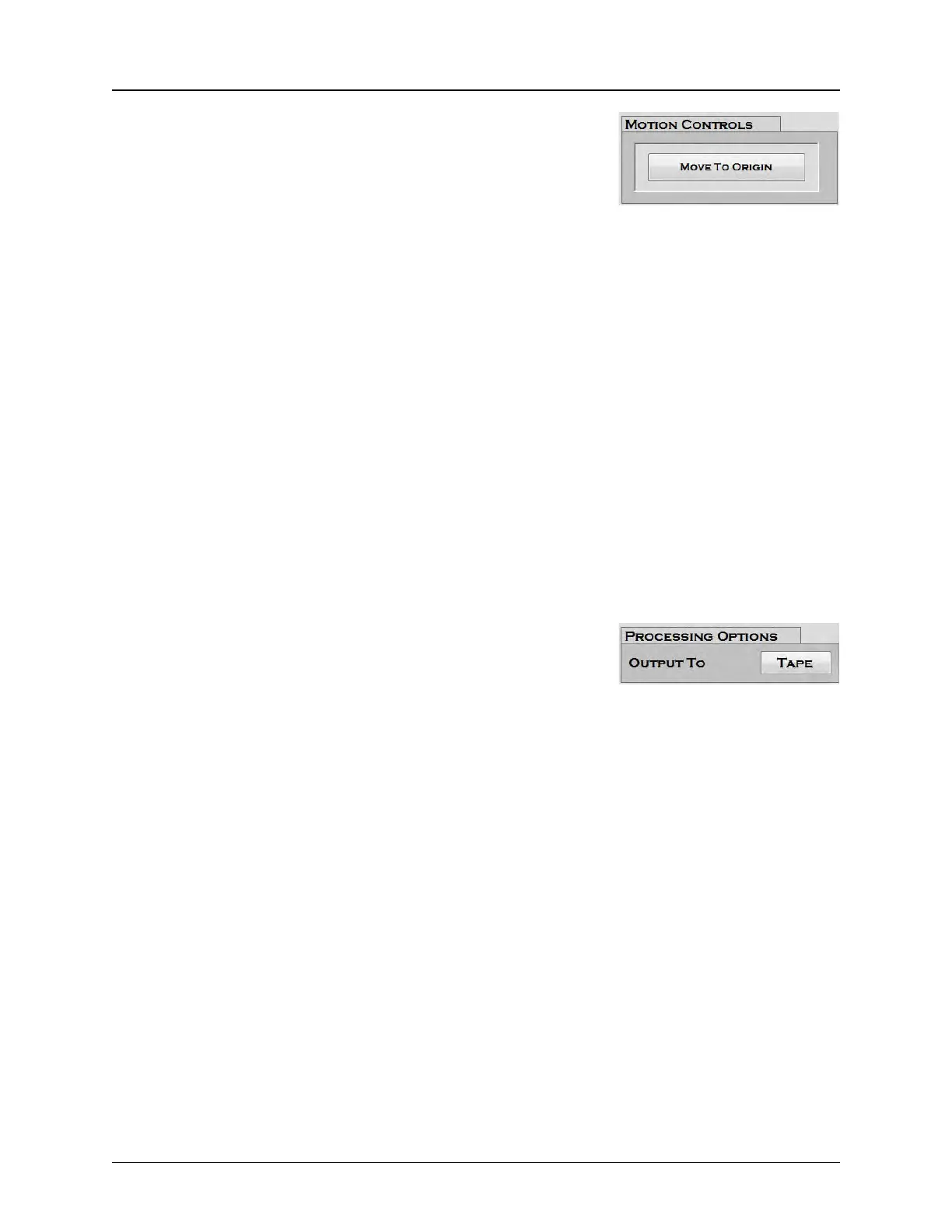
3. Motion Controls
The Move to Origin button moves the tray and head to the
user-defined Pick Position 1 in Tray 1.
The Index Control right/left arrows move the tray right or left
one column. The up/down arrows move the tray forward or
backward one row. The center button brings the Tray Module to
the Eject Tray Position at the front of the machine so it is easily
accessible.
The Tray Jog Control buttons moves the tray the distance that
is preset in the Tray Jog Step field. The Up Arrow moves the
tray toward the head. The Down Arrow moves the tray away
from the head.
Note: All settings in the right column of the Tray Setup
Tab (#4-8 below) will appear greyed out if the 3D Cam-
era option is not installed.
4. Processing Options
The Output To button toggles between Tape and Tray outputs.
• If output to Tape is selected, the parts will be picked
from tray and placed to tape. Selecting output to Tape
will also automatically display the Taper and 2D Cam-
era (if installed) on the Setup Tabs list.
• If output to Tray is selected, both the Taper and 2D
Camera (if installed) will be removed from the Setup
Tab. The picked part will be inspected and placed back
into tray.



 To Next Page