EasyManua.ls Logo

Valleylab CUSA EXcel-8 - Page 102

Valleylab CUSA EXcel-8
239 pages
Print Icon
To Next Page IconTo Next Page
To Previous Page IconTo Previous Page
Loading...
Handpiece
Test
(Optional)
7.
Wait
for
the
Cooling
Water
and
flashing
Wait
indicators
(amber)
to
turn
off
(this
indicates
that
the
handpiece
cooling
water
circuit
is
working
properly).
It
usually
takes
about
one
minute.
Do
not
allow
the
handpiece
tip
to
contact
anyone
or
anything
during
tip
activation.
Contact
may
result
in
patient
injury,
user
injury,
or
handpiece
tip
damage.
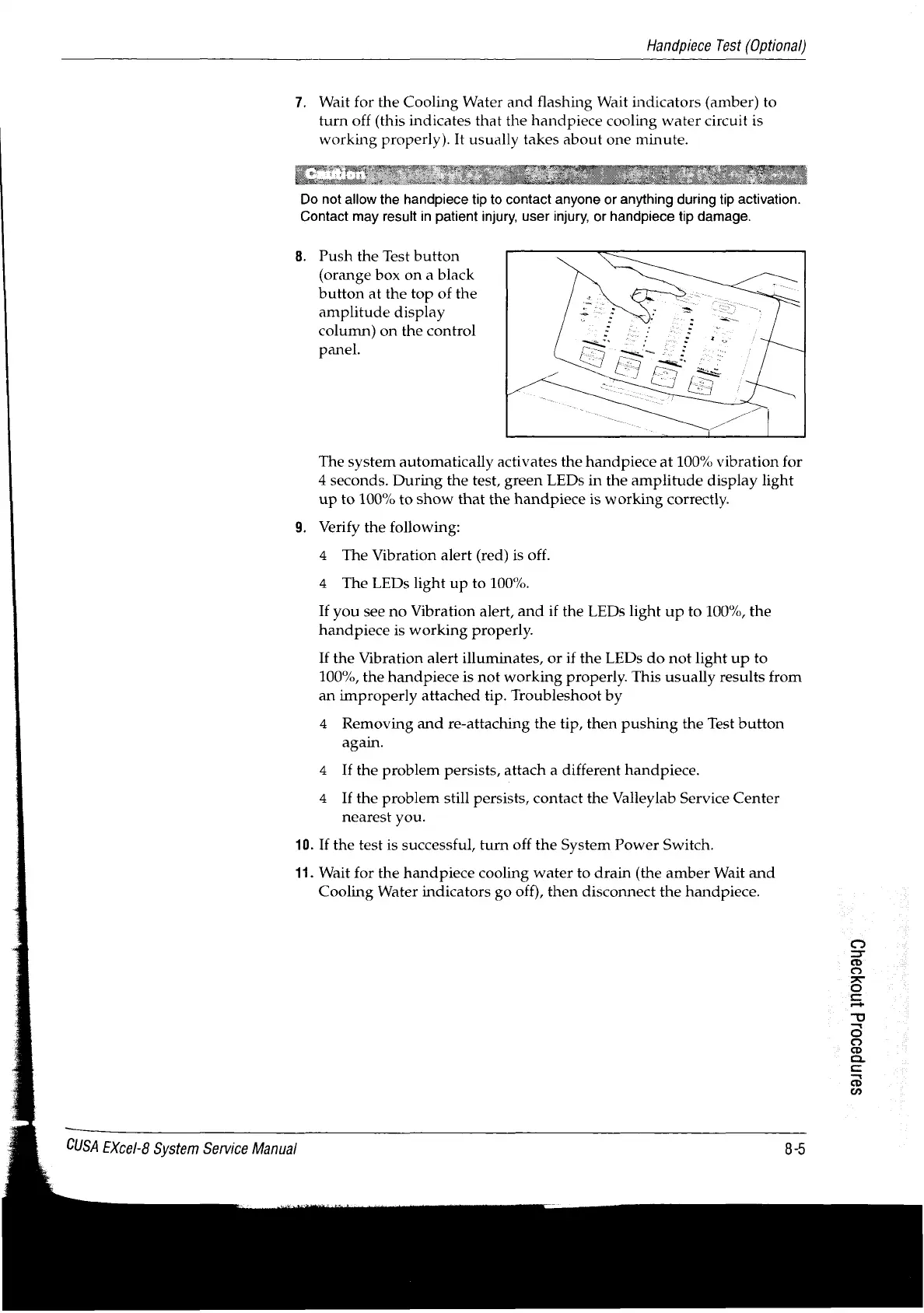
8.
Push
the
Test
button
(orange
box
on
a
black
button
at
the
top
of
the
amplitude
display
column)
on
the
control
panel.
The
system
automatically
activates
the
handpiece
at
100%
vibration
for
4
seconds.
During
the
test,
green
LEDs
in
the
amplitude
display
light
up
to
100%
to
show
that
the
handpiece
is
working
correctly.
9.
Verify
the
following:
4
The
Vibration
alert
(red)
is
off.
4
The
LEDs
light
up
to
100%.
If
you
see
no
Vibration
alert,
and
if
the
LEDs
light
up
to
100%,
the
handpiece
is
working
properly.
If
the
Vibration
alert
illuminates,
or
if
the
LEDs
do
not
light
up
to
100%,
the
handpiece
is
not
working
properly.
This
usually
results
from
an
improperly
attached
tip.
Troubleshoot
by
4
Removing
and
re-attaching
the
tip,
then
pushing
the
Test
button
again.
4
Ifthe
problem
persists,
attach
a
different
handpiece.
4
Ifthe
problem
still
persists,
contact
the
Valleylab
Service
Center
nearest
you.
10.
If
the
test
is
successful,
turn
off
the
System
Power
Switch.
11.
Wait
for
the
handpiece
cooling
water
to
drain
(the
amber
Wait
and
Cooling
Water
indicators
go
off),
then
disconnect
the
handpiece.
s9Jnp990Jd
1h0399Uu9
CUSA
EXcel-8
System
Service
Manual
8-5

Table of Contents

Related product manuals