EasyManua.ls Logo

Valleylab CUSA EXcel-8 - Electromagnetic Interference; Footswitch Symbols; Fuse Replacement; Pinch Point in the Suction Pinch Valve

Valleylab CUSA EXcel-8
239 pages
Print Icon
To Next Page IconTo Next Page
To Previous Page IconTo Previous Page
Loading...
Standards
and
lEC
Classifications
Electromagnetic
Interference
The
CUSA
EXcel
console
minimizes
electromagnetic
interference
to
other
equipment
used
in
the
operating
room. The
system complies
with
the
requirements
of
IEC
801.
Note
that
other
devices
in
the
operating
room
may
generate
electromagnetic
interference.
Use
caution
in
locating
equipment
within
the
room
to
reduce
the
electromagnetic
interference.
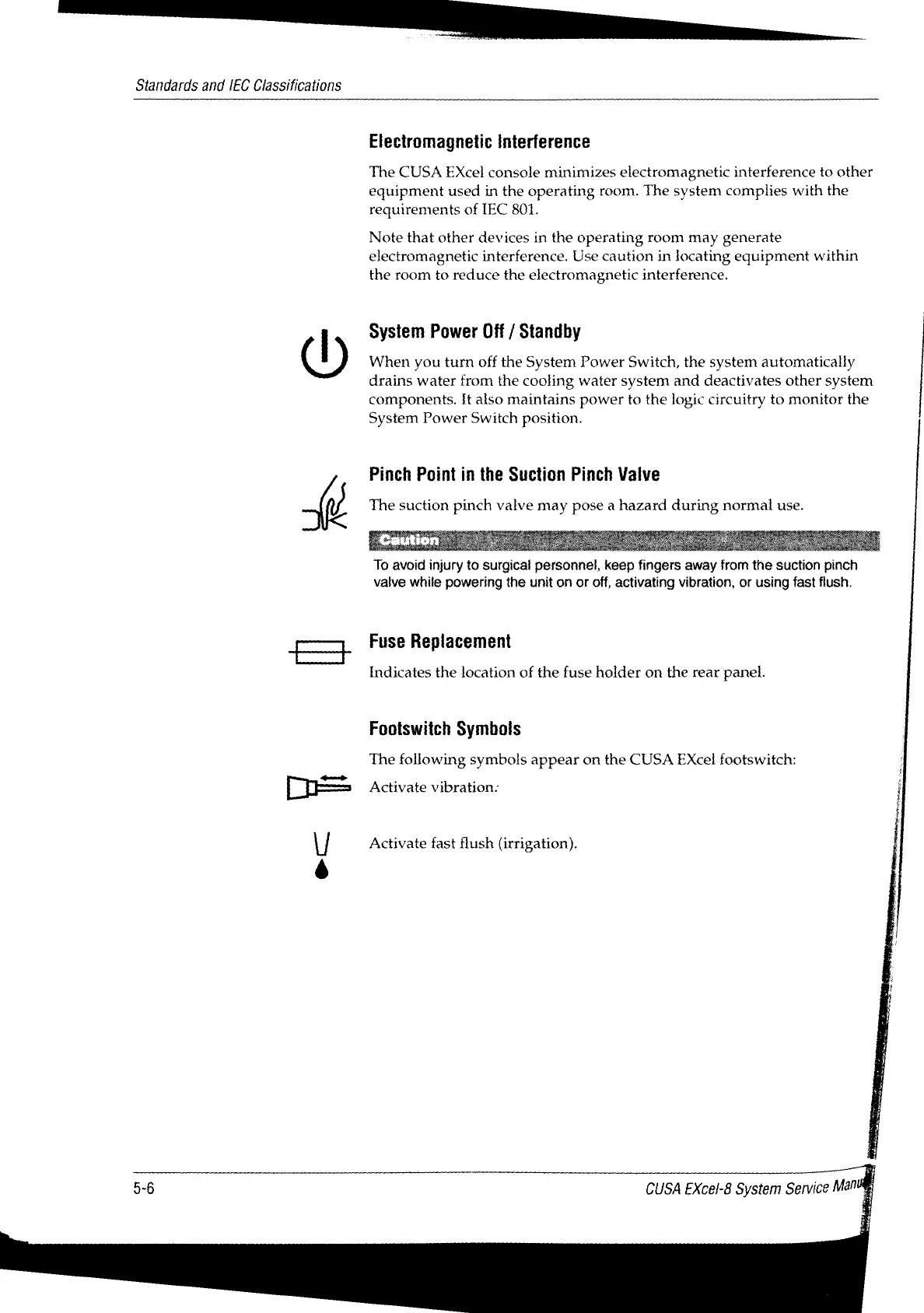
System
Power
Off
/
Standby
When
you
turn
off
the
System
Power
Switch,
the
system
automatically
drains
water
from
the
cooling water
system
and
deactivates
other
system
components.
It
also
maintains
power
to
the
logic
circuitry
to
monitor
the
System
Power
Switch
position.
Pinch
Point
in
the
Suction
Pinch
Valve
The
suction
pinch
valve
may
pose
a
hazard
during
normal
use.
To
avoid
injury
to
surgical
personnel,
keep
fingers
away
from
the
suction pinch
valve
while
powering
the
unit
on
or
off,
activating
vibration,
or
using
fast
flush.
Fuse
Replacement
Indicates
the
location
of
the
fuse
holder
on
the
rear
panel.
Footswitch
Symbols
The
following
symbols
appear
on
the
CUSA
Excel
footswitch:
Activate
vibration:
Activate
fast
flush
(irrigation).
CUSA
EXcel-8
System
Service
Man

Table of Contents

Related product manuals