EasyManua.ls Logo

Valleylab CUSA EXcel-8 - Setpoint Adjustment Buttons; Status Indicators

Valleylab CUSA EXcel-8
239 pages
Print Icon
To Next Page IconTo Next Page
To Previous Page IconTo Previous Page
Loading...
Control
Panel
Status
Indicators
To
change
from
Standby
to
Run,
or
from
Run
to
Standby,
press
the
Status
button.
Run:
A
green
LED
illuminates
to
show
when
the
system
is
in
Run
status.
Standby:
An
amber
LED
illuminates
to
show
when
the
system
is
in
Standby
status.
Wait:
An
amber
LED
illuminates
in
the
following
circumstances:
+
Flashing
-
Immediately
after
turning
on
(
|
)
the
System
Power
Switch,
the
system
automatically
fills
the
handpiece
with
cooling
water
*
Flashing
Immediately
after
turning
off
(
()
)
the
System
Power
Switch,
the
system
automatically
drains
handpiece
cooling
water
e
Continuous
When
any
alarm
condition
exists
e
Continuous
When
in
Prime
mode.
Cooling
Water:
An
amber
LED
illuminates
in
the
following
circumstances:
¢
Immediately
after
turning
on
(|
)
the
System
Power
Switch,
the
system
automatically
fills
the
handpiece
with
cooling
water.
*
Immediately
after
turning
off
(
©
)
the
System
Power
Switch,
the
system
automatically
drains
handpiece
cooling
water.
Setpoint
Adjustment
Buttons
Marked
with
Up/Down
arrows,
these
buttons
allow
you
to
adjust
the
setpoint
values:
Aspiration
(Suction):
10
increments;
linear
scale
of
10
to
100%;
default
value
is
100%.
Irrigation:
10
increments;
linear
scale
of
1
to
10
cc/min;
default
value
is
3
cc/min.
Amplitude:
10
increments;
linear
scale
of
10
to
100%;
default
value
is
10%.
TISSUE
Select:
5
increments
from
std
(standard
operation)
to
++++.
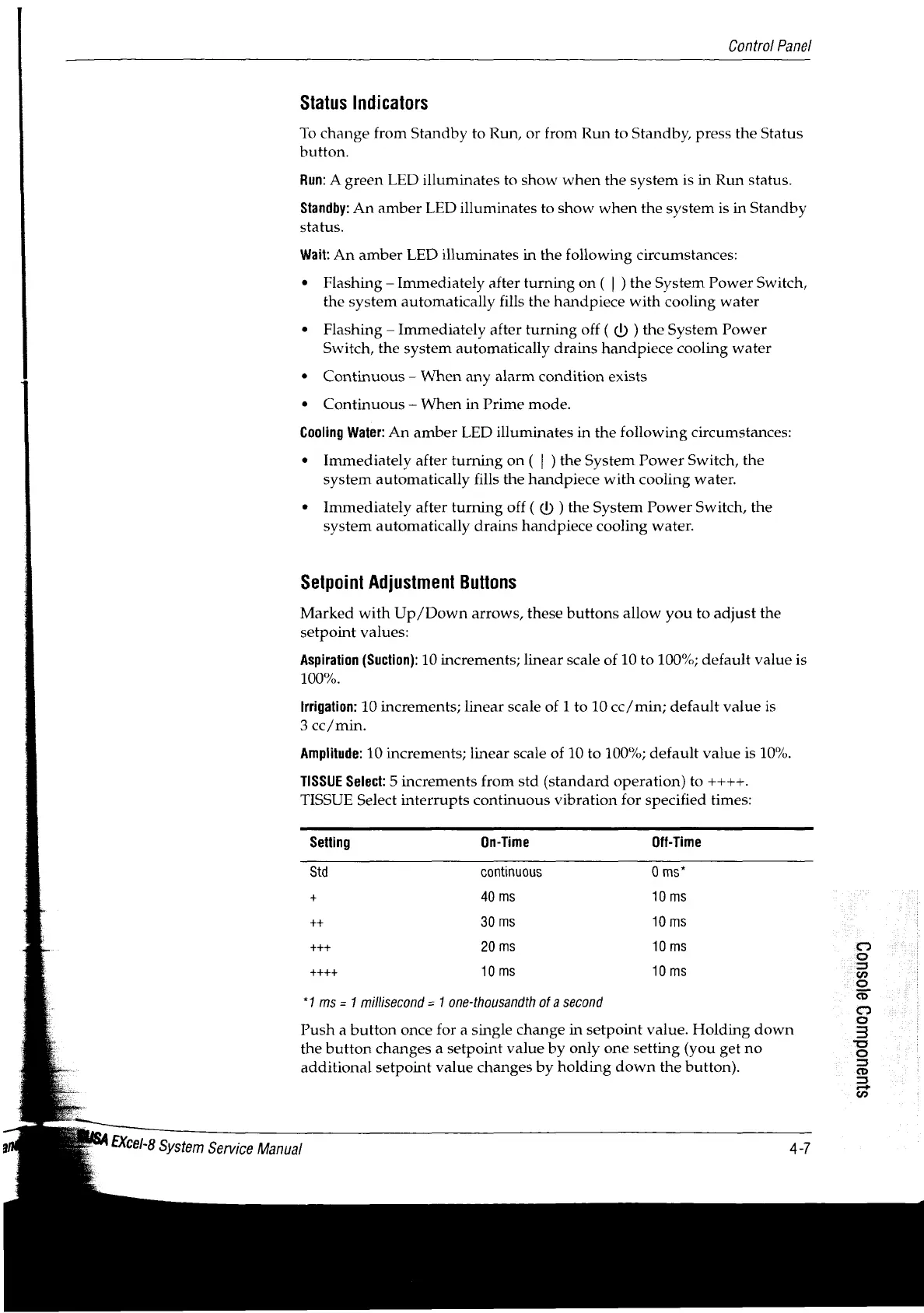
TISSUE
Select
interrupts
continuous
vibration
for
specified
times:
Setting
On-Time
Off-Time
Std
continuous
0
ms”
+
40
ms
10
ms
++
30
ms
10
ms
+++
20
ms
10
ms
10
ms
10
ms
*}
ms
=
1
millisecond
=
1
one-thousandth
of
a
second
Push
a
button
once
for
a
single
change
in
setpoint
value.
Holding
down
the
button
changes
a
setpoint
value
by
only
one
setting
(you
get
no
additional
setpoint
value
changes
by
holding
down
the
button).
SJU9U0dUJ0
9I0SU09
and
*
EXCel-8
System
Service
Manual
tI

Table of Contents

Related product manuals