EasyManua.ls Logo

Valleylab CUSA EXcel-8 - Alerts; Displays; Lap Mode, Prime, Test, and Status Buttons

Valleylab CUSA EXcel-8
239 pages
Print Icon
To Next Page IconTo Next Page
To Previous Page IconTo Previous Page
Loading...
Control
Panel
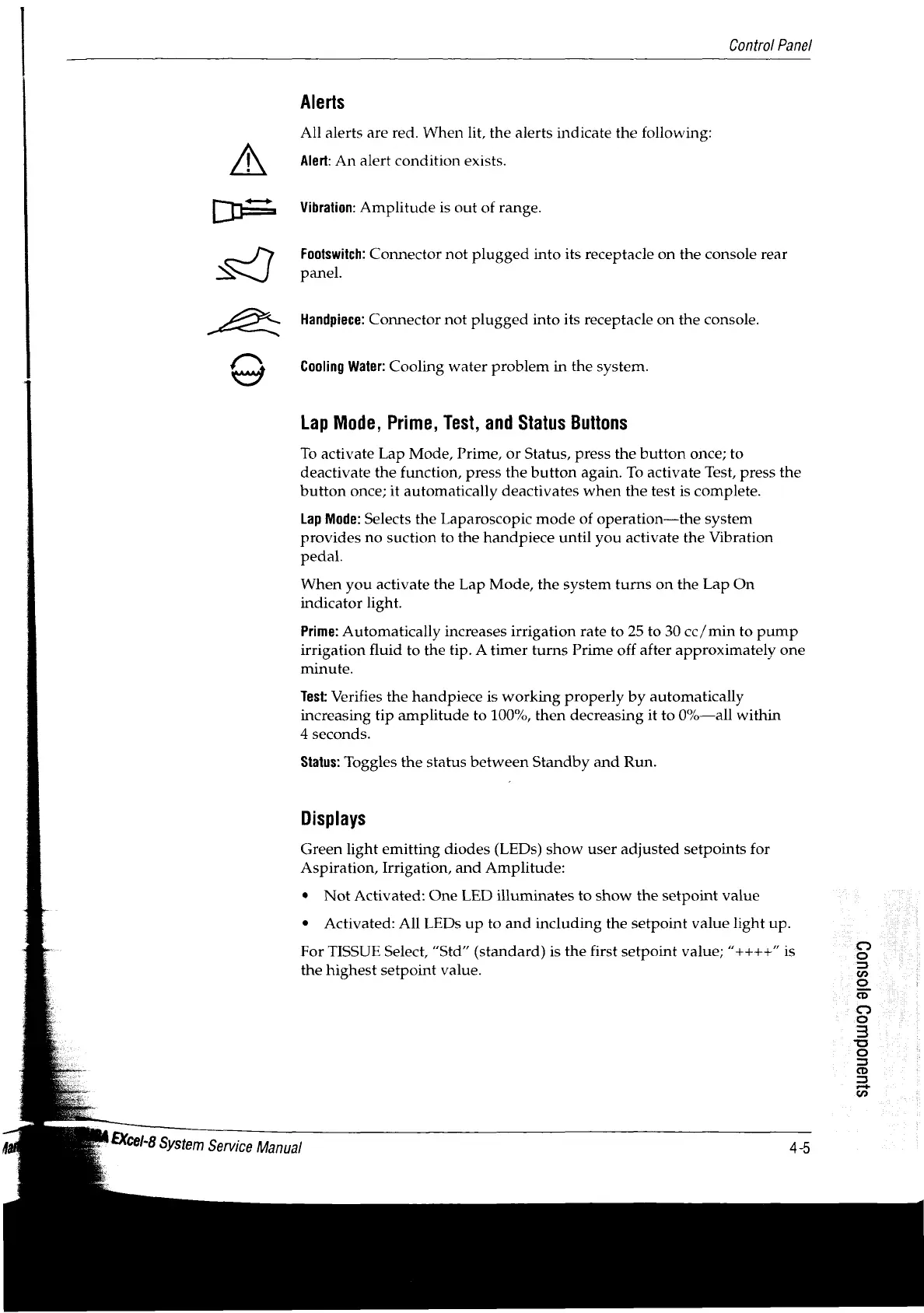
Alerts
All
alerts
are
red.
When
lit,
the
alerts
indicate
the
following:
Alert:
An
alert
condition
exists.
[F
Vibration:
Amplitude
is
out
of
range.
Footswitch:
Connector
not
plugged
into
its
receptacle
on
the
console
rear
N
panel.
Handpiece:
Connector
not
plugged
into
its
receptacle
on
the
console.
O
y
Cooling
Water:
Cooling
water
problem
in
the
system.
Lap
Mode,
Prime,
Test,
and
Status
Buttons
To
activate
Lap
Mode,
Prime,
or
Status,
press
the
button
once;
to
deactivate
the
function,
press
the
button
again.
To
activate
Test,
press
the
button
once;
it
automatically
deactivates
when
the
test
is
complete.
Lap
Mode:
Selects
the
Laparoscopic
mode
of
operation—the
system
provides
no
suction
to
the
handpiece
until
you
activate
the
Vibration
pedal.
When
you
activate
the
Lap
Mode,
the
system
turns
on
the
Lap
On
indicator
light.
Prime:
Automatically
increases
irrigation
rate
to
25
to
30
cc/min
to
pump
irrigation
fluid
to
the
tip.
A
timer
turns
Prime
off
after
approximately
one
minute.
Test:
Verifies
the
handpiece
is
working
properly
by
automatically
increasing
tip
amplitude
to
100%,
then
decreasing
it
to
0%—all
within
4
seconds.
Status:
Toggles
the
status
between
Standby
and
Run.
Displays
Green
light
emitting
diodes
(LEDs)
show
user
adjusted
setpoints
for
Aspiration,
Irrigation,
and
Amplitude:
*
Not
Activated:
One
LED
illuminates
to
show
the
setpoint
value
Activated:
All
LEDs
up
to
and
including
the
setpoint
value
light
up.
For
TISSUE
Select,
“Std”
(standard)
is
the
first
setpoint
value;
“++++”
is
the
highest
setpoint
value.
S1uauodu109
90503
EXcel-8
System
Service
Manual

Table of Contents

Related product manuals