EasyManua.ls Logo

Valleylab CUSA EXcel-8 - Fuses

Valleylab CUSA EXcel-8
239 pages
Print Icon
To Next Page IconTo Next Page
To Previous Page IconTo Previous Page
Loading...
Fuses
Fuses
You
must
change
the
fuses
(located
on
the
rear
panel)
if
either
of
the
following
situations
occurs:
*
A
fuse
burns
out
*
Your
facility
receives
95
to
120
V
power.
Tools
needed
You
will
need
a
small
slotted
blade
screwdriver.
Procedure
1.
Using
the
screwdriver,
turn
the
fuse
cover
counter
clockwise
(about
45°).
The
fuse
holder
pops
loose.
2.
Remove
the
fuse
holder
from
the
rear
panel.
3.
Replace
the
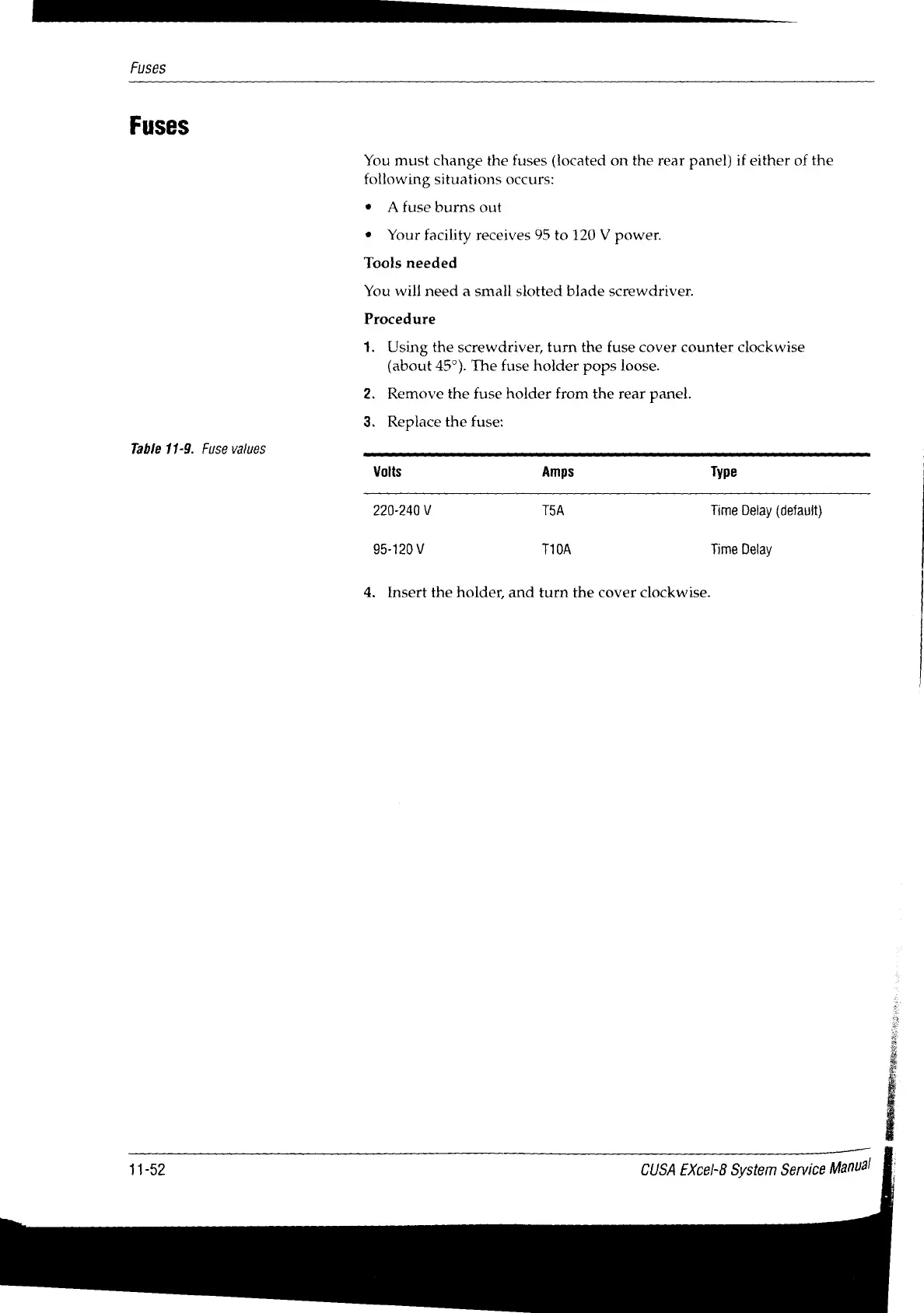
fuse:
Table
11-9.
Fuse
values
Volts
Amps
Type
220-240
V
T5A
Time
Delay
(default)
95-120
V
T10A
Time
Delay
4,
Insert
the
holder,
and
turn
the
cover
clockwise.
11-52
CUSA
EXcel-8
System
Service
Manual

Table of Contents

Related product manuals