LED
Type
LED Color Description
EIA422
LEDs
422 TX Green Liebert AC8 is transmitting information over the EIA422 port
422 RX Green Liebert AC8 is receiving information over the EIA422 port
EPOP
LED
EPOP IN Red Indicates Emergency Power Operation is open or in alarm
Modem
LEDs
TX Green Liebert AC8 is transmitting information via the modem
RX Green Liebert AC8 is receiving information via the modem
DTR Green Indicates data terminal is ready (DTR)—lights up when modem is dialing
DCD Green
Indicates data carrier is detected (DCD)—lights up when modem has
connection
Output
LEDs
OUTPUT1 Green Indicates output is ON or energized
OUTPUT2 Green Indicates output is ON or energized
OUTPUT3 Green Indicates output is ON or energized
OUTPUT4 Green Indicates output is ON or energized
OUTPUT5 Green Indicates output is ON or energized
OUTPUT6 Green Indicates output is ON or energized
OUTPUT7 Green Indicates output is ON or energized
OUTPUT8 Green Indicates output is ON or energized
CTRLLOCK Green Indicates Control Relay 2 is ON or energized
SENLOCK Green Indicates Control Relay 1 is ON or energized
CMN ALR Green Indicates Common Alarm Relay is ON or energized
Status
LEDs
MOP Green
Indicates the microprocessor is operating properly (MOP)—must be on before
Liebert AC8
will function
FPROG Green Indicates firmware is being upgraded—lights up during upgrade process
574 TX or 232 TX Green Liebert AC8 is transmitting information via the RS232 port
574 RX or 232 RX Green Liebert AC8 is receiving information via the RS232 port
485 RX Green Not used
485 TX Green Not used
Input
LEDs
INPUT1 Red Indicates input is ON or energized
INPUT2 Red Indicates input is ON or energized
INPUT3 Red Indicates input is ON or energized
INPUT4 Red Indicates input is ON or energized
INPUT5 Red Indicates input is ON or energized
INPUT6 Red Indicates input is ON or energized
INPUT7 Red Indicates input is ON or energized
INPUT8 Red Indicates input is ON or energized
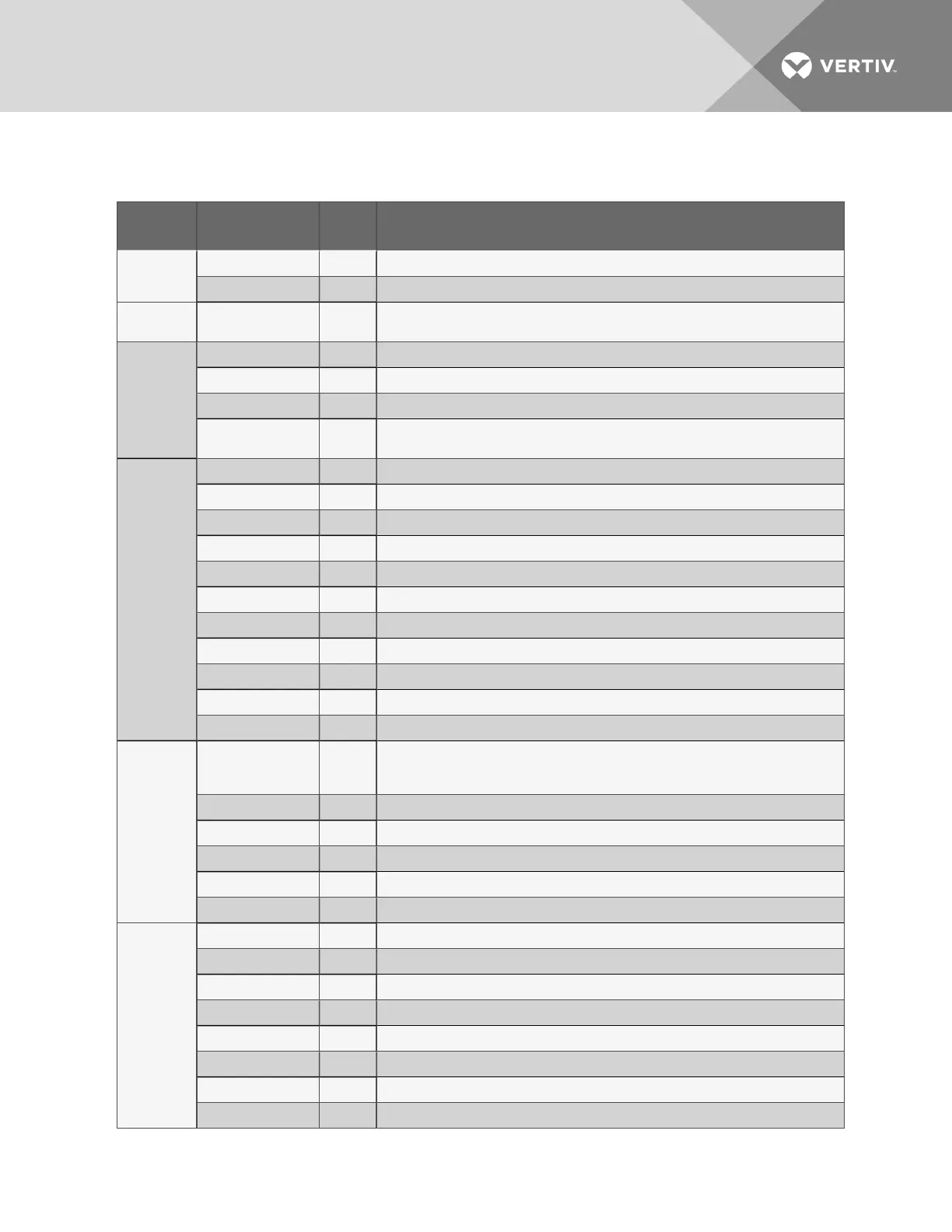
Table 1.2
LED indicators summary
Vertiv | Liebert® AC8 User Manual | 9



 To Next Page