7.10 Setup Operation
The Liebert AC8 operation features allow you to set up a rotation sequence to alternate which devices are
operating and which are placed on Standby, as well as test devices while in Standby mode and specify
what to do when a Standby device goes into alarm as it is powered up. You may specify delay times after
an output changes state, directing the Liebert AC8 to wait before
acknowledging inputs (hold delay time) or turning an output on or off
(restart delay time). With staging, you may configure the Liebert AC8 to
turn a standby device on or off when an analog sensor detects a condition
above or below specified levels.
To change any operation feature:
Log In and Choose Setup System
• From the Main Menu, use the arrows to choose System and
Control, then press Enter (see Login on page53 for help).
• Enter your password at the Login screen.
• From the System and Control Menu, use the arrows to choose
Setup System, then press Enter.
Select Setup Operation
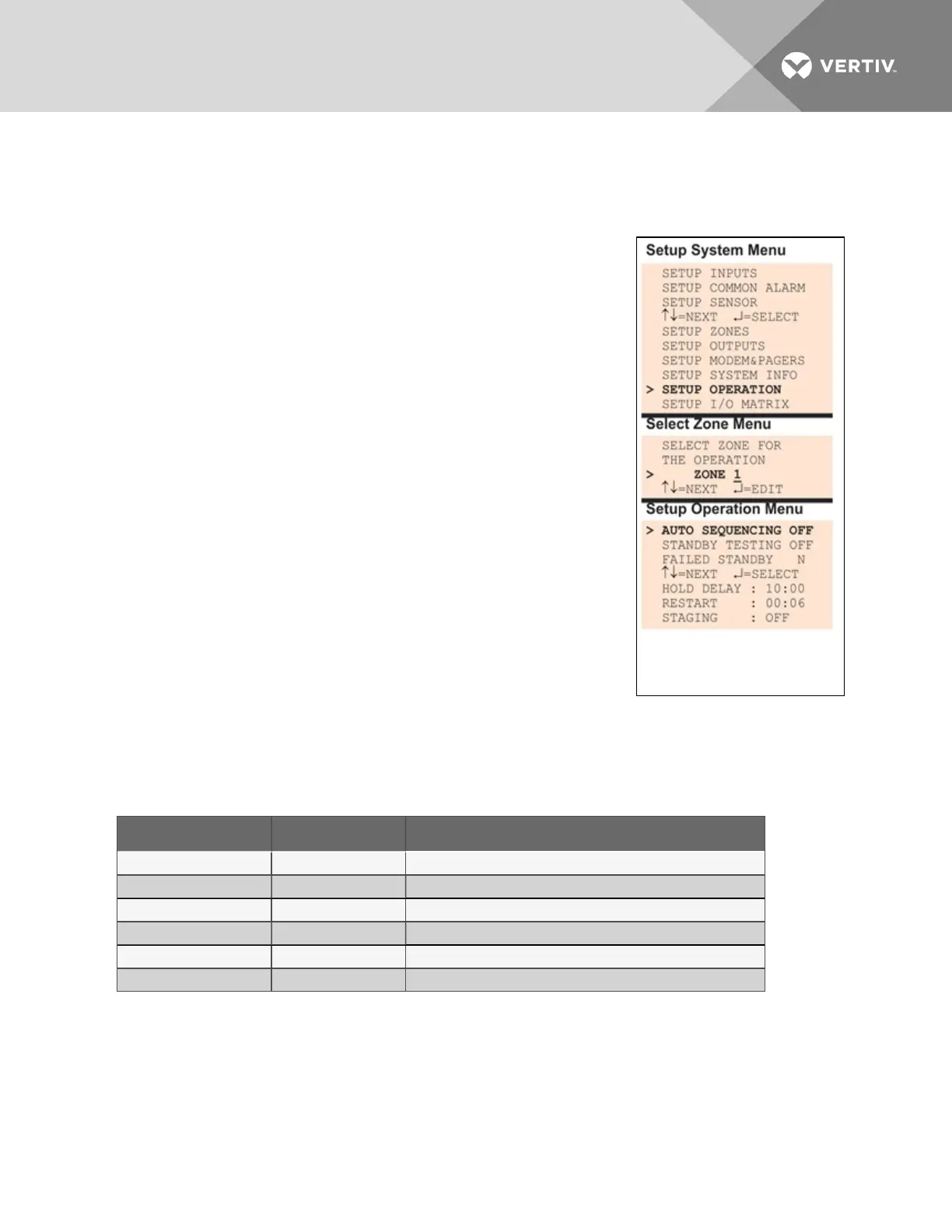
• From the Setup System Menu, shown at right, use the arrows to
choose Setup Operation and press Enter.
Select a Zone to Configure
• From the Select Zone Menu, use the arrows to choose the zone
you want—for example, Zone_1—and press Enter.
• Use the steps following Table 7.15 below to access any of the
Setup Operation options.
Table 7.15 below shows the default settings for operation options: automatic sequencing, standby testing,
failed standby, hold delay, restart and staging.
Feature Default Other Options
AUTO SEQUENCING OFF (Deactivated) ON (Activated), 12h (Activated for 12-hour intervals)
STANDBY TESTING OFF (Deactivated) ON (Activated)
FAILED STANDBY N (Deactivated) Y (Activated)
HOLD DELAY 10:00 (No delay) Any time (in minutes and seconds) from 00:00 to 99:59
RESTART 00:06 (No delay) Any time (in minutes and seconds) from 00:00 to 99:59
STAGING OFF (Deactivated) ON (Activated)
Table 7.15
Default settings - operation features
Figure 7.3 on the next page provides an overview of the Setup Operation screens available via the LCD
interface.
Vertiv | Liebert® AC8 User Manual | 95



 To Next Page