4 OVERVIEW OF MENUS
There are two ways to access the Liebert AC8: the LCD on the front of the enclosure and the Service
Terminal Interface, which is accessible through any computer using a communications program. Many
viewing and configuration tasks can be performed through either interface, but some are available only
through the Service Terminal Interface.
• Step-by-step instructions for all functions appear in View Status Options on page35 through
System and Control Options on page53. These instructions use examples of LCD screens to
illustrate most functions, except those not available via the LCD.
• Examples of all Service Terminal Interface screens appear in Service Terminal Interface on
page109, along with instructions on how to connect to the Service Terminal Interface.
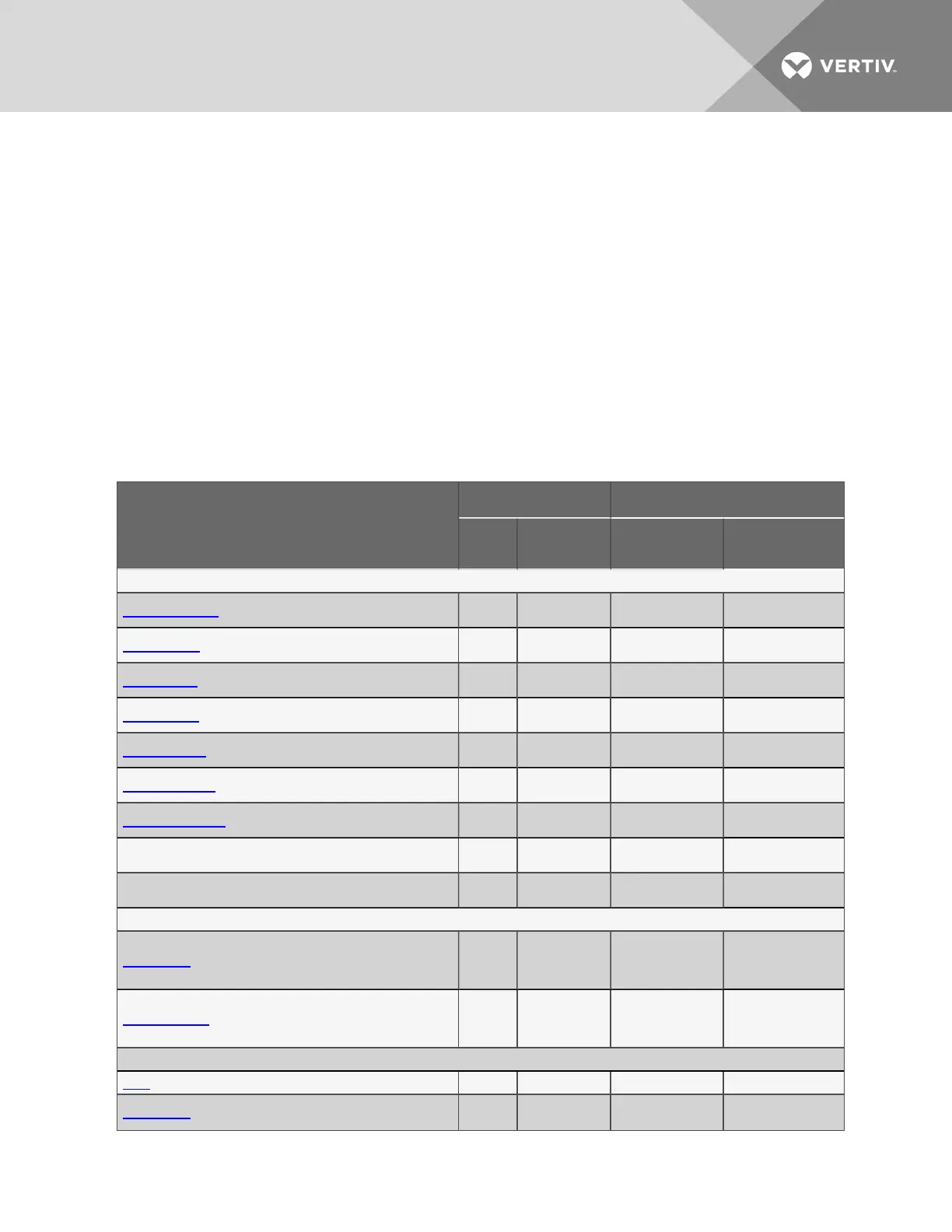
Table 4.1 below lists all Liebert AC8 functions and shows whether they can be performed through the
LCD interface and where to find information.
Function
Can be performed via: Where to find:
LCD
Service
Terminal
Instructions on
using function
Service Terminal
screen examples
VIEW STATUS FUNCTIONS
View Active Alarms x x
View Active Alarms
on page37
View Active Alarms
View Alarm Log x x
View Alarm Log on
page38
View Alarm Log
View Event Log x x
View Event Log on
page39
View Event Log
View Trend Log x x
View Trend Log on
page41
View Trend Log
View Input Status x x
View Input Status on
page42
View Input Status
View Output Status x x
View Output Status
on page43
View Output Status
View Pager Numbers x x
View Pager
Numbers on page45
View Pager Numbers
View Operation x x
View Operation on
page46
View Operation
View Control Status x x
View Pager
Numbers on page45
View Control Status
SILENCE ALARM & BACK UP LOGS FUNCTIONS
Silence Alarm (On the LCD, press any key to silence an alarm) x x
Silence Alarm
(Service Terminal
Interface) on
page49
Silence Alarm
(Service Terminal
Interface only)
Back Up Log Files — x
Back Up Log Files
(Service Terminal
Interface only) on
page50
Back Up Log Files
(Service Terminal
Interface only)
SYSTEM & CONTROL FUNCTIONS
Login x x Login on page53 Login Menu
Setup System x x
Setup System -
Overview on page56
Setup Menu
Table 4.1
Guide to Liebert AC8 functions
Vertiv | Liebert® AC8 User Manual | 29



 To Next Page