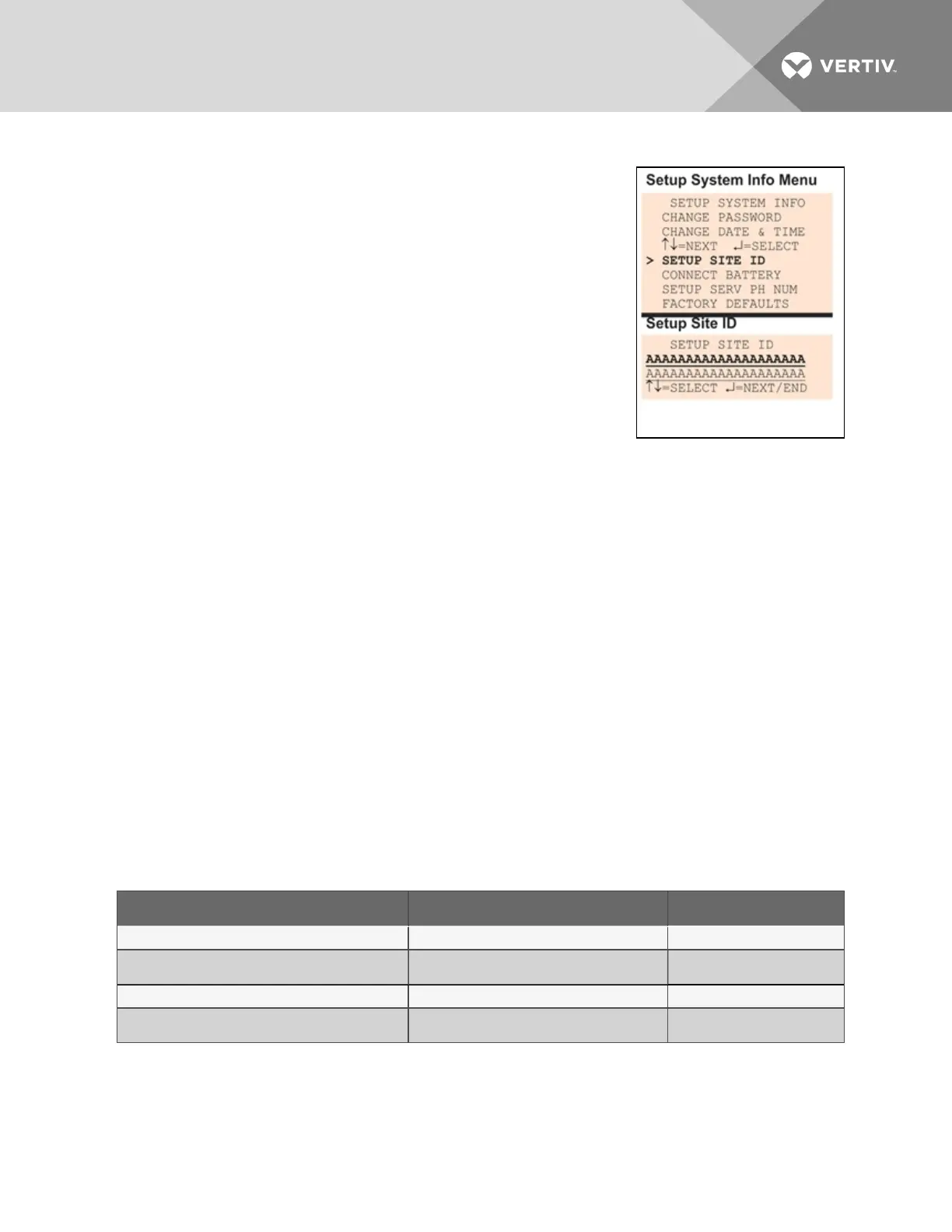
7.9.3 Setup Site ID
You may enter a Site ID to identify the Liebert AC8’s location, using a name
that may consist of up to 40 characters (see Table 7.1 on page53 for valid
characters). The Site ID will appear with each alarm.
To enter or change the Site ID:
• From the Setup System Info Menu, use the arrows to choose
Setup Site ID, then press Enter.
• To enter a Site ID:
• Use the arrows to choose a character.
• Press Enter to advance to the next character position.
• If the Site ID is less than 40 characters, you may enter an
underscore (_) character to indicate the end of the name.
• When finished, press Enter again.
7.9.4 Connect Battery
By default, the Liebert AC8 checks the battery and sounds an alarm when the power fails, the battery
runs low or the battery needs to be checked. The battery’s main purpose is to provide enough power to
the modem to notify pagers of a power loss.
NOTE: The battery will continue to power and provide full operation of the Liebert AC8 with the
exception of powering the analog inputs (sensors). The battery will provide backup for a minimum of
10 minutes.
Using the following procedure to disconnect the battery will disable battery alarm features only. The
battery itself will continue to provide backup. If battery backup is not desired, the battery must be
unplugged from the circuit board. This can be done by removing the battery leads from the jumpers (see
Connecting the Battery Pack on page16).
The default is to connect the battery. However, there may be times that you want to disconnect the
battery so that it does not provide backup.
Table 7.12 below shows battery problems that will affect operation.
Result of Battery Message Generated
Battery falls below a minimum charge. Battery will not provide battery backup. LOW BATTERY
Battery is connected to the circuit board but not
recognized by the circuit board.
Battery will not provide battery backup. CHECK BATTERY
Battery is unplugged from the circuit board. Battery will not provide battery backup BATTERY UNPLUGGED
Utility power (24VAC) to the circuit board is too low to
power the board.
Liebert AC8 board will not be able to function
properly.
LOSS OF POWER
Table 7.12
Battery alarms
Vertiv | Liebert® AC8 User Manual | 85



 To Next Page