Alpha/Delta (Kinetic Operator) Installation and Maintenance Manual Revision 1 - MAY 2023
111
INSTALLER MENU FUNCTIONS
Table 6. SmartDC Controller - Installer Menu Funcons
Ref.
No�
Installer Menu Seng Opons
(Bold = Factory Sengs) Menu Tasks and Explanaons
Associated
DC Controller
Connecons
Display
26
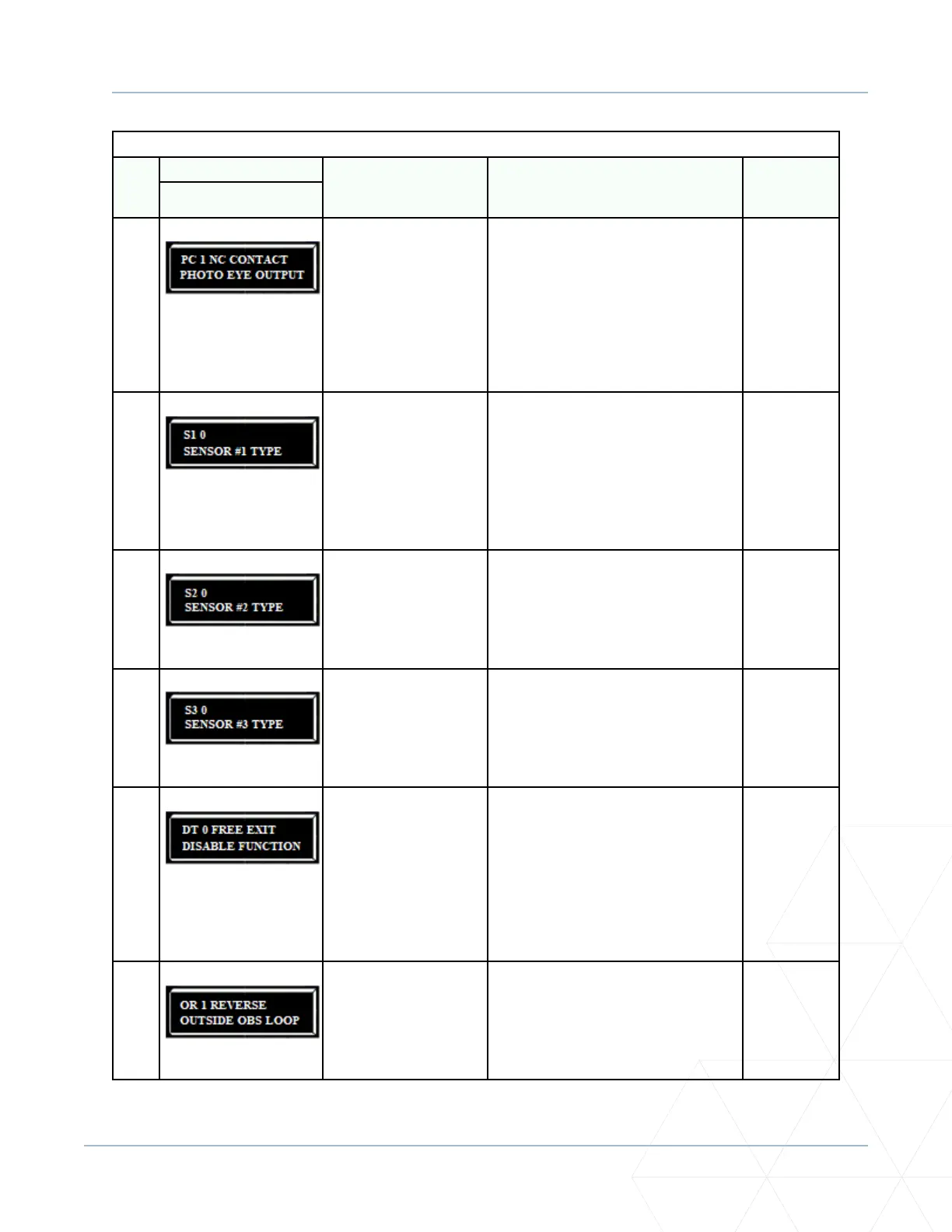
PC 1 NC CONTACT
PHOTO EYE OUTPUT
0 = Normally Open PE
output
1 = Normally Closed
(supervised)
This menu item only appears when UC is
set to 4. The default seng is photo eyes
with Normally Close outputs. The oponal
seng 0 requires a Normally Open (NO)
output. When set for NC, the connecon
is monitored and any open or short circuit
fault will generate a FAULT 2 alert which
requires a STOP or RESET buon press to
re-enable gate operaon.
Photo eye
connecons:
Sensor
Common
Sensor Input
+24V
27
S1 0
SENSOR #1 TYPE
0 = disabled
1 = (NOT USED)
2 = (EYE CLOSE)
3 = (EDGE CLOSE
4 = (EYE OPEN)
5 = (EDGE OPEN)
6 = (EDGE BOTH)
7 = (EYE BOTH)
UL 325 - 2018 sensor input seng for
external entrapment protecon sensor
monitoring. All three sensor types must be
congured to a non-zero number before
the gate operator will move the gate.
Edge Both is only available in Swing Gate
operator types. Eye Both is only available
in Slide Gate operator types.
--
28
S2 0
SENSOR #2 TYPE
Same as Sensor 1. Same as Sensor 1. --
29
S3 0
SENSOR #3 TYPE
Same as Sensor 1. Same as Sensor 1. --
30
DT 0 FREE EXIT
DISABLE FUNCTION
0 = Disable Free Exit
1 = Disable Close Timer
Congures the BLOCK EXIT input to disable
either the Free Exit Detector funcon
or, alternately, the Close Timer funcon.
The default seng disables the free exit
detector.
Note: The free exit is disabled when
the gate is at its closed limit. If the
closed limit is not tripped, the free exit
connues to work normally.
BLOCK EXIT
COM
31
OR 1 REVERSE
OUTSIDE OBS LOOP
0 = Pause closing only
1 = Enable reversing to
open
The default is for full reversal when the
Outside Obstrucon Loop is triggered. A
seng of 0 causes the gate to only pause
when triggered. Gate closure begins as
soon as the loop is clear again.
OUTSIDE OBS
LOOP
COM or HY5A/
HY5B/HY5B
2.0



 To Next Page