114
wallaceperimetersecurity.comPhone: 866.300.1110
INSTALLER MENU FUNCTIONS
Table 6. SmartDC Controller - Installer Menu Funcons
Ref.
No�
Installer Menu Seng Opons
(Bold = Factory Sengs) Menu Tasks and Explanaons
Associated
DC Controller
Connecons
Display
41
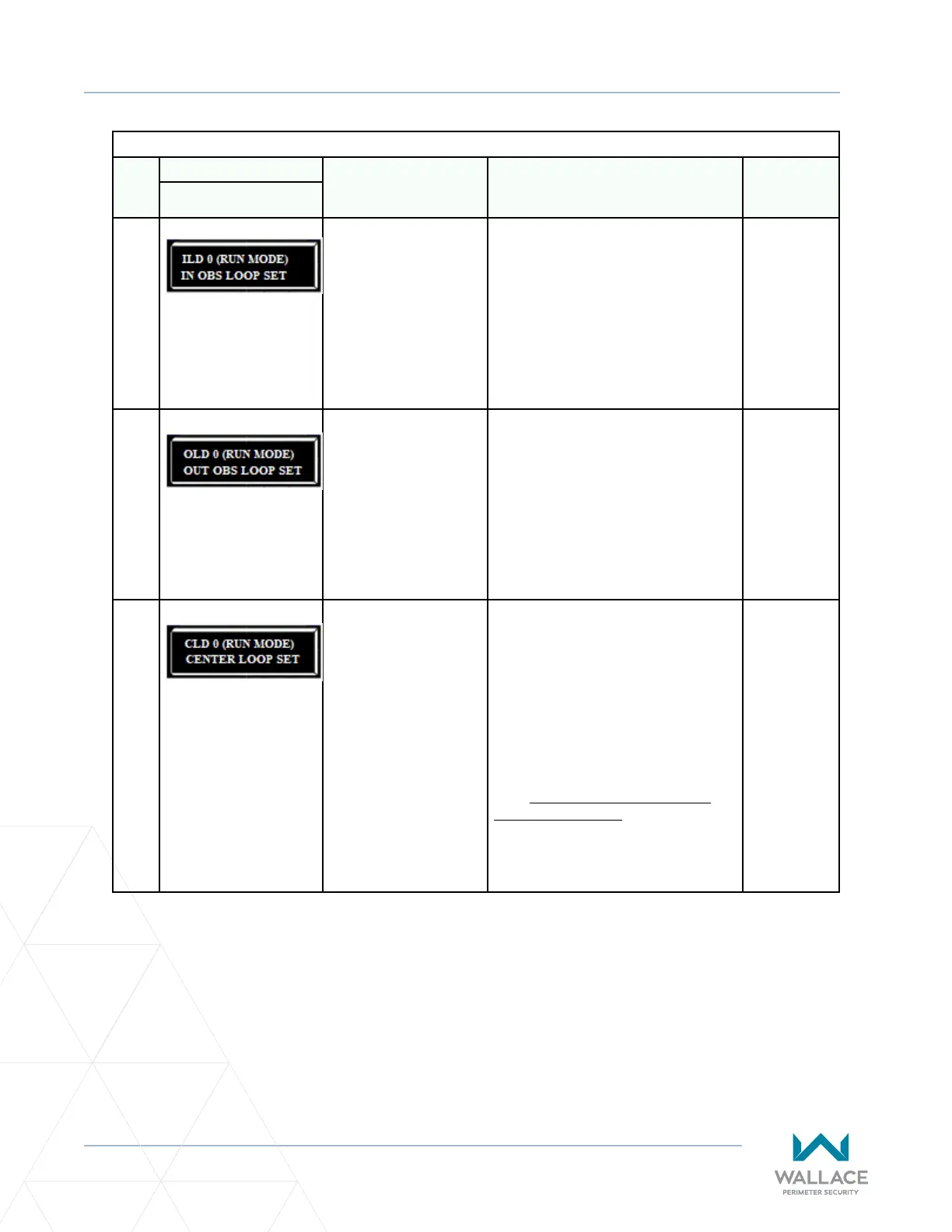
ILD 0 (RUN MODE)
IN OBS LOOP SET
0 = Run mode
1 = Show frequency
2 = Show call level 0-7
3 = Set Frequency
Controls the HY5A/HY5B/HY5B 2.0 Inside
Obstrucon Loop detector. If an HY5B
is used, addional sengs of 4-8 are
available:
4 = Show Sensivity
5 = Set Sensivity
6 = Show Inductance
7 = Show Loop Health
8 = Set Presence
HY5A/HY5B/
HY5B 2.0
42
OLD 0 (RUN MODE)
OUT OBS LOOP SET
0 = Run mode
1 = Show frequency
2 = Show call level 0-7
3 = Set Frequency
Controls the HY5A/HY5B/HY5B 2.0
Outside Obstrucon Loop detector. If an
HY5B is used, addional sengs of 4-8 are
available:
4 = Show Sensivity
5 = Set Sensivity
6 = Show Inductance
7 = Show Loop Health
8 = Set Presence
HY5A/HY5B/
HY5B 2.0
43
CLD 0 (RUN MODE)
CENTER LOOP SET
0 = Run mode
1 = Show frequency
2 = Show call level 0-7
3 = Set Frequency
Controls the HY5A/HY5B/HY5B 2.0 Center
Loop (Shadow) detector. If an HY5B
is used, addional sengs of 4-8 are
available:
4 = Show Sensivity
5 = Set Sensivity
6 = Show Inductance
7 = Show Loop Health
8 = Set Presence
Note: Center loop has no gate control
funcon in a slide gate. However, the
input may be used as an arming loop
when used in conjuncon with Relay
funcon #22.
HY5A/HY5B/
HY5B 2.0



 To Next Page