96
wallaceperimetersecurity.comPhone: 866.300.1110
USER MENU FUNCTIONS
Table 5. SmartDC Controller - User Menu Funcons
Ref.
No�
User Menu Seng Opons
(Bold = Factory
Sengs)
Menu Tasks and Explanaons
Associated
DC Controller
Connecons
Display
10
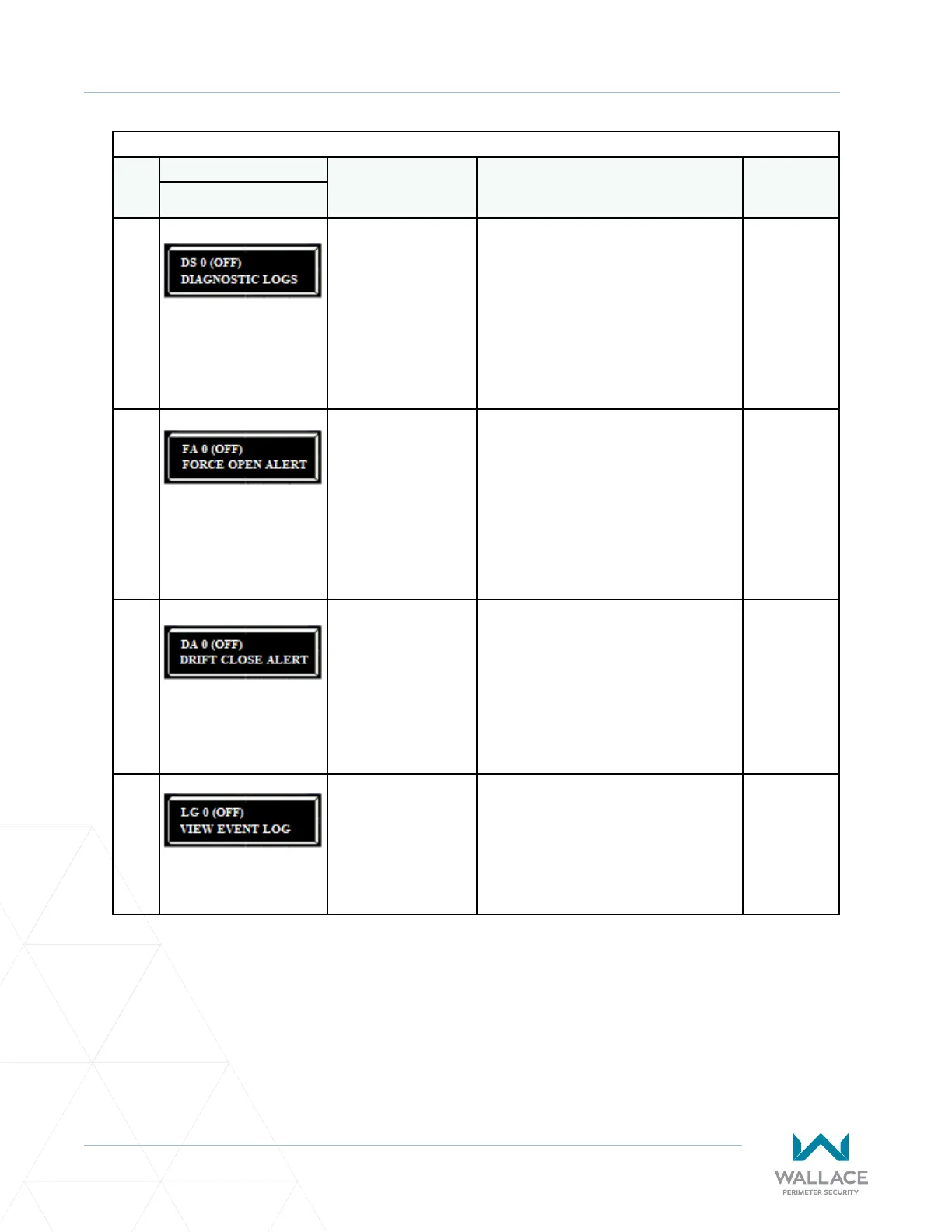
DS 0 (OFF)
DIAGNOSTIC LOGS
0 = o (standard)
1 = on (detailed)
Set this item to 1 to record all gate operator
open and close events, in addion to the
normal alert, fault and error logs. This
parameter automacally resets to the
default 0 (o) aer 24 hours, which is useful
when experiencing intermient problems.
Set to 0, the DC Controller logs pernent
gate operator events such as faults, errors, or
menu manipulaon.
USB or
RS232 cable
and laptop
computer with
HySecurity’s
free S.T.A.R.T.
soware is
required to
read the log
le.
11
FA 0 (OFF)
FORCE OPEN ALERT
0 = o
1 = on
Intended for highly secure facilies.
Set to 1, the operator sounds the 3-second
“warn before operate” buzzer alarm, and
then iniates a closure if the gate is forced
open and the closed limit switch disengages.
The motor restarts to secure the gate. If the
gate does not fully close within 4 seconds,
the motor turns o and the alert buzzer
sounds for 30 seconds. The display shows
ALERT 1 – FORCED OPEN.
(N/A)
12
DA 0 (OFF)
DRIFT CLOSE ALERT
0 = o (standard)
1 = on
Set to 1, the operator sounds the 3-second
“warn before operate” buzzer alarm and
iniates an open command if the gate is
forced, or dris, o the open limit switch.
The motor starts to reopen the gate. The
motor runs for a maximum of 4 seconds and,
if the gate is not fully open at the end of this
period, the buzzer sounds for 10 seconds.
The display shows ALERT 2 – DRIFT CLOSED.
(N/A)
13
LG 0 (OFF)
VIEW EVENT LOG
0 = o
1 = on
With v5.53 (or later) soware, you can set
LG to 1 and view abbreviated event logs on
the display. These messages are helpful for
diagnosc purposes and reviewing the gate
operator’s event history. Over 300 events
can be logged before the soware begins
overwring the exisng history.
(N/A)



 To Next Page