PROFIBUS DP gateway
Wieland Electric GmbH | BA000970 | 11/2016 (Rev. F)
PWR
No power supply
Power supply switched on, no error
Critical error
Table 67: Address switch of the SP-PROFIBUS-DP module
× 10 Address switch 1
Rotary switch with 10 positions for setting the module address
× 1 Address switch 2
Rotary switch with 10 positions for setting the module address
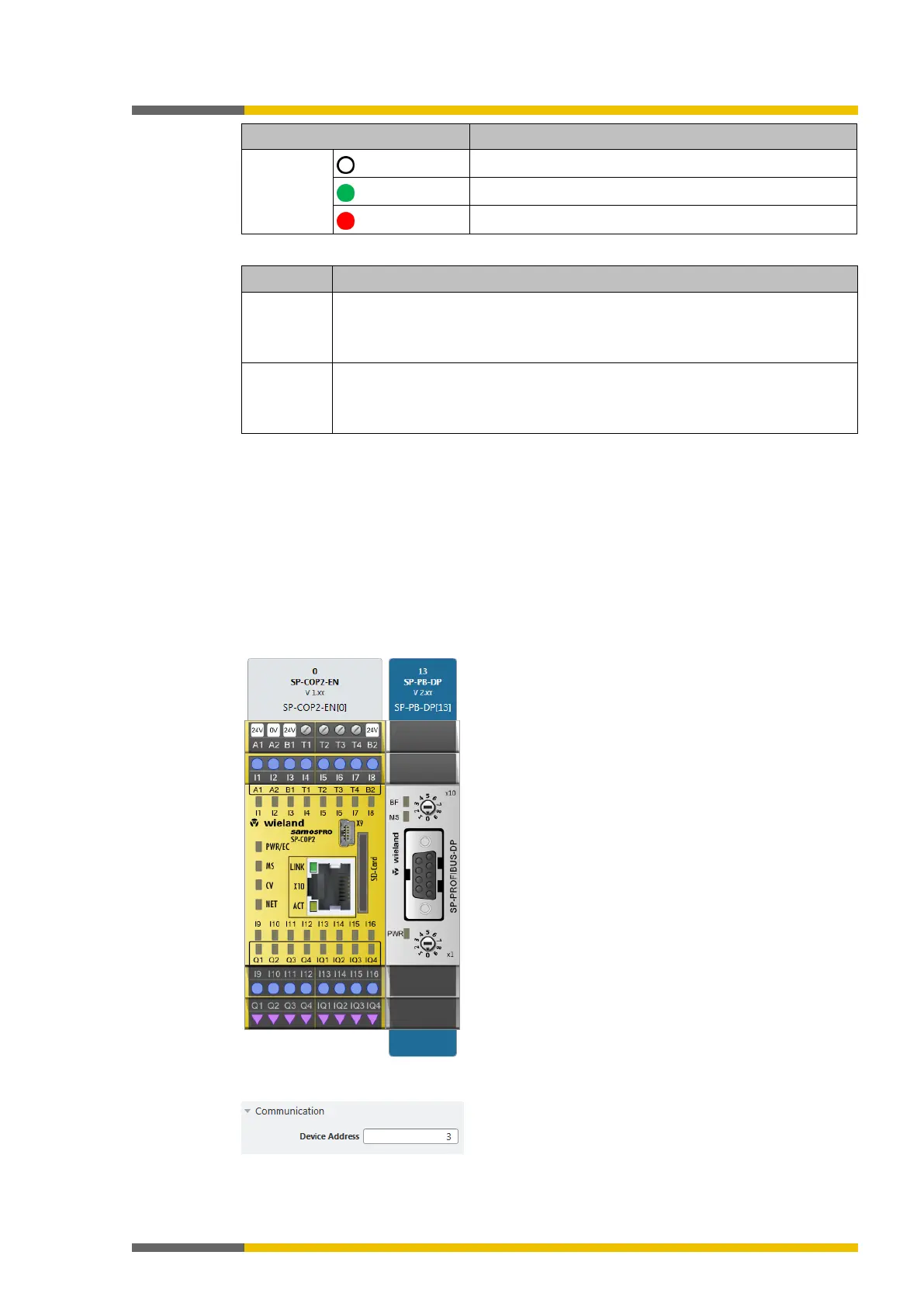
How to set the PROFIBUS-DP address with the aid of the hardware address switches:
Use the hardware address switches at the front of the system to set the PROFIBUS-DP
address.
Switch the samosPRO system off and on again.
How to set the PROFIBUS-DP address in the samosPLAN5+ software:
Set the two hardware address switches on the front of the device to "00".
Launch samosPLAN5+.
Read in the hardware configuration, including the PROFIBUS-DP gateway.
Instructions: Software manual, chapter "Connect with the safety control"
Change to the
view and click the SP-PB-DP module in the work area.
Enter the desired value for the
parameter under
in the
right side bar.



 To Next Page